High quality dental services Joomla Template


Edit Template Offline
2. Create new page and search for id 326416
Edit Template Online
Create Awesome Websites


Free Nicepage Builder
Keywords
Service Categories and Clinic Regions Form a Clear CMS Content Map
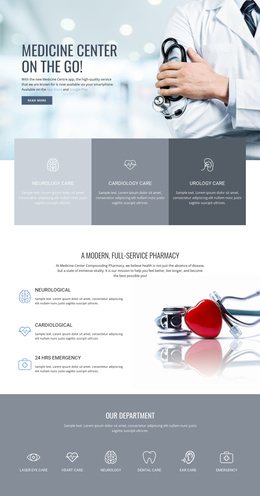
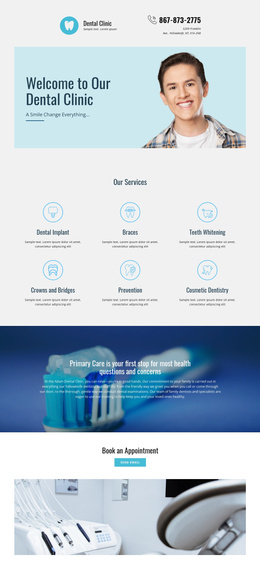
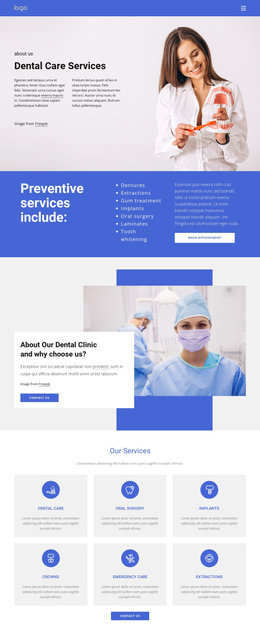
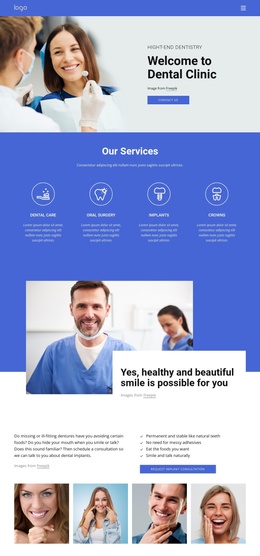
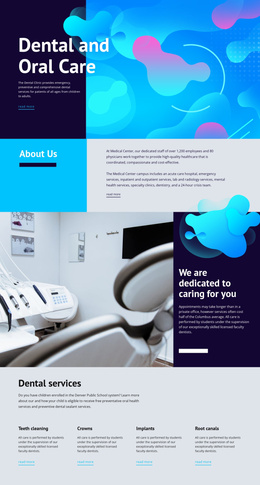
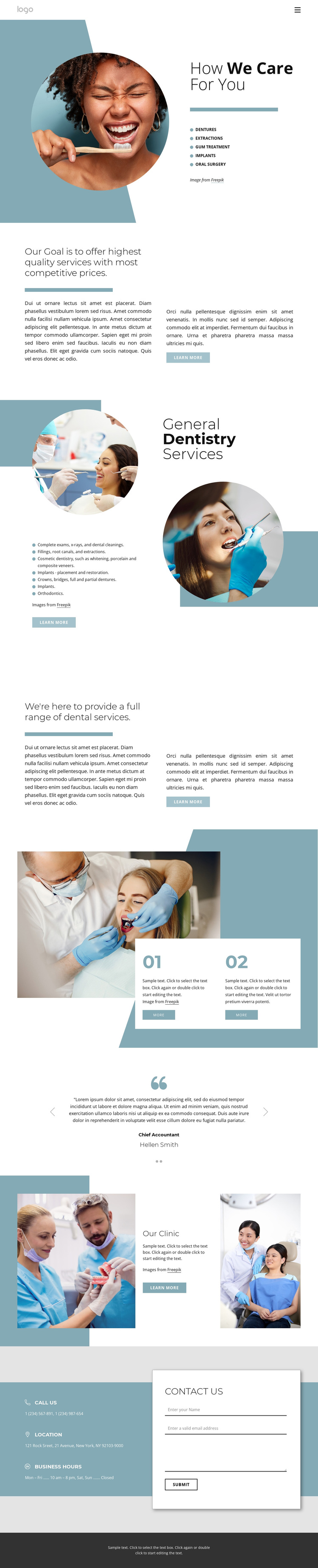
The dental services are divided into meaningful information regions rather than presented as one long undifferentiated description. The opening care section groups dentures, extractions, gum treatment, implants, and oral surgery beside a prominent image. The General Dentistry Services area then provides a broader treatment map, including examinations and cleanings, fillings and root canals, cosmetic dentistry, crowns and bridges, and orthodontics. In a Joomla project, these distinctions give structured clinic content clear places within the page's existing organization without requiring the visual system to be rebuilt.
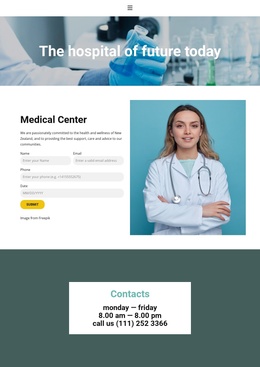
The rest of the design supports recurring site regions. The testimonial carousel supplies a separate patient-oriented area, the Our Clinic block provides institutional information between two photographs, and the final contact region combines the form with phone, location, and business-hours cards. Navigation at the top and a shared-looking footer at the bottom help frame these areas as parts of a larger clinic presentation. The design therefore suits CMS-managed content that may need to remain organized by service, clinic information, and contact purpose. The optional Joomla Extension can connect a Nicepage design with Joomla content, but the important template-specific value is the clear division of service and clinic regions already visible in the page.
Customize with Nicepage
Open this ready-made template in the Joomla Page Builder and customize it visually in the Nicepage editor. Replace demo content, edit page sections, and adapt the design to your project without rebuilding the template from scratch.
Work With This Template in Joomla
Customize and Install the Joomla Template
Start with this ready-made template instead of building the Joomla design from scratch. Customize its layout, content, typography, images, sections, and other design elements visually in the Nicepage application, then export and install the Joomla Template, Nicepage Extension, and supported content on your Joomla website.
Edit the Template Directly in Joomla
After installation, you can edit the Joomla Template directly in Joomla with the Nicepage Joomla Extension. Customize the Header, Footer, Colors, Fonts, typography, and Page Templates from the Joomla workflow while keeping the site design connected with your CMS content.
Edit Joomla Articles Visually
Use the Nicepage Joomla Extension to open and edit Joomla Articles visually from the Joomla Administrator. Change text, images, sections, layouts, and other page content in the Nicepage editor while continuing to manage the Articles through Joomla.
Joomla Content and Template Integration
Use the customized template together with Joomla Articles, module Positions, menus, forms, Blog Pages, and other supported CMS elements. With the Nicepage Extension used as the Site Style Source, shared design settings can be applied across Joomla Articles while Joomla continues to provide the CMS environment for managing site content.
This workflow combines a ready-made Joomla Template with visual customization, direct template editing in Joomla, and continued content management through the Nicepage Joomla Extension.