Dental care and medicine Joomla Template


Edit Template Offline
2. Create new page and search for id 29778
Edit Template Online
Create Awesome Websites


Free Nicepage Builder
Keywords
Treatment Regions and Shared Navigation Suit Structured Clinic Content
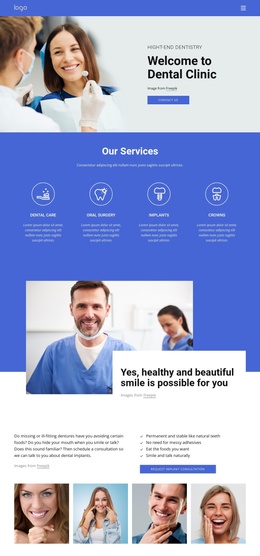
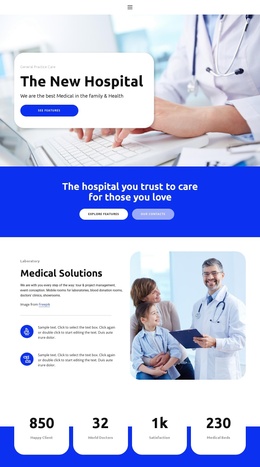
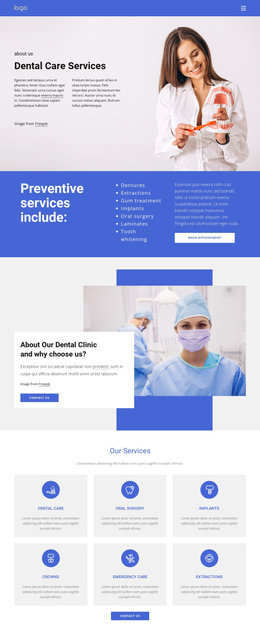
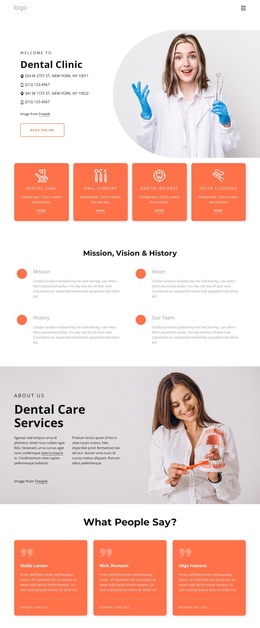
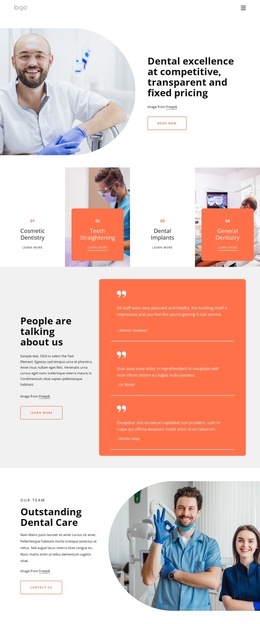
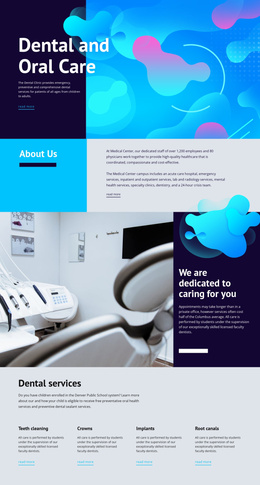
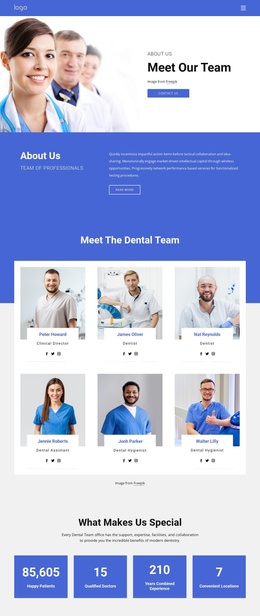
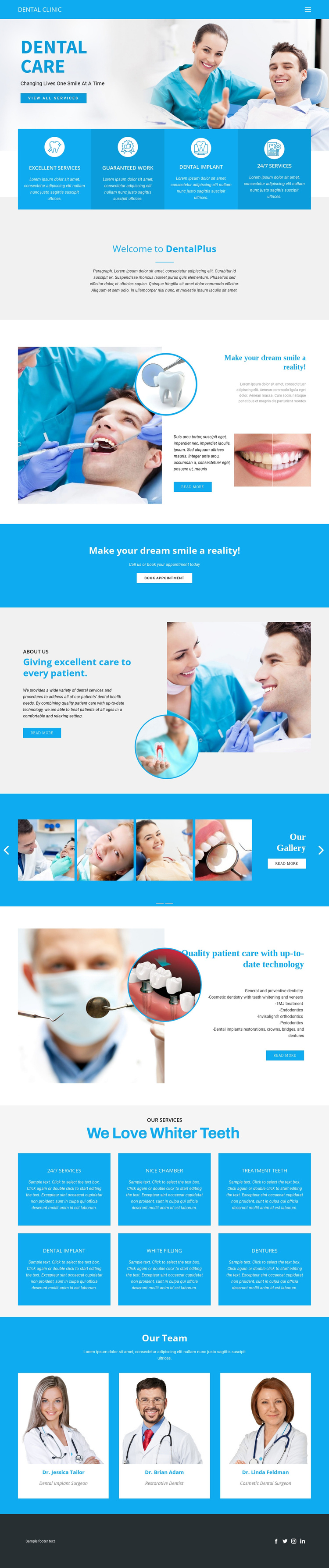
The treatment list, six service cards, and three team profiles divide the page into recurring informational regions that can be understood separately within a Joomla-managed clinic site. The technology section groups several dental specialties under one quality-care message, while the service grid breaks the broader offer into repeated units such as whitening, implants, fillings, and dentures. The team row adds another structured content type by presenting clinician portraits, names, and professional roles.
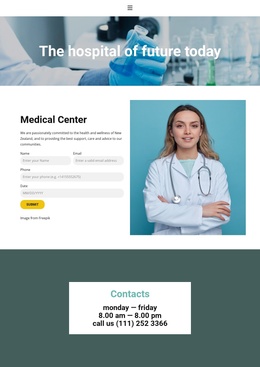
Navigation and the dark social footer provide shared site regions around those content areas. The About Us section can carry clinic background information, while the dental gallery supplies a distinct visual content area and the appointment band gives the page a clear patient-response destination. These relationships matter more than the sample names or placeholder descriptions, which provide evidence of structure rather than verified real-world clinic information.
For Joomla content planning, the design separates stable informational subjects from repeated items and visual media. A project could preserve the shared navigation and footer while organizing services, specialties, profiles, and gallery material as coordinated site content. Nicepage documentation confirms Joomla support for templates, articles, menus, forms, and other CMS elements, but this page does not prove that particular Joomla Articles or module positions already exist. Its value is the way the verified content regions map naturally to structured editorial management without requiring a different visual language for each region.
Customize with Nicepage
Open this ready-made template in the Joomla Page Builder and customize it visually in the Nicepage editor. Replace demo content, edit page sections, and adapt the design to your project without rebuilding the template from scratch.
Work With This Template in Joomla
Customize and Install the Joomla Template
Start with this ready-made template instead of building the Joomla design from scratch. Customize its layout, content, typography, images, sections, and other design elements visually in the Nicepage application, then export and install the Joomla Template, Nicepage Extension, and supported content on your Joomla website.
Edit the Template Directly in Joomla
After installation, you can edit the Joomla Template directly in Joomla with the Nicepage Joomla Extension. Customize the Header, Footer, Colors, Fonts, typography, and Page Templates from the Joomla workflow while keeping the site design connected with your CMS content.
Edit Joomla Articles Visually
Use the Nicepage Joomla Extension to open and edit Joomla Articles visually from the Joomla Administrator. Change text, images, sections, layouts, and other page content in the Nicepage editor while continuing to manage the Articles through Joomla.
Joomla Content and Template Integration
Use the customized template together with Joomla Articles, module Positions, menus, forms, Blog Pages, and other supported CMS elements. With the Nicepage Extension used as the Site Style Source, shared design settings can be applied across Joomla Articles while Joomla continues to provide the CMS environment for managing site content.
This workflow combines a ready-made Joomla Template with visual customization, direct template editing in Joomla, and continued content management through the Nicepage Joomla Extension.