Diagnostic medicine Joomla Template

Edit Template Offline
2. Create new page and search for id 1267705
Edit Template Online
Create Awesome Websites


Free Nicepage Builder
Keywords
Service and Organizational Regions Suit Structured CMS Content
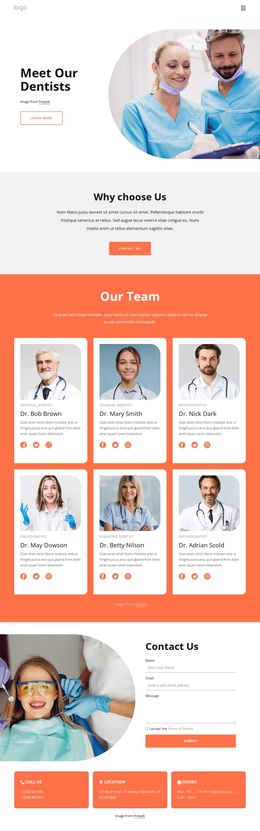
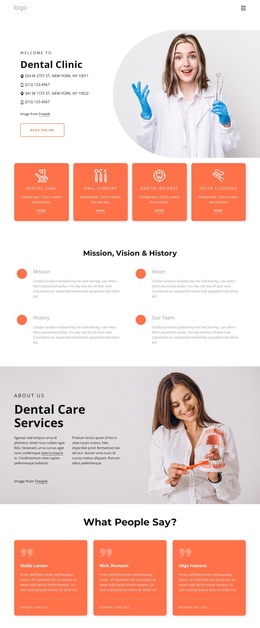
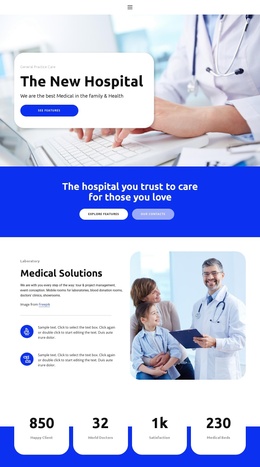
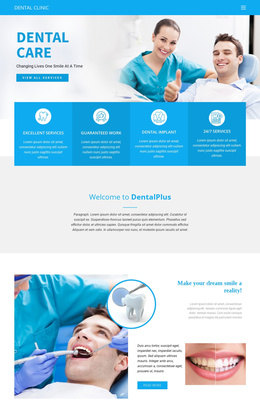
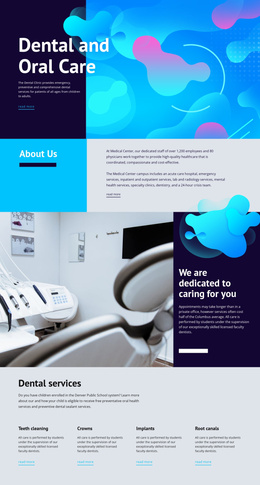
The page divides healthcare information into clearly recognizable regions that can be interpreted as structured CMS content. The four Medical Services cards separate Hospitalists, Pediatrics, Critical Care, and Laboratory into repeated service areas, while the two broader cards for Medical Care and Care Programs provide a higher-level grouping beneath the introductory hero. This distinction gives navigation and content organization more substance than a single undifferentiated service paragraph.
Several middle sections support recurring organizational information. How We Work presents an operating approach beside a clinical image, and the three cards for Goals and Mission, About Clinic, and Work with Us create separate pathways for institutional content. The values section adds three related text blocks, while the team area presents three roles through portrait cards. Together, these regions can remain visually coordinated while their text and repeated items are managed as distinct site content.
The four testimonials form another recognizable content group, positioned before the Contact Us area. The final section combines a medical image, a white contact panel, and a form with name, email, telephone, and message inputs, making it a clear contact region within the site structure. Navigation and mobile navigation connect these areas. In a Joomla project, the template’s value comes from this separation of services, organizational information, people, feedback, and contact content into reusable, navigable regions.
Customize with Nicepage
Open this ready-made template in the Joomla Page Builder and customize it visually in the Nicepage editor. Replace demo content, edit page sections, and adapt the design to your project without rebuilding the template from scratch.
Work With This Template in Joomla
Customize and Install the Joomla Template
Start with this ready-made template instead of building the Joomla design from scratch. Customize its layout, content, typography, images, sections, and other design elements visually in the Nicepage application, then export and install the Joomla Template, Nicepage Extension, and supported content on your Joomla website.
Edit the Template Directly in Joomla
After installation, you can edit the Joomla Template directly in Joomla with the Nicepage Joomla Extension. Customize the Header, Footer, Colors, Fonts, typography, and Page Templates from the Joomla workflow while keeping the site design connected with your CMS content.
Edit Joomla Articles Visually
Use the Nicepage Joomla Extension to open and edit Joomla Articles visually from the Joomla Administrator. Change text, images, sections, layouts, and other page content in the Nicepage editor while continuing to manage the Articles through Joomla.
Joomla Content and Template Integration
Use the customized template together with Joomla Articles, module Positions, menus, forms, Blog Pages, and other supported CMS elements. With the Nicepage Extension used as the Site Style Source, shared design settings can be applied across Joomla Articles while Joomla continues to provide the CMS environment for managing site content.
This workflow combines a ready-made Joomla Template with visual customization, direct template editing in Joomla, and continued content management through the Nicepage Joomla Extension.