Dental excellence Joomla Template


Edit Template Offline
2. Create new page and search for id 6215852
Edit Template Online
Create Awesome Websites


Free Nicepage Builder
Keywords
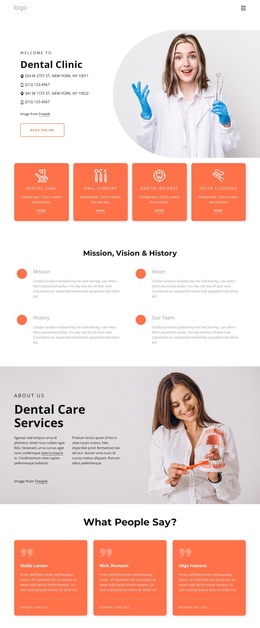
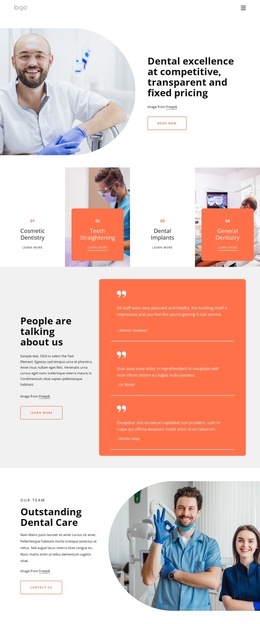
Service Cards and Contact Regions Organize Clinic Content
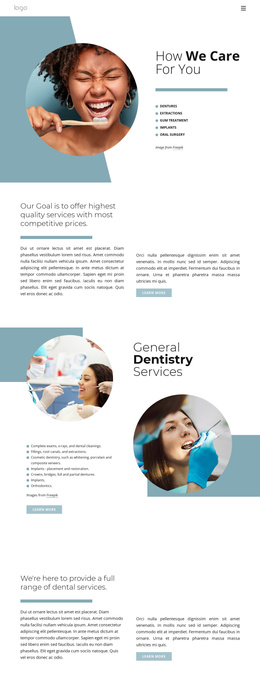
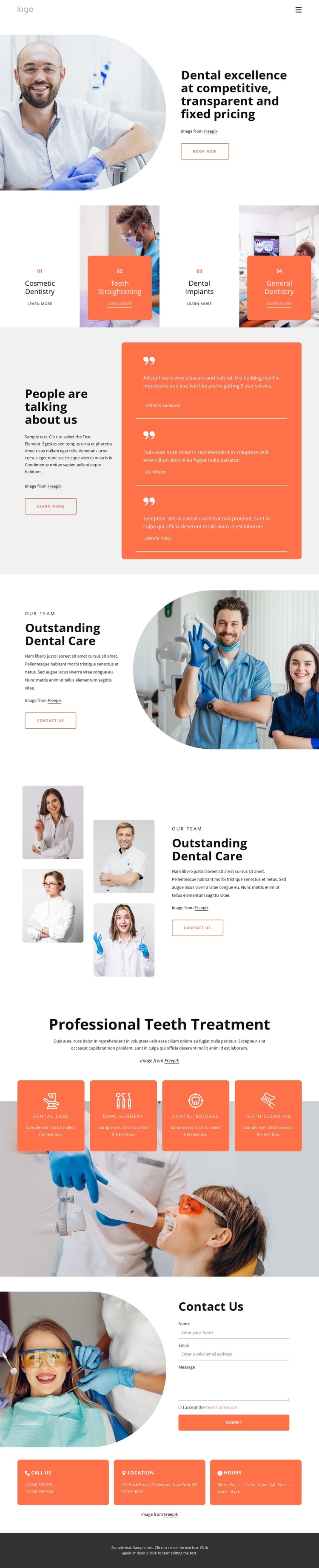
The four repeated service cards create a natural first group of structured dental information. Cosmetic Dentistry, Teeth Straightening, Dental Implants, and General Dentistry are presented as separate visual areas with Learn More links, so a Joomla-managed clinic site could keep distinct treatment content within a coordinated navigation and page system. The opening About Us block adds the broader practice introduction, transparent fixed-pricing message, and Book Now action before visitors reach those service choices.
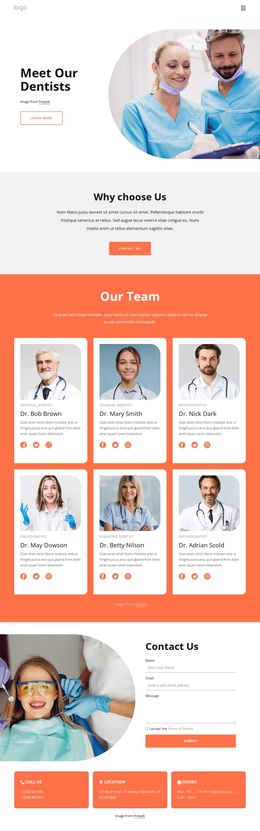
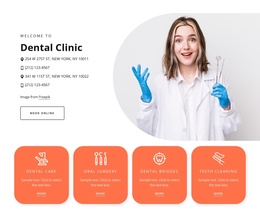
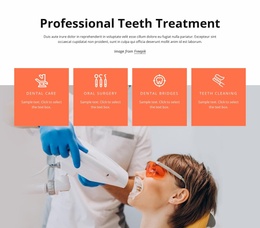
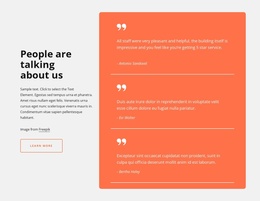
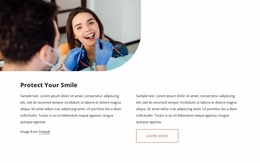
Other sections divide the remaining information into reusable content regions rather than one uninterrupted text block. Three testimonial entries sit together on a contrasting panel, while the two team-focused compositions give the practice people and clinical imagery their own areas. The later treatment group adds Dental Care, Oral Surgery, Dental Bridges, and Teeth Cleaning, expanding the structured service coverage. At the end, the Contact Us region combines an inquiry form with separate phone, location, and opening-hours panels. This arrangement suits a CMS-oriented clinic presentation because navigation, treatment information, testimonials, team content, and contact details have visibly distinct roles. The page can therefore preserve a consistent visual frame while its informational areas are organized as separate site content.
Customize with Nicepage
Open this ready-made template in the Joomla Page Builder and customize it visually in the Nicepage editor. Replace demo content, edit page sections, and adapt the design to your project without rebuilding the template from scratch.
Work With This Template in Joomla
Customize and Install the Joomla Template
Start with this ready-made template instead of building the Joomla design from scratch. Customize its layout, content, typography, images, sections, and other design elements visually in the Nicepage application, then export and install the Joomla Template, Nicepage Extension, and supported content on your Joomla website.
Edit the Template Directly in Joomla
After installation, you can edit the Joomla Template directly in Joomla with the Nicepage Joomla Extension. Customize the Header, Footer, Colors, Fonts, typography, and Page Templates from the Joomla workflow while keeping the site design connected with your CMS content.
Edit Joomla Articles Visually
Use the Nicepage Joomla Extension to open and edit Joomla Articles visually from the Joomla Administrator. Change text, images, sections, layouts, and other page content in the Nicepage editor while continuing to manage the Articles through Joomla.
Joomla Content and Template Integration
Use the customized template together with Joomla Articles, module Positions, menus, forms, Blog Pages, and other supported CMS elements. With the Nicepage Extension used as the Site Style Source, shared design settings can be applied across Joomla Articles while Joomla continues to provide the CMS environment for managing site content.
This workflow combines a ready-made Joomla Template with visual customization, direct template editing in Joomla, and continued content management through the Nicepage Joomla Extension.