The best doctors Joomla Template


Edit Template Offline
2. Create new page and search for id 5551782
Edit Template Online
Create Awesome Websites


Free Nicepage Builder
Keywords
Medical Information and Visit Scheduling Divide the Content Into CMS-Ready Regions
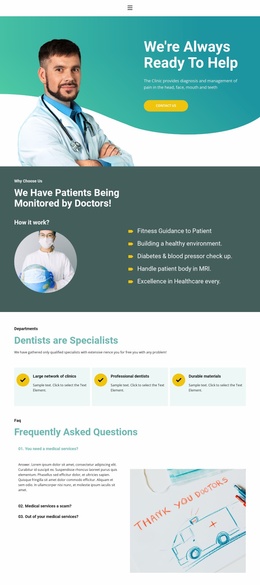
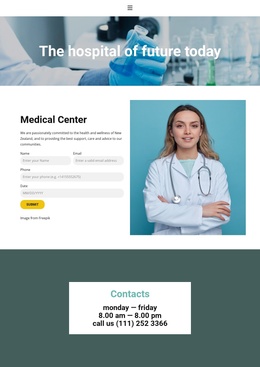
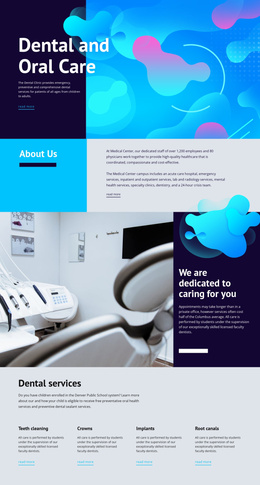
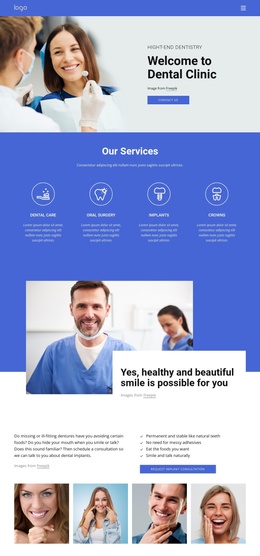
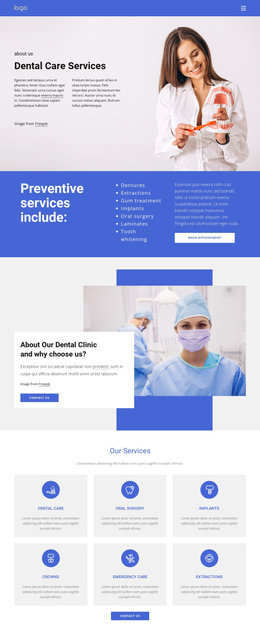
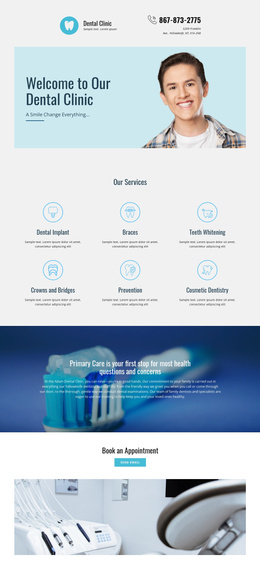
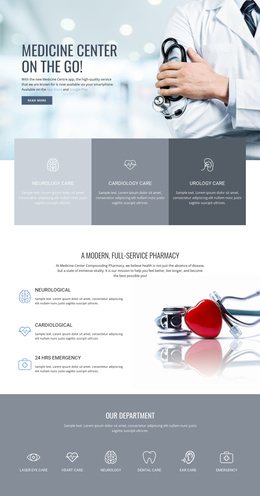
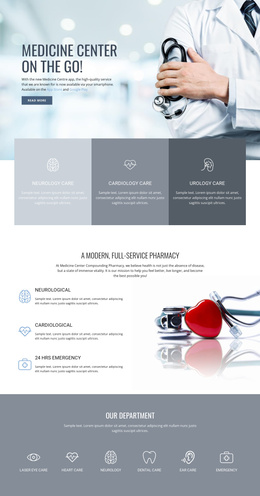
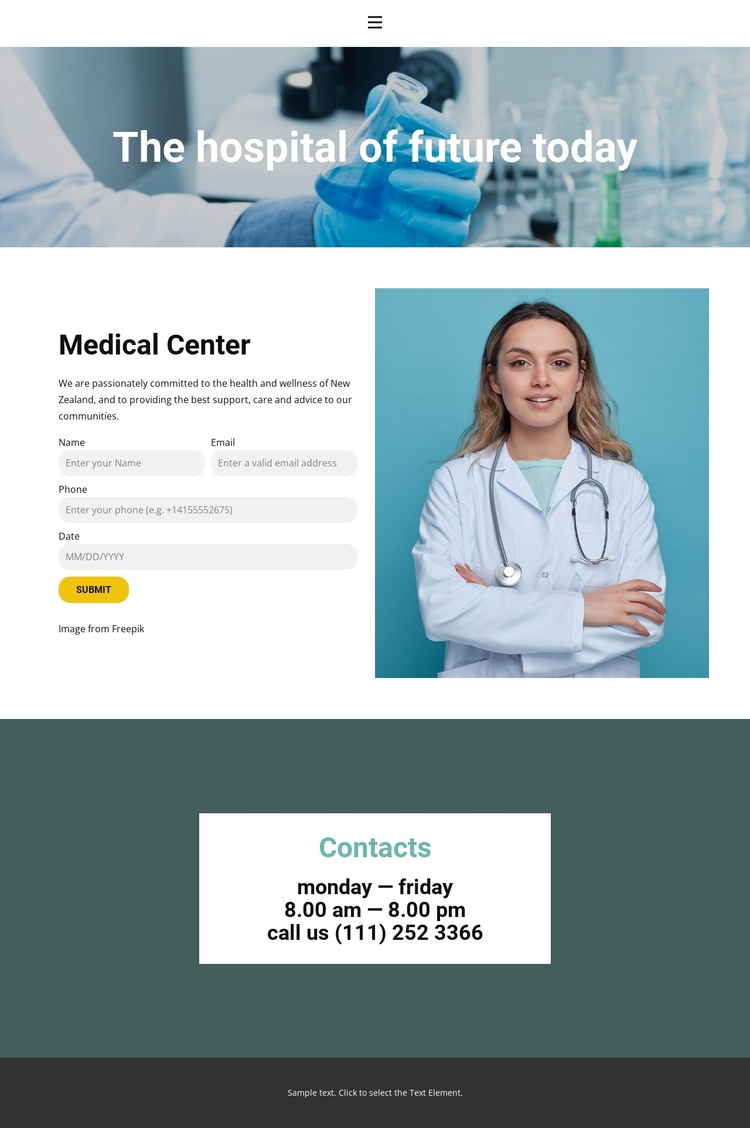
The page separates its healthcare information into clear regions that can be maintained as distinct content areas. The opening medical image and centered headline introduce the medical center, while the split section places descriptive information beside a calendar-based visit booking interface. That arrangement gives the main healthcare message and the scheduling interaction different roles instead of blending them into one dense block.
The Contacts section provides another structured region for recurring practical information. Weekday opening hours and telephone details are placed in a centered white card against a dark teal background, making the contact area easy to distinguish from appointment selection. Navigation and mobile navigation provide shared access points, while the booking dialog represents a more focused interaction associated with the calendar. These relationships can support a Joomla-managed content structure in which medical information, contact details, menus, and appointment-related content remain visually coordinated.
The New Zealand reference can also be treated as community context without presenting the sample contact values as independently verified institutional data. The design therefore offers useful content boundaries for a healthcare site: an introduction, a medical center information area, a booking region, and a contact reference area. A Joomla project could preserve those regions while organizing the underlying information through its CMS, without requiring the page to be interpreted as a generic article layout or as a static export alone.
Customize with Nicepage
Open this ready-made template in the Joomla Page Builder and customize it visually in the Nicepage editor. Replace demo content, edit page sections, and adapt the design to your project without rebuilding the template from scratch.
Work With This Template in Joomla
Customize and Install the Joomla Template
Start with this ready-made template instead of building the Joomla design from scratch. Customize its layout, content, typography, images, sections, and other design elements visually in the Nicepage application, then export and install the Joomla Template, Nicepage Extension, and supported content on your Joomla website.
Edit the Template Directly in Joomla
After installation, you can edit the Joomla Template directly in Joomla with the Nicepage Joomla Extension. Customize the Header, Footer, Colors, Fonts, typography, and Page Templates from the Joomla workflow while keeping the site design connected with your CMS content.
Edit Joomla Articles Visually
Use the Nicepage Joomla Extension to open and edit Joomla Articles visually from the Joomla Administrator. Change text, images, sections, layouts, and other page content in the Nicepage editor while continuing to manage the Articles through Joomla.
Joomla Content and Template Integration
Use the customized template together with Joomla Articles, module Positions, menus, forms, Blog Pages, and other supported CMS elements. With the Nicepage Extension used as the Site Style Source, shared design settings can be applied across Joomla Articles while Joomla continues to provide the CMS environment for managing site content.
This workflow combines a ready-made Joomla Template with visual customization, direct template editing in Joomla, and continued content management through the Nicepage Joomla Extension.