Licensed professional counselors Joomla Template



Edit Template Offline
2. Create new page and search for id 310800
Edit Template Online
Create Awesome Websites


Free Nicepage Builder
Keywords
Service Sections Create Organized Counseling Content
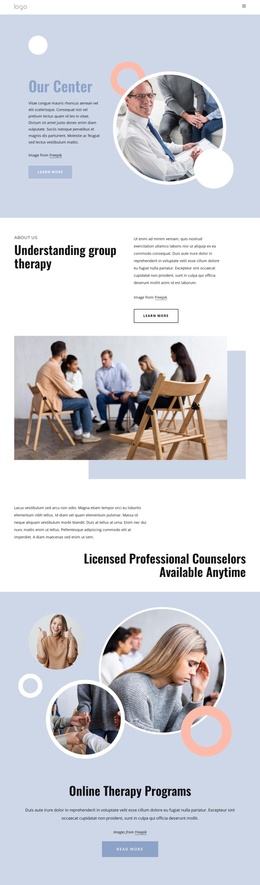
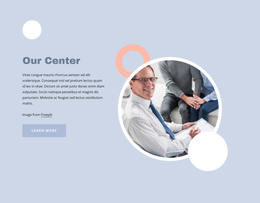
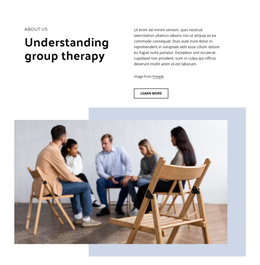
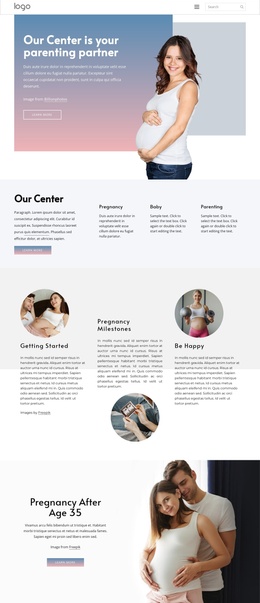
Our Center establishes the shared opening for the design, but the page’s information is divided into distinct counseling areas that can be understood as separate content regions. Understanding group therapy introduces one subject with explanatory copy and a supporting photograph. Online Therapy Programs then shifts to a centered promotional section on pale blue, while Family therapy uses layered family imagery beside descriptive text. These differences give the page a useful internal content hierarchy rather than a single undifferentiated service block.
The What is psychotherapy? section extends that hierarchy with a three-part visual arrangement combining service text and photographs. Together, the group, online, family, and psychotherapy areas provide structured information that can be maintained as related but distinct parts of a counseling site. Navigation and mobile navigation reinforce access to the page’s major regions, while the repeated Learn more and Read More actions identify places where each subject can lead to more detailed information.
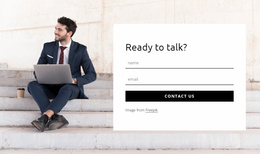
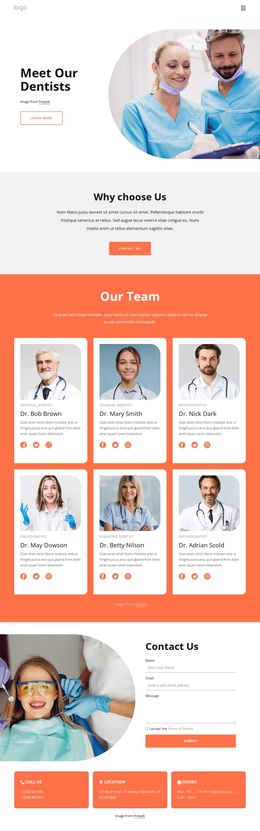
The final inquiry area gives the structured content a practical endpoint. Therapy for how we live today places a therapist photograph beside centered inquiry copy and a contact form with a Submit control. In a Joomla project, these service descriptions, navigation regions, imagery, and contact content can remain coordinated as CMS-managed site material without treating sample text as verified clinical information.
Customize with Nicepage
Open this ready-made template in the Joomla Page Builder and customize it visually in the Nicepage editor. Replace demo content, edit page sections, and adapt the design to your project without rebuilding the template from scratch.
Work With This Template in Joomla
Customize and Install the Joomla Template
Start with this ready-made template instead of building the Joomla design from scratch. Customize its layout, content, typography, images, sections, and other design elements visually in the Nicepage application, then export and install the Joomla Template, Nicepage Extension, and supported content on your Joomla website.
Edit the Template Directly in Joomla
After installation, you can edit the Joomla Template directly in Joomla with the Nicepage Joomla Extension. Customize the Header, Footer, Colors, Fonts, typography, and Page Templates from the Joomla workflow while keeping the site design connected with your CMS content.
Edit Joomla Articles Visually
Use the Nicepage Joomla Extension to open and edit Joomla Articles visually from the Joomla Administrator. Change text, images, sections, layouts, and other page content in the Nicepage editor while continuing to manage the Articles through Joomla.
Joomla Content and Template Integration
Use the customized template together with Joomla Articles, module Positions, menus, forms, Blog Pages, and other supported CMS elements. With the Nicepage Extension used as the Site Style Source, shared design settings can be applied across Joomla Articles while Joomla continues to provide the CMS environment for managing site content.
This workflow combines a ready-made Joomla Template with visual customization, direct template editing in Joomla, and continued content management through the Nicepage Joomla Extension.