Counseling and psychotherapy Joomla Template



Edit Template Offline
2. Create new page and search for id 6108680
Edit Template Online
Create Awesome Websites


Free Nicepage Builder
Keywords
Service groups and contact regions suit structured Joomla content
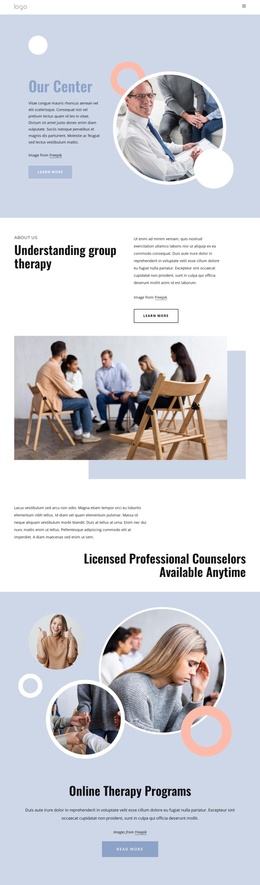
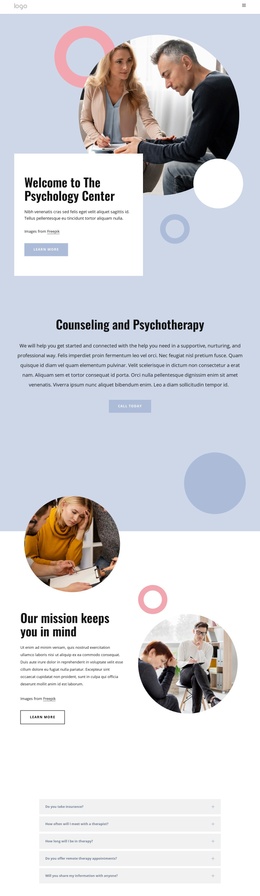
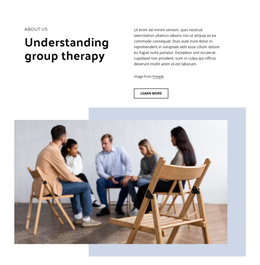
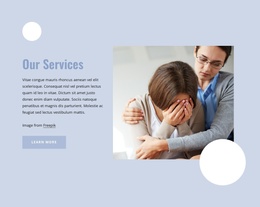
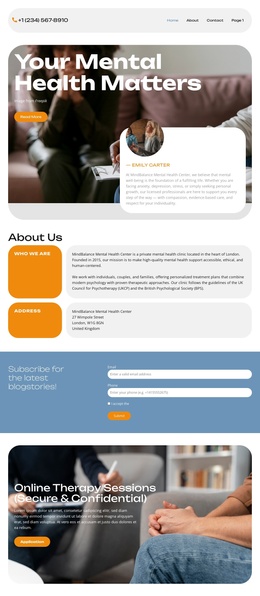
The four audience labels create an initial way to organize the page’s subject matter: Individuals, Couples, Families, and Trainings are presented as a related group rather than scattered through the introduction. The service area then narrows the content into Individual Therapy, Couples Therapy, and Group Therapy. These repeated informational units can be treated as clearly separated CMS-managed content areas while preserving the shared visual treatment of the page.
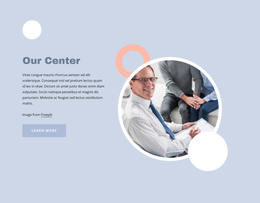
The educational middle section provides a different kind of content region. “Benefits of psychotherapy” includes explanatory copy and seven linked topics, giving the design room for structured informational material alongside the service overview. The specialized-care section adds a further paired image-and-text region, while the common navigation and footer provide the surrounding site frame. Together, these areas offer a practical relationship between menu-led access, service information, educational material, and contact content.
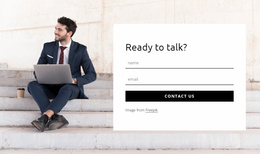
The lower sections make the design suitable for inquiry-oriented site content. A phone contact panel appears before the consultation prompt, and the final section places a contact form beside a large portrait and supporting text. In a Joomla project, those areas can remain visually coordinated while editorial teams organize the underlying service and informational content through the CMS. The template does not prove that Joomla Articles or module positions already exist, but its repeated sections and shared regions provide a clear structure for adapting content to that environment.
Customize with Nicepage
Open this ready-made template in the Joomla Page Builder and customize it visually in the Nicepage editor. Replace demo content, edit page sections, and adapt the design to your project without rebuilding the template from scratch.
Work With This Template in Joomla
Customize and Install the Joomla Template
Start with this ready-made template instead of building the Joomla design from scratch. Customize its layout, content, typography, images, sections, and other design elements visually in the Nicepage application, then export and install the Joomla Template, Nicepage Extension, and supported content on your Joomla website.
Edit the Template Directly in Joomla
After installation, you can edit the Joomla Template directly in Joomla with the Nicepage Joomla Extension. Customize the Header, Footer, Colors, Fonts, typography, and Page Templates from the Joomla workflow while keeping the site design connected with your CMS content.
Edit Joomla Articles Visually
Use the Nicepage Joomla Extension to open and edit Joomla Articles visually from the Joomla Administrator. Change text, images, sections, layouts, and other page content in the Nicepage editor while continuing to manage the Articles through Joomla.
Joomla Content and Template Integration
Use the customized template together with Joomla Articles, module Positions, menus, forms, Blog Pages, and other supported CMS elements. With the Nicepage Extension used as the Site Style Source, shared design settings can be applied across Joomla Articles while Joomla continues to provide the CMS environment for managing site content.
This workflow combines a ready-made Joomla Template with visual customization, direct template editing in Joomla, and continued content management through the Nicepage Joomla Extension.