
370+ Team Homepage Designs
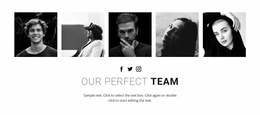
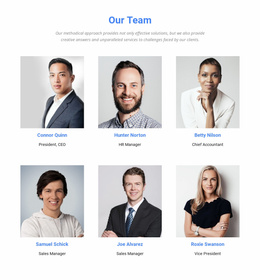
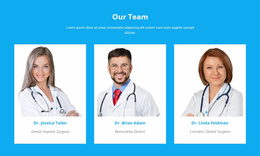
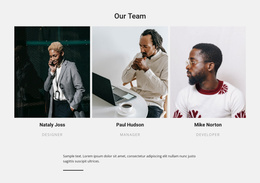
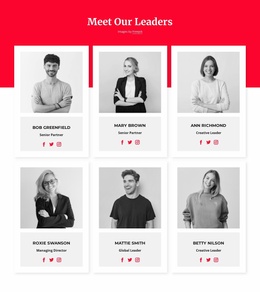
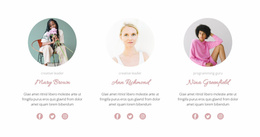
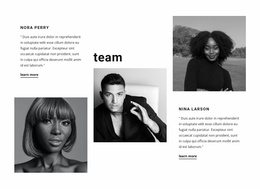
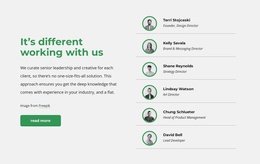
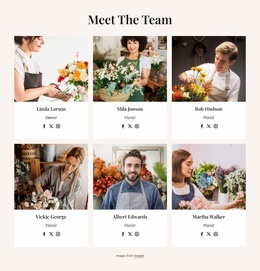
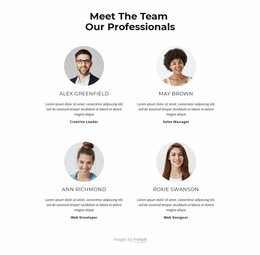
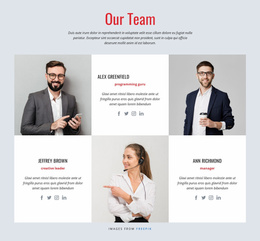
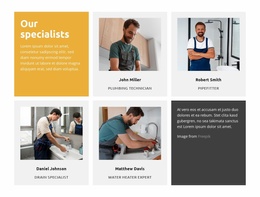
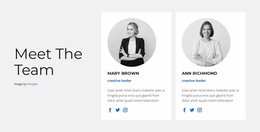
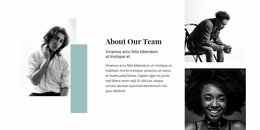
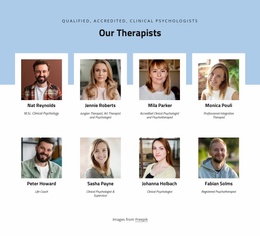
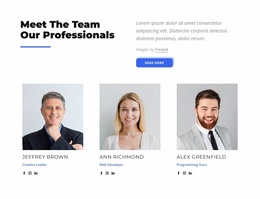
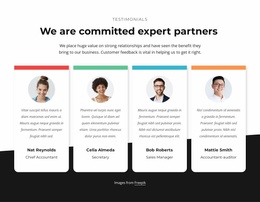
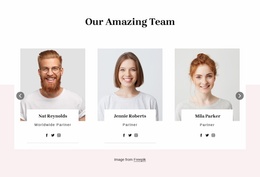
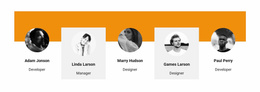
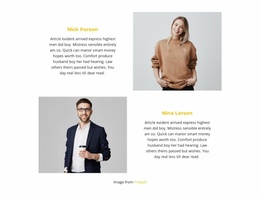
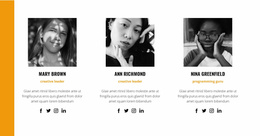
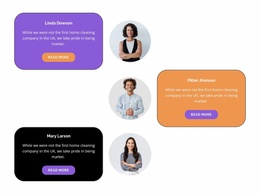
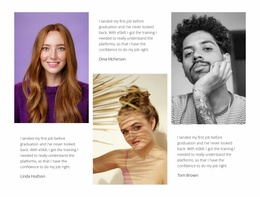
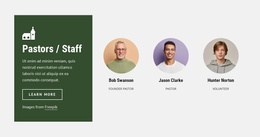
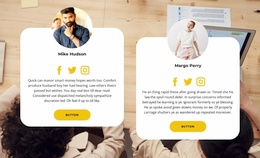
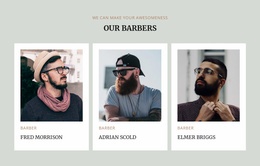
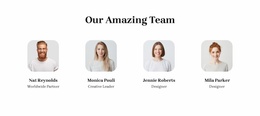
Choose how prominently to introduce people on your homepage. Compare prepared Team sections for areas near the top or farther down, balancing portrait visibility, member count, text detail, and nearby page content.
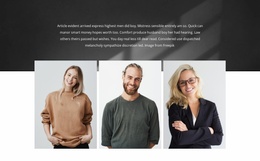
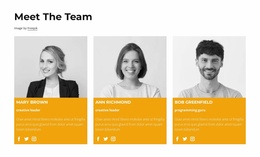
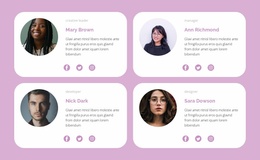
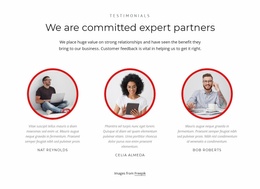

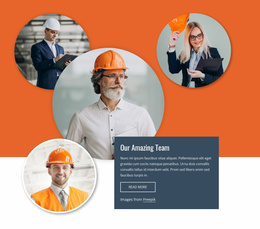
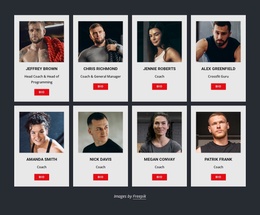
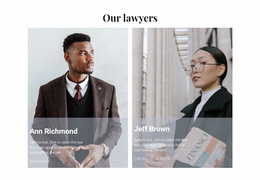
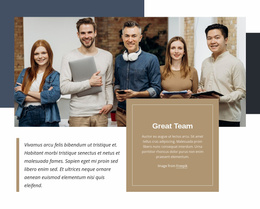
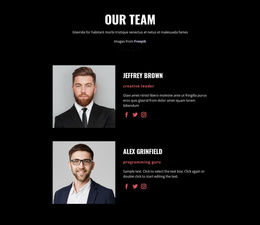
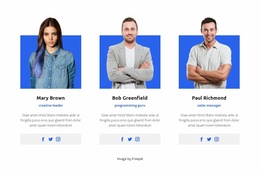
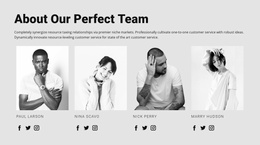
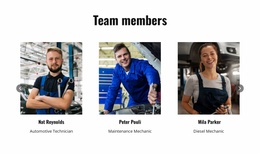

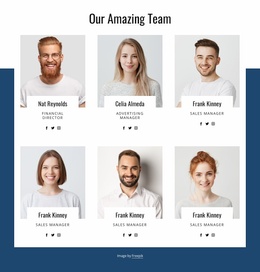
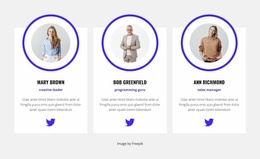
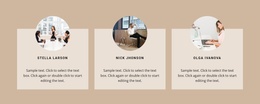
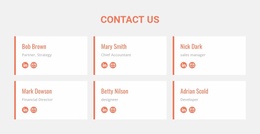
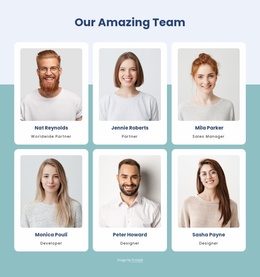
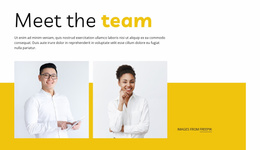
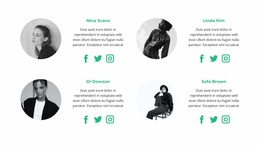
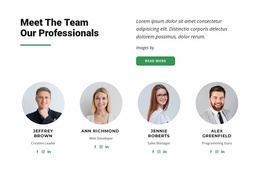
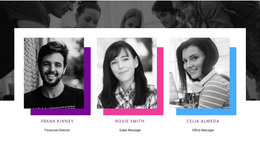

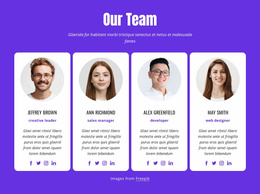
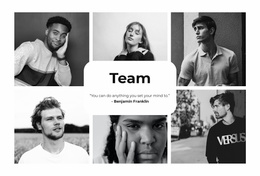

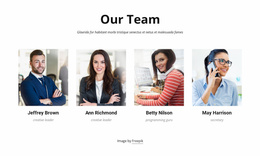

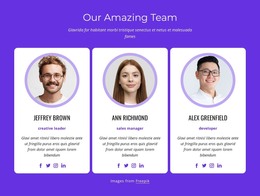


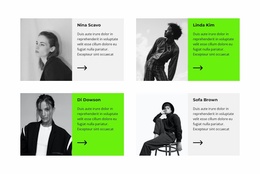
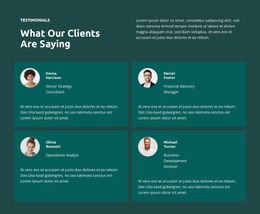
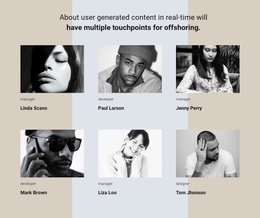

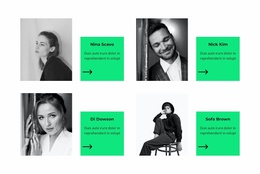
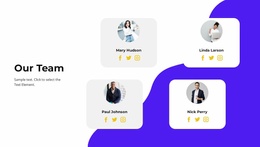


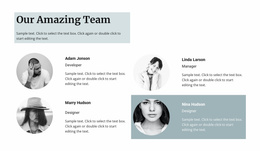
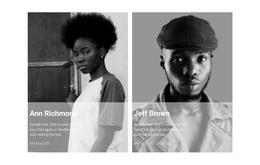

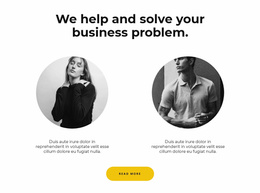
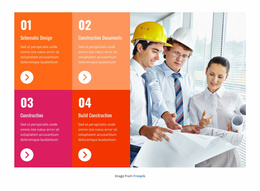
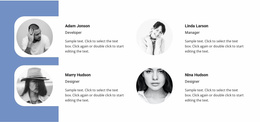
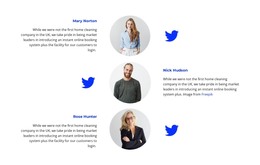
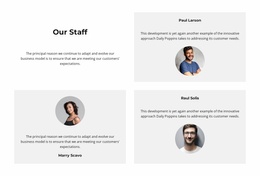
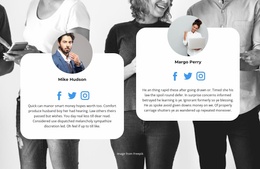
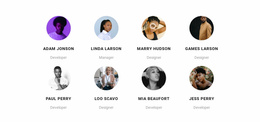
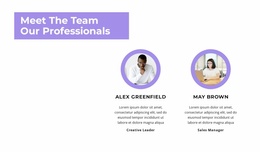
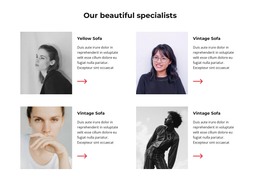
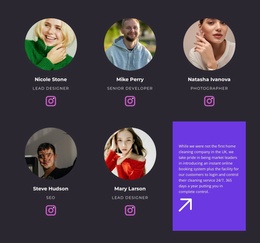
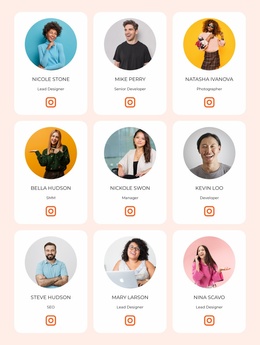
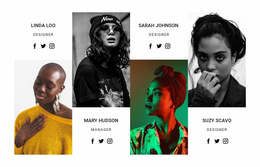

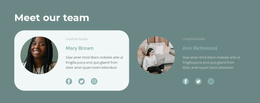
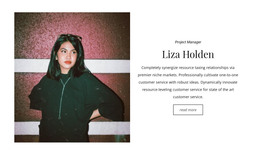
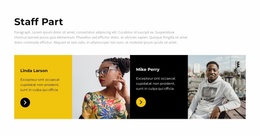
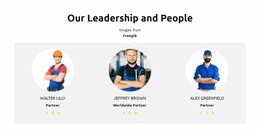


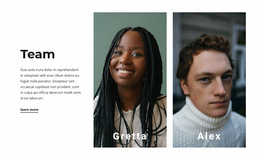


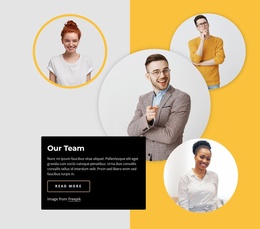

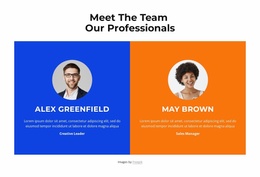
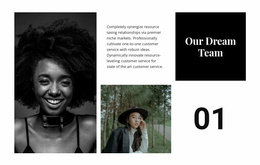

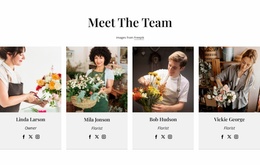
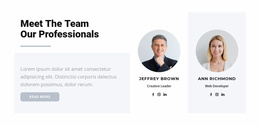
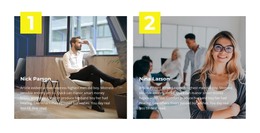
Other Team Homepage Designs
Modern Team Homepage Design for Ready-Made Staff Introductions
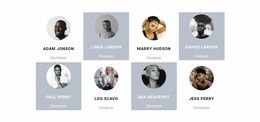
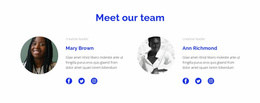
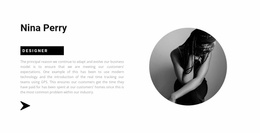
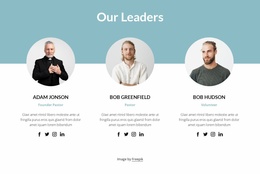
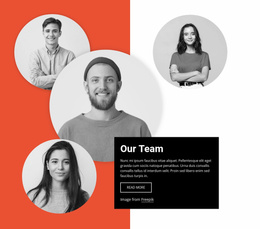
Team Homepage Design offers ready-made profile sections for introducing people on a homepage. Compare compact rows, larger portrait-led cards, and arrangements with more room for roles or biographies. The right choice depends on where the block appears and how much attention the people should get alongside other homepage content.
Compare Team Sections for Different Homepage Areas
A prominent Team section near the top of a homepage may benefit from recognizable portraits and brief role labels that work at a glance. Farther down, a roomier group of cards can give visitors more information about specialists, founders, or contributors. These are possible placements, not rules for every homepage.
Compare the section's visual height and the size of its member cards with the surrounding page. An elaborate layout can draw attention away from nearby content; an overly dense grid may make important people difficult to recognize.
Choose Between Portrait-Led and Text-Balanced Profiles
When browsing finished compositions, evaluate:
- Portrait visibility: Are the people immediately recognizable?
- Profile count: Does the prepared arrangement suit the selected group?
- Job-title space: Will a longer role label fit clearly?
- Biography length: Can visitors get enough context without reading a full staff directory?
- Overall balance: Does the block feel appropriate beside a homepage introduction or services section?
A few larger cards may suit a founder-led homepage. A compact row may be better for a wider overview of contributors. Compare the prepared layout with realistic member information rather than judging it by placeholder content alone.
Highlight the Right People Without Rebuilding the Layout
Select a Team block designed for roughly the number of people you want to introduce. Nicepage lets you replace sample portraits, names, titles, and biographies. The Grid Repeater Element can keep repeated cards consistent, but a ready-made design gives you a workable arrangement before you customize further.
A related Our Team section can offer a different presentation for additional members. The homepage Team block itself can remain a selective introduction rather than a duplicate of a full directory.
Team and About Us in a Homepage Composition
An About Us block provides organizational context, while Team identifies individuals and their responsibilities. Both may appear on the homepage. Choose a ready-made Team section by how clearly it presents the people and how naturally its portrait treatment, typography, and spacing fit the rest of the page.
Frequently Asked Questions About Team Homepage Design
Which Team layout suits a prominent homepage section?
Compare portrait-led designs with legible names and concise roles. Use the actual homepage width and nearby content to judge whether the section feels balanced.
What works for a lower homepage Team section?
A more detailed card arrangement can work, giving visitors room to explore individual expertise. Check the total section height and the space available for biographies.
Can I customize a ready-made Team design in Nicepage?
Yes. You can replace the sample names, portraits, roles, and introductions, and adjust the appearance of the selected section.
Choose a Team Design for Your Homepage
Browse ready-made Team sections for the profile count, visual emphasis, and text space you need. Choose an arrangement that introduces recognizable people while fitting the homepage around it.