We are professionals Website Template


A Reusable Team Section for Organizational Content
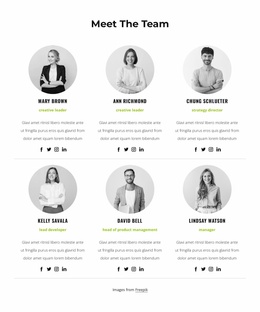
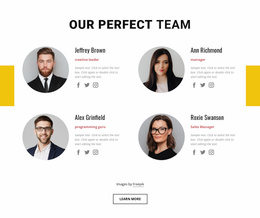
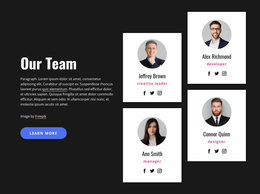
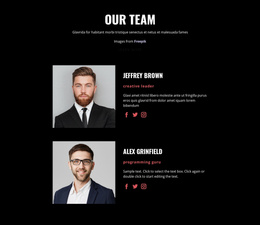
The block supplies a complete content area for team and organizational identity within a larger website project. Its Our Team heading and supporting paragraph introduce the subject, while the three portrait images give the section a human focus. Because the portraits are arranged as a staggered collage rather than isolated decorative images, the layout can remain recognizable as a team pattern when reused alongside other sections.
The lower content combines two useful roles. The blue panel carries the quote “Alone we can do so little, together we can do so much,” giving the section a concise shared-purpose statement. The charcoal About Us panel adds explanatory text and a learn more button, allowing a broader site to connect this introduction with deeper organizational information elsewhere. These areas keep the section self-contained while leaving services, work examples, contact content, or other page functions to neighboring blocks.
Within a broader website template project, the block can serve as a stable team or leadership section on an appropriate page. Its blue and charcoal treatment, portrait rhythm, and open spacing can also provide visual cues for related sections without claiming that the block establishes the whole site's design system. The result is a reusable content pattern with a clear purpose and defined boundaries.
Customize with Nicepage
Open this ready-made template in the Website Template Builder and customize it visually in the Nicepage editor. Replace demo content, edit page sections, and adapt the design to your project without rebuilding the template from scratch.
Edit Template Offline
2. Create a new page or select existing
3. Click Add new block, search for id 66304 and click enter
Edit Template Online
Create Awesome Websites


Free Nicepage Builder
Keywords
Build a Complete Website From This Template
Customize the Website Visually
Use this ready-made website template as a starting point for your project and adapt its pages visually in Nicepage. Change content, images, typography, navigation, sections, and other design elements while keeping the website together as a single editable project.
Manage Website Pages in One Project
Use the Pages panel to open, add, duplicate, and manage the pages of your website. Work on individual pages while keeping navigation and the overall site structure accessible from the same project, making it easier to develop a complete website instead of managing separate page files.
Expand the Website With Matching Designs
When you need additional pages or sections, use Page Design Sets to find Page and Block Designs created in the same visual style. Design Sets group matching designs together, making it easier to expand the website with new content while maintaining a consistent look across its pages and sections.
Organize Larger Multi-Page Websites
As the website grows, use Page Folders to organize related pages and keep larger multi-page projects easier to navigate in the editor. This is especially useful for websites with separate service pages, company information, contacts, landing pages, and other content areas.
This workflow makes the template a practical foundation for building and expanding a complete website while managing its pages, content, and visual design within one Nicepage project.