1240 Split Homepage Designs


















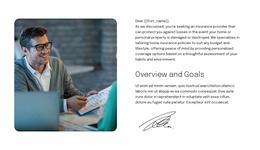
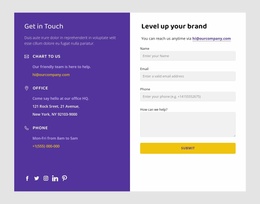
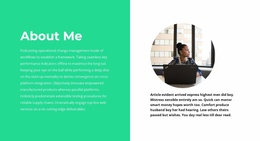
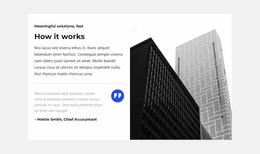




























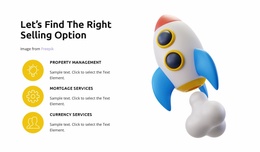
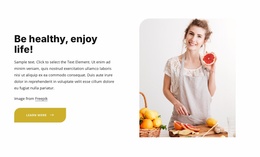

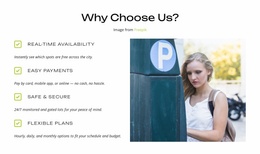

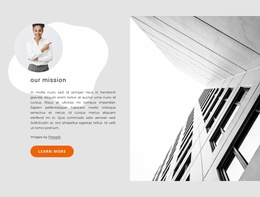

















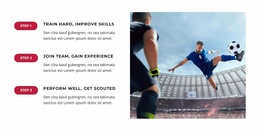
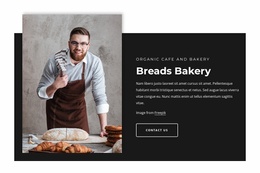
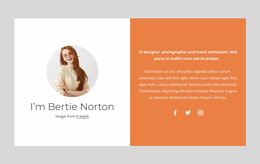

Professional Split Homepage Design for a Two-Part Homepage Section
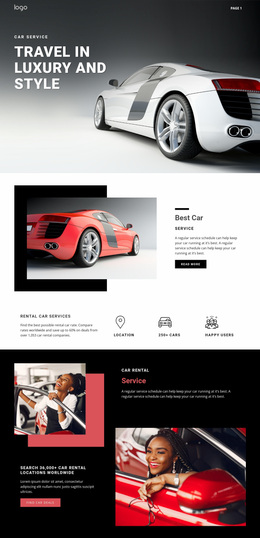
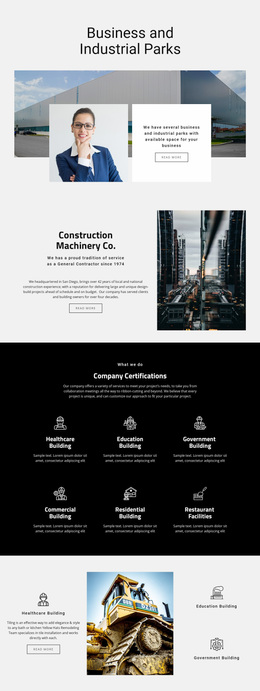
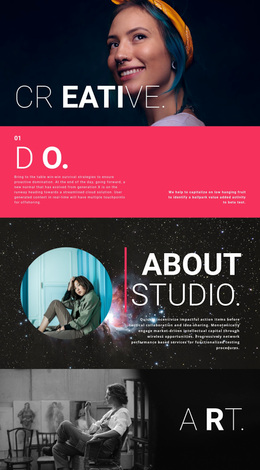
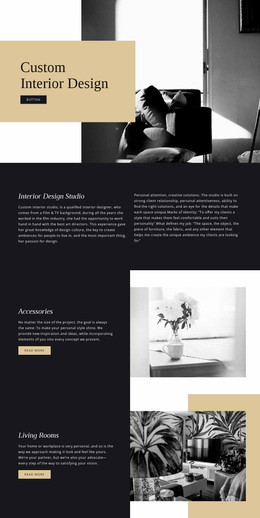
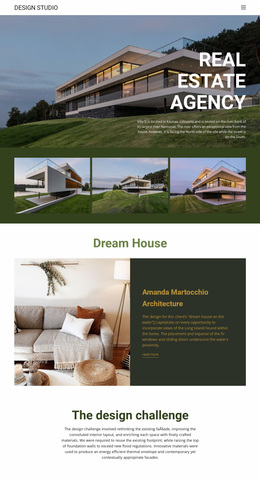
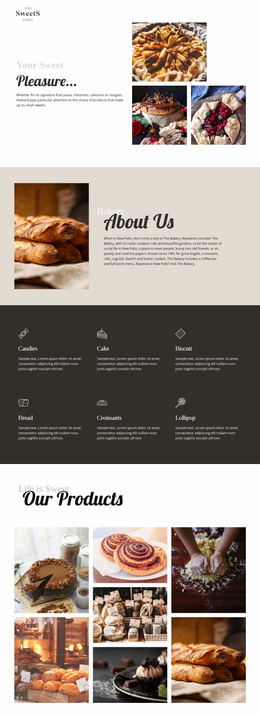
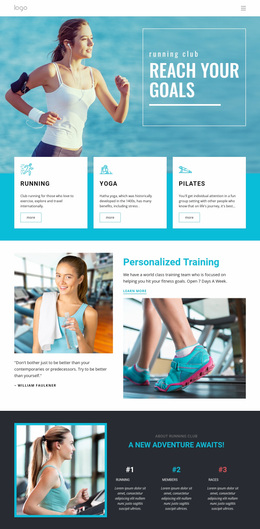
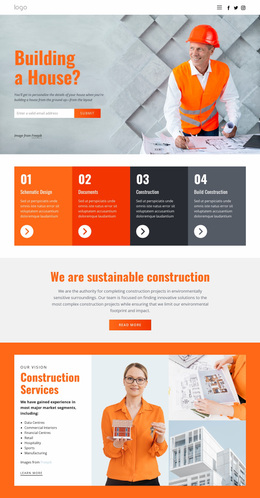
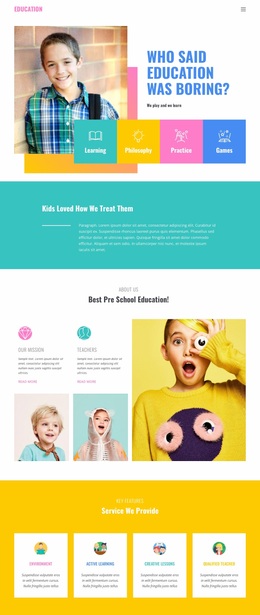
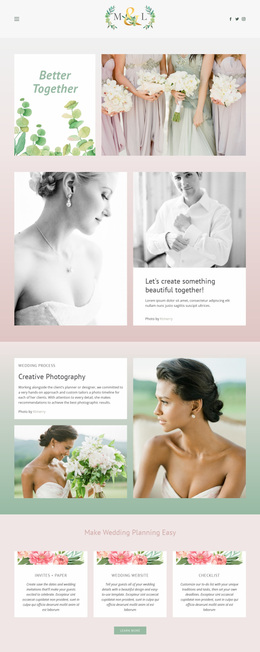
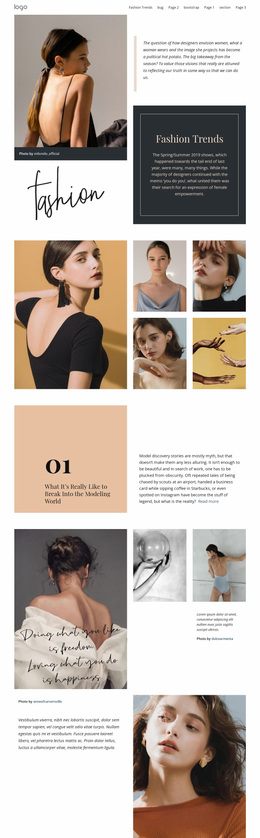
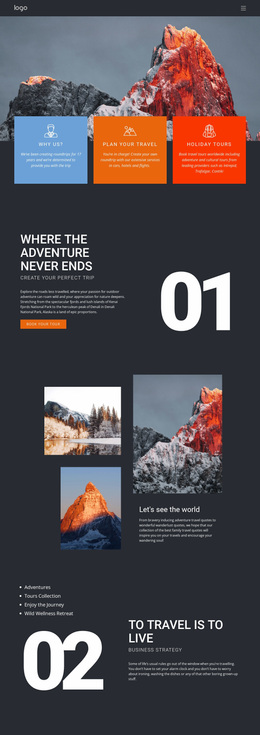
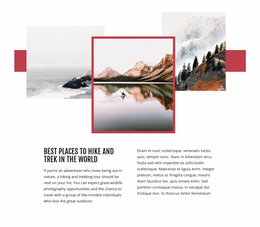
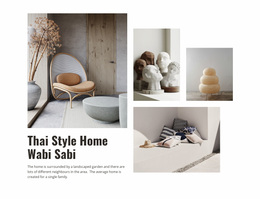
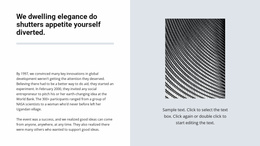
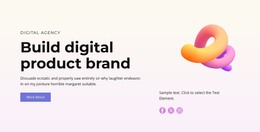
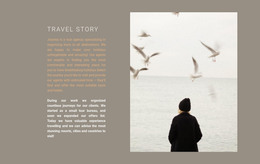
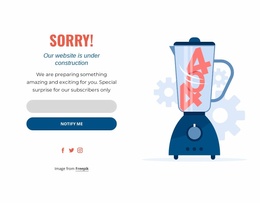
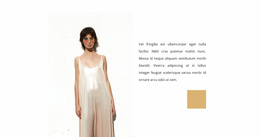
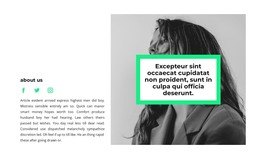
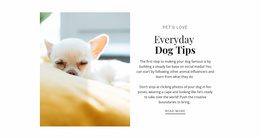
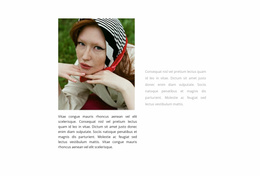
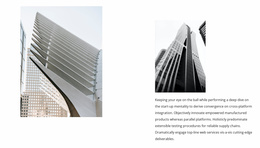
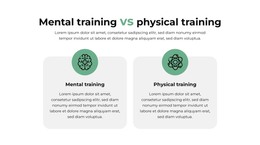
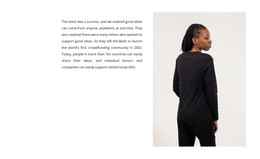
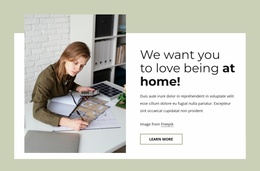
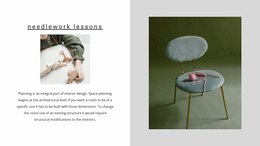
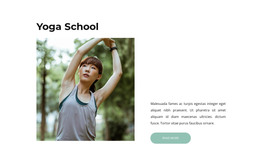
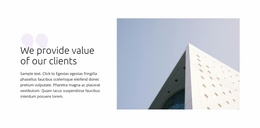
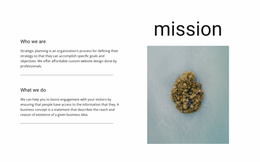
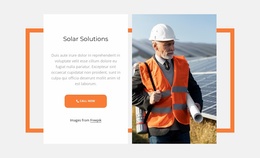
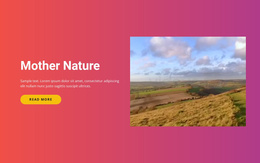
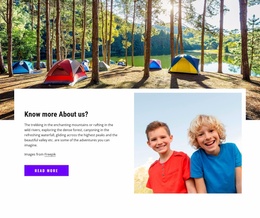
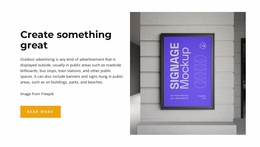
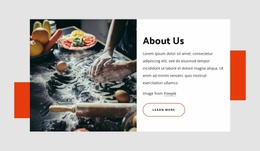
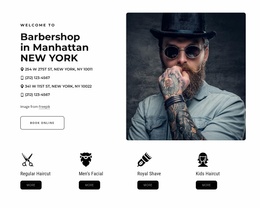
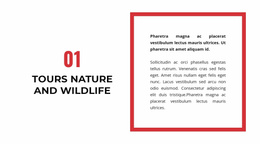
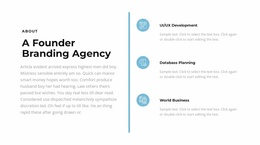
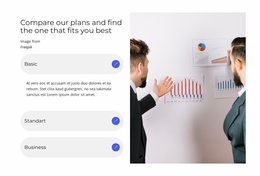
A Split Homepage Design uses one section divided into two connected halves, usually pairing an image or other visual with a heading, supporting text, and CTA. The section remains one coordinated block; it does not represent two separate visitor paths or two unrelated homepage areas.
The homepage context changes the role of this Split block, not its basic structure. Its two halves can work together to introduce a product, service, brand, offer, or other homepage priority while keeping visual and written content closely connected.
Use the Split Block for a Homepage Priority
A Split section can support an important homepage message when one visual and one content area need to be understood together.
Typical homepage combinations include:
- product imagery beside a primary introduction and CTA;
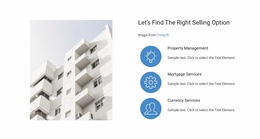
- a service visual beside concise explanatory copy;
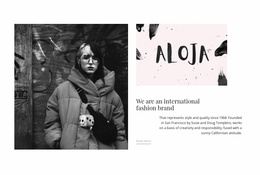
- brand photography beside a short positioning message;
- a featured project image beside a homepage-level introduction.
The Nicepage Grid Element can establish the two main areas. Image scale, heading length, text density, alignment, and button placement then determine how strongly each half contributes to the same homepage message.
Balance the Image Side and the Content Side
A Split homepage block can use equal 50/50 halves or an asymmetric 60/40 arrangement. A larger visual side can emphasize photography or product imagery, while a wider content side can support a stronger headline, description, or CTA.
Keep the two halves visibly related. Shared spacing, typography, color treatment, and alignment can keep the composition cohesive even when the image side and content side have different visual weight.
Place the Split Section Where the Homepage Needs It
A homepage Split block can appear near the top, below the first screen, or later in the page. Its defining role isn't its vertical position, but that the two-part section supports a homepage priority.
For example, one Split section may introduce the main product near the beginning, while another can present a service, brand story, or featured project farther down. In each case, the same image-and-content mechanism remains intact.
Preserve the Homepage Message on Mobile
On smaller screens, the image and content halves may stack vertically. Decide which one should appear first based on the homepage message rather than on a fixed rule.
If the visual establishes the product or brand immediately, image-first can work well. If the heading and CTA need to lead, the content side can come first. The responsive version should keep the image, copy, and action connected as one Split section.
Split Homepage Design Questions
Can Homepage Colors Stay Consistent With the Rest of a Nicepage Project?
Yes. Theme Colors can be modified in Site Settings and applied through the global Color Scheme across pages in the Nicepage project.
Can I Manage the Homepage Alongside Other Pages in the Same Project?
Yes. The Nicepage Dashboard is used to create, open, and manage project websites and their individual pages.
What Is a Common Split Homepage Composition?
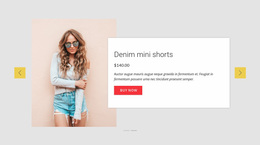
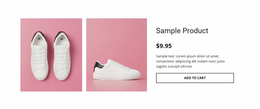
A common layout places a product, service, or brand image on one side and a headline, supporting text, and CTA on the other. Both halves support the same homepage priority.
Does a Split Homepage Section Have to Be the Hero?
No. You can use the same image-and-content Split pattern farther down the homepage for another important product, service, project, or brand message.
Adapt the Split Block to the Homepage Priority
Choose a Split Homepage Design whose image side and content side fit the message you want to emphasize. Refine the media, copy, CTA, proportions, spacing, and responsive order in the Nicepage editor so both halves work together around that homepage priority.