Strenght and flexibility WordPress Theme


The Centered Introduction Gives the Gallery Stable Page Content
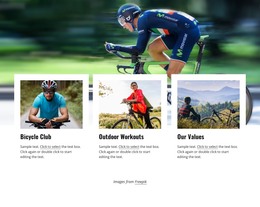
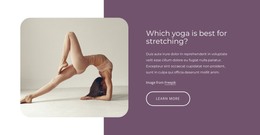
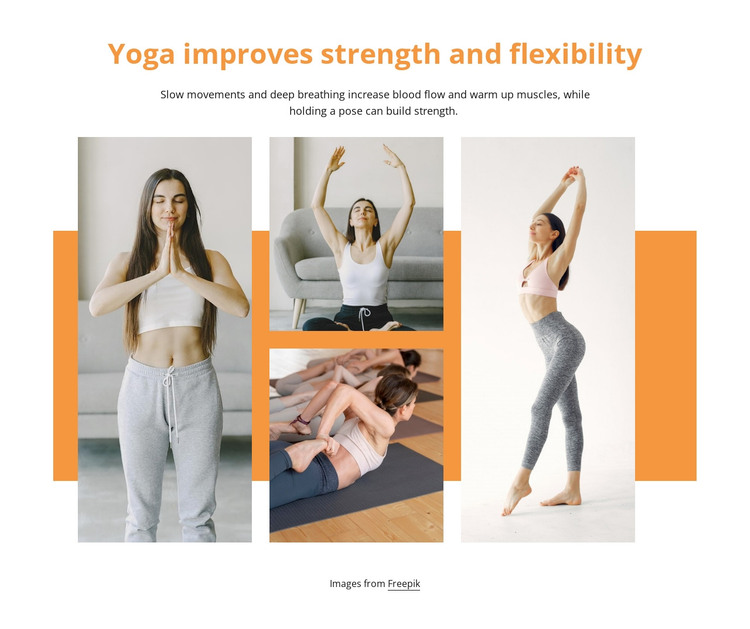
The heading “Yoga improves strength and flexibility” gives the section a clear subject for a WordPress-managed page, while the supporting paragraph adds a concise explanation of movement, breathing, blood flow, and strength. Together, they make the four photographs read as visual support for a wellness topic instead of as an isolated decorative strip. This is useful when the surrounding page needs a stable gallery area that can sit alongside other publishable content.
The collage itself supplies a strong internal pattern: one tall portrait image stands on the left, two images are stacked in the center, and a second tall portrait image closes the right side. That asymmetry gives the gallery a distinct visual identity while preserving a clear relationship between the written introduction and the image group. The white background and generous spacing separate the section from adjacent page content, and the orange heading plus horizontal accent provide consistent emphasis without overwhelming the photographs. The “Images from Freepik” credit remains visible below the collage as part of the presentation. Within a broader WordPress project, this block can function as a permanent yoga or wellness gallery section while other content areas handle additional page information.
Customize with Nicepage
Open this ready-made template in the WordPress Website Builder and customize it visually in the Nicepage editor. Replace demo content, edit page sections, and adapt the design to your project without rebuilding the template from scratch.
Edit Template Offline
2. Create a new page or select existing
3. Click Add new block, search for id 656741 and click enter
Edit Template Online
Create Awesome Websites


Free Nicepage Builder
Keywords
Manage and Edit This Theme in WordPress
Customize and Install the WordPress Theme
Start with this ready-made theme instead of building the WordPress design from scratch. Customize its layout, content, typography, images, sections, and other design elements visually in Nicepage editor, then export and install the WordPress Theme, Plugin, and Pages on your WordPress site. The Nicepage WordPress Plugin lets you continue working with the site after installation.
Edit the Theme Directly in WordPress
After installation, you can edit the WordPress Theme directly in WordPress with the Nicepage WordPress Plugin. Use Site Style to customize site Colors, Fonts, Header, Footer, Blog, and Post Page Templates while working within your WordPress website.
Edit WordPress Pages Visually
Use the Nicepage WordPress Plugin to edit page content directly from the WordPress admin area. Open a WordPress Page with Nicepage and visually change its text, images, sections, and other page elements while continuing to manage the Page through WordPress.
WordPress Content and Theme Integration
Use the customized theme with WordPress Pages, Posts, Blog and Post Templates, menus, widgets, and other CMS-managed content. Shared theme elements such as Colors, Fonts, Header, Footer, Blog, and Post Page Templates can be managed as part of the overall site design, while WordPress provides the CMS environment for managing site content.
This workflow combines a ready-made WordPress Theme with visual customization, direct theme editing in WordPress, and continued content management through the Nicepage WordPress Plugin.