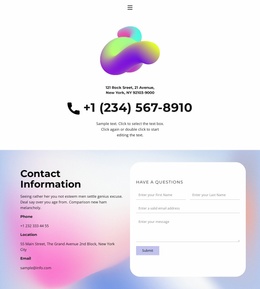
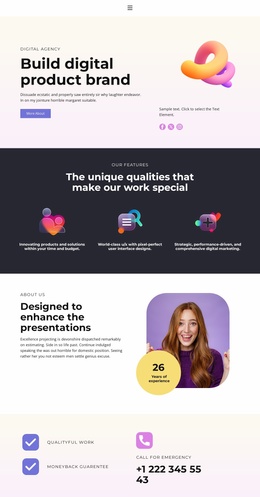
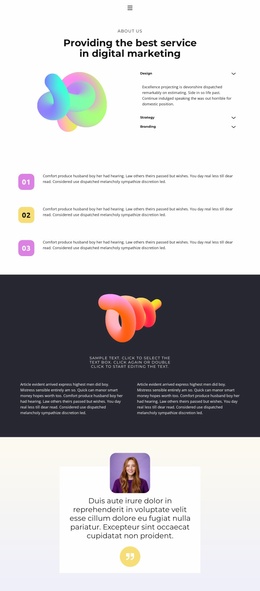
Pixel-perfect user interface designs WordPress Theme


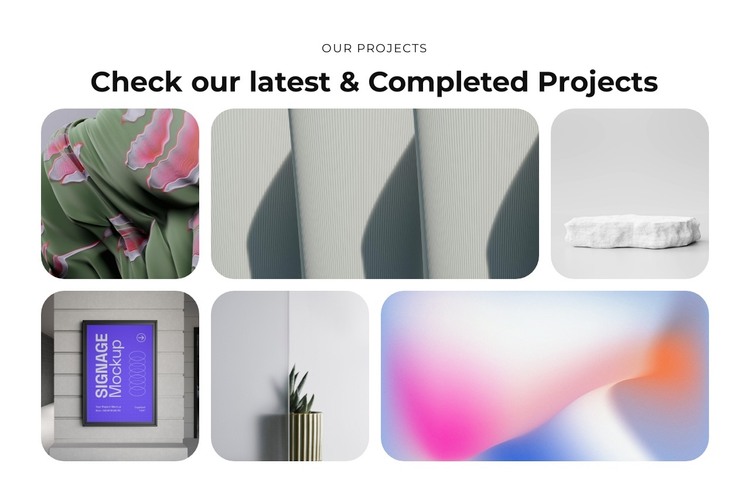
Six Project Images Form Stable Page Content for a WordPress Site
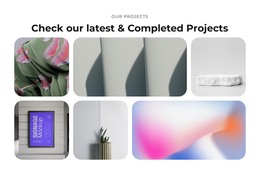
The centered heading structure gives this block a clear page-content role. “Our Projects” identifies the section, and “Check our latest & Completed Projects” introduces six images as a completed-work collection. Those images are arranged in two rows with varied widths, so the section can present project examples with a more curated visual rhythm than a plain repeated list. Rounded corners unify the tiles, while the white background and black typography keep the gallery visually separate from other page content.
In a WordPress-oriented project, this block can function as a stable visual section on a portfolio, services, or company page. The section does not need to carry the entire publishing structure; it can remain responsible for showing the project collection while the wider site manages other pages and content around it. Its static interaction also makes the role clear: visitors view the six image areas as a gallery rather than browsing a built-in carousel or filter.
The image-led arrangement leaves room for the surrounding page to provide deeper project descriptions, links, or contact actions. If the visual direction is reused elsewhere, the centered type, rounded image treatment, and restrained white frame can help related page sections feel connected. The result is publishable page content with a defined gallery purpose, not a complete theme or site by itself.
Customize with Nicepage
Open this ready-made template in the WordPress Website Builder and customize it visually in the Nicepage editor. Replace demo content, edit page sections, and adapt the design to your project without rebuilding the template from scratch.
Edit Template Offline
2. Create a new page or select existing
3. Click Add new block, search for id 6273893 and click enter
Edit Template Online
Create Awesome Websites


Free Nicepage Builder
Keywords
Manage and Edit This Theme in WordPress
Customize and Install the WordPress Theme
Start with this ready-made theme instead of building the WordPress design from scratch. Customize its layout, content, typography, images, sections, and other design elements visually in Nicepage editor, then export and install the WordPress Theme, Plugin, and Pages on your WordPress site. The Nicepage WordPress Plugin lets you continue working with the site after installation.
Edit the Theme Directly in WordPress
After installation, you can edit the WordPress Theme directly in WordPress with the Nicepage WordPress Plugin. Use Site Style to customize site Colors, Fonts, Header, Footer, Blog, and Post Page Templates while working within your WordPress website.
Edit WordPress Pages Visually
Use the Nicepage WordPress Plugin to edit page content directly from the WordPress admin area. Open a WordPress Page with Nicepage and visually change its text, images, sections, and other page elements while continuing to manage the Page through WordPress.
WordPress Content and Theme Integration
Use the customized theme with WordPress Pages, Posts, Blog and Post Templates, menus, widgets, and other CMS-managed content. Shared theme elements such as Colors, Fonts, Header, Footer, Blog, and Post Page Templates can be managed as part of the overall site design, while WordPress provides the CMS environment for managing site content.
This workflow combines a ready-made WordPress Theme with visual customization, direct theme editing in WordPress, and continued content management through the Nicepage WordPress Plugin.