The digital way WordPress Theme


Edit Template Offline
2. Create new page and search for id 6174818
Edit Template Online
Create Awesome Websites


Free Nicepage Builder
Keywords
A Resume Theme Built Around Permanent Profile Content
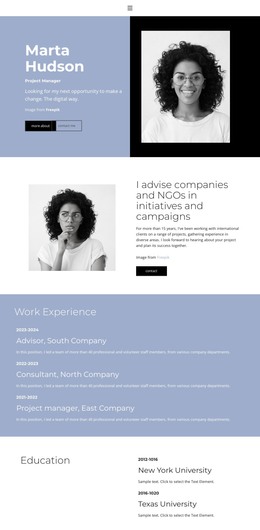
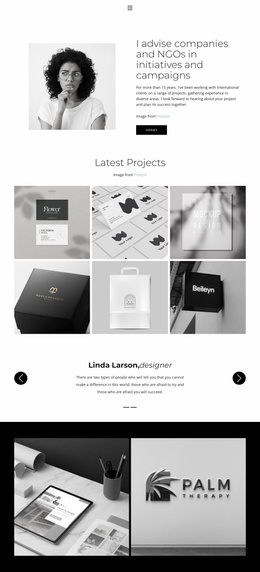
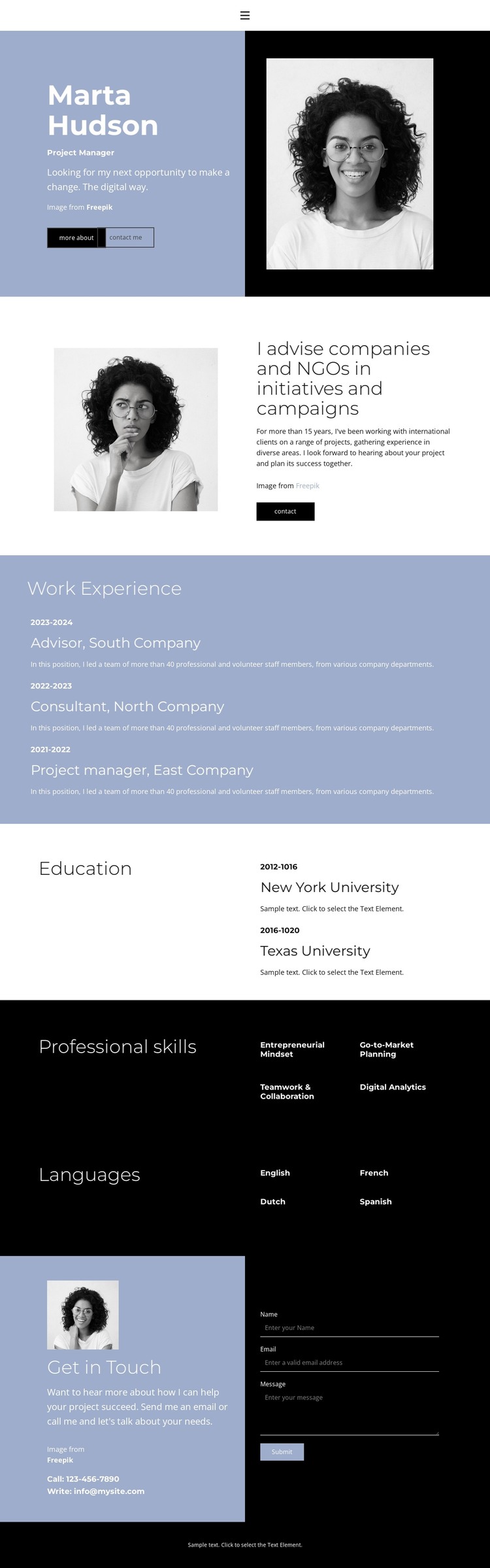
The opening panels provide clear page-oriented content for a professional profile. The first combines identity, role, introductory copy, portrait imagery, and a Download Resume action, while the second adds an advisory summary beside another portrait. These areas can function as permanent profile content, giving visitors context before they review the more structured employment and education sections.
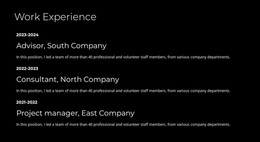
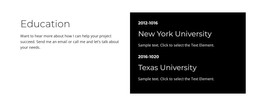
The work and qualification areas are organized for repeated content relationships. Three work experience entries appear as stacked records with dates, titles, company names, and descriptions, making the employment history easy to distinguish from the two education entries in the lighter split section. The black Professional skills section groups entrepreneurial mindset, go-to-market planning, teamwork and collaboration, and digital analytics. A separate Languages section lists English, French, Dutch, and Spanish. This arrangement keeps concise labels, longer descriptions, and visual proof in different roles rather than merging every detail into one content stream.
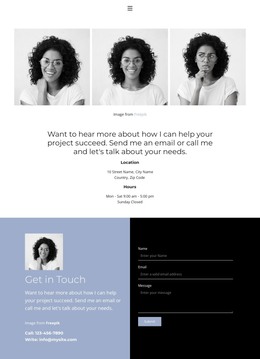
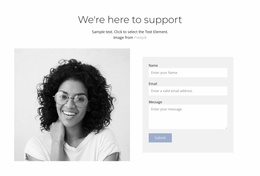
The final Get in Touch section gives the theme a dedicated communication area, with contact details beside a form containing name, email, and message inputs. That relationship is useful for a WordPress-managed profile site because permanent resume information can remain visually connected to an inquiry path, while future editorial or project content could be introduced without changing the core design character. The template supports a clear professional content model without asserting that WordPress Posts, categories, or blog sections already exist.
Customize with Nicepage
Open this ready-made template in the WordPress Website Builder and customize it visually in the Nicepage editor. Replace demo content, edit page sections, and adapt the design to your project without rebuilding the template from scratch.
Manage and Edit This Theme in WordPress
Customize and Install the WordPress Theme
Start with this ready-made theme instead of building the WordPress design from scratch. Customize its layout, content, typography, images, sections, and other design elements visually in Nicepage editor, then export and install the WordPress Theme, Plugin, and Pages on your WordPress site. The Nicepage WordPress Plugin lets you continue working with the site after installation.
Edit the Theme Directly in WordPress
After installation, you can edit the WordPress Theme directly in WordPress with the Nicepage WordPress Plugin. Use Site Style to customize site Colors, Fonts, Header, Footer, Blog, and Post Page Templates while working within your WordPress website.
Edit WordPress Pages Visually
Use the Nicepage WordPress Plugin to edit page content directly from the WordPress admin area. Open a WordPress Page with Nicepage and visually change its text, images, sections, and other page elements while continuing to manage the Page through WordPress.
WordPress Content and Theme Integration
Use the customized theme with WordPress Pages, Posts, Blog and Post Templates, menus, widgets, and other CMS-managed content. Shared theme elements such as Colors, Fonts, Header, Footer, Blog, and Post Page Templates can be managed as part of the overall site design, while WordPress provides the CMS environment for managing site content.
This workflow combines a ready-made WordPress Theme with visual customization, direct theme editing in WordPress, and continued content management through the Nicepage WordPress Plugin.