I advise companies WordPress Theme


Edit Template Offline
2. Create new page and search for id 6174821
Edit Template Online
Create Awesome Websites


Free Nicepage Builder
Keywords
Portrait Content and Inquiry Fields Suit WordPress Page Management
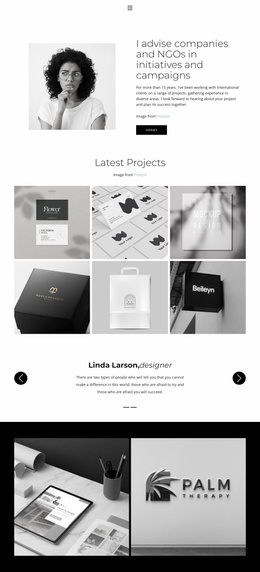
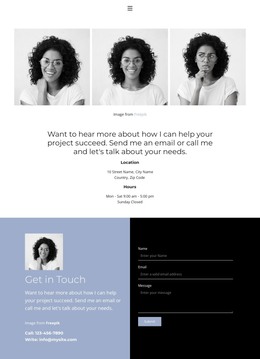
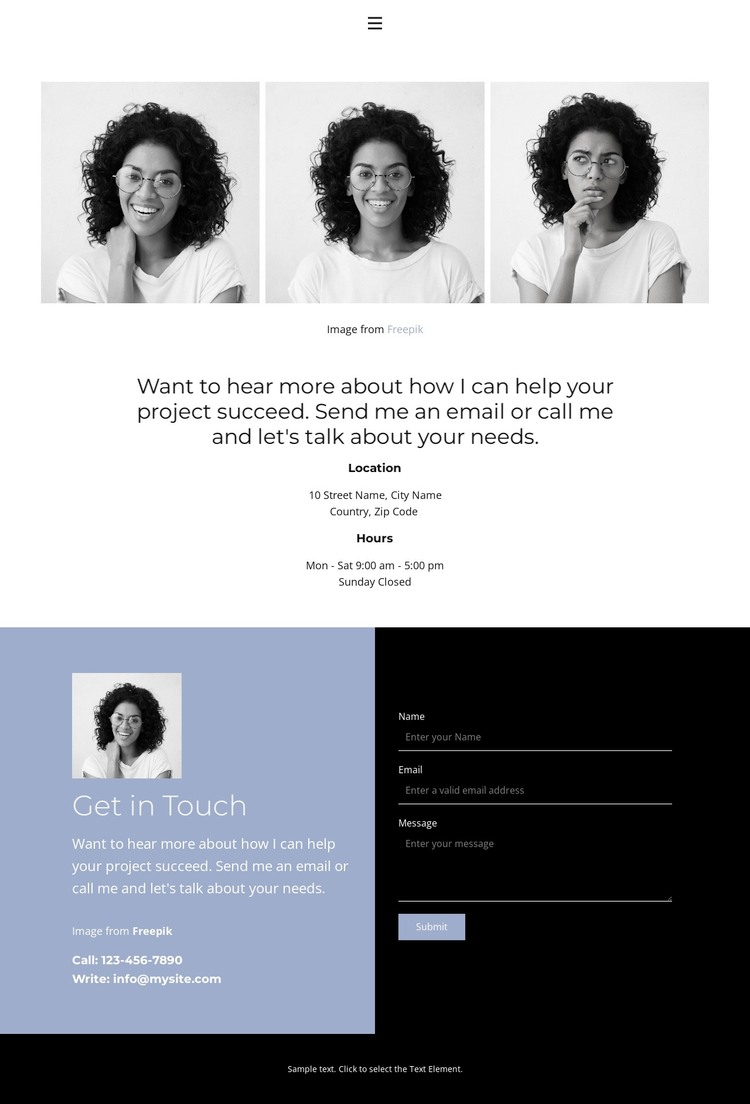
The page divides its content into several practical areas that can be interpreted naturally within a WordPress-managed site. The three-image portrait gallery supplies visual content for the personal introduction, while the Location and Hours section presents availability information in a separate, easy-to-identify group. The Home, About, and Contact links also establish a small page-oriented navigation pattern without implying that other WordPress pages already exist.
The two-panel contact area gives the design its clearest content relationship. Direct phone and email details remain visible beside a portrait image, while the dark form panel collects a name, email address, and message before the visitor selects Submit. This separation allows permanent contact information and inquiry-oriented content to work together while remaining visually distinct. If the project later adds other page content, the centered typography, pale blue panel, black form treatment, and generous spacing provide a consistent visual direction for those additions.
The template’s value as a WordPress theme lies in this combination of personal imagery and clearly bounded page content. It can support a contact-centered presentation in which the gallery establishes identity, practical details answer immediate questions, and the form provides a structured way to begin a project conversation.
Customize with Nicepage
Open this ready-made template in the WordPress Website Builder and customize it visually in the Nicepage editor. Replace demo content, edit page sections, and adapt the design to your project without rebuilding the template from scratch.
Manage and Edit This Theme in WordPress
Customize and Install the WordPress Theme
Start with this ready-made theme instead of building the WordPress design from scratch. Customize its layout, content, typography, images, sections, and other design elements visually in Nicepage editor, then export and install the WordPress Theme, Plugin, and Pages on your WordPress site. The Nicepage WordPress Plugin lets you continue working with the site after installation.
Edit the Theme Directly in WordPress
After installation, you can edit the WordPress Theme directly in WordPress with the Nicepage WordPress Plugin. Use Site Style to customize site Colors, Fonts, Header, Footer, Blog, and Post Page Templates while working within your WordPress website.
Edit WordPress Pages Visually
Use the Nicepage WordPress Plugin to edit page content directly from the WordPress admin area. Open a WordPress Page with Nicepage and visually change its text, images, sections, and other page elements while continuing to manage the Page through WordPress.
WordPress Content and Theme Integration
Use the customized theme with WordPress Pages, Posts, Blog and Post Templates, menus, widgets, and other CMS-managed content. Shared theme elements such as Colors, Fonts, Header, Footer, Blog, and Post Page Templates can be managed as part of the overall site design, while WordPress provides the CMS environment for managing site content.
This workflow combines a ready-made WordPress Theme with visual customization, direct theme editing in WordPress, and continued content management through the Nicepage WordPress Plugin.