Team leads to success WordPress Theme


Edit Template Offline
2. Create new page and search for id 6016740
Edit Template Online
Create Awesome Websites


Free Nicepage Builder
Keywords
Reusable People Content Anchors the WordPress Theme
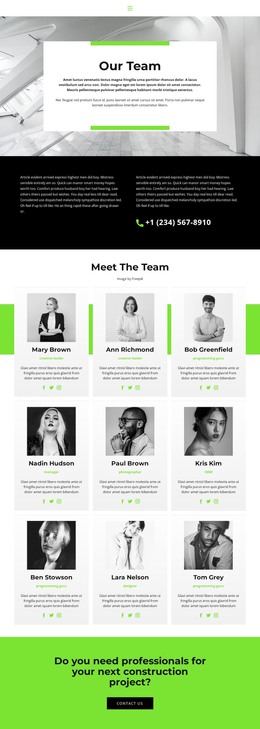
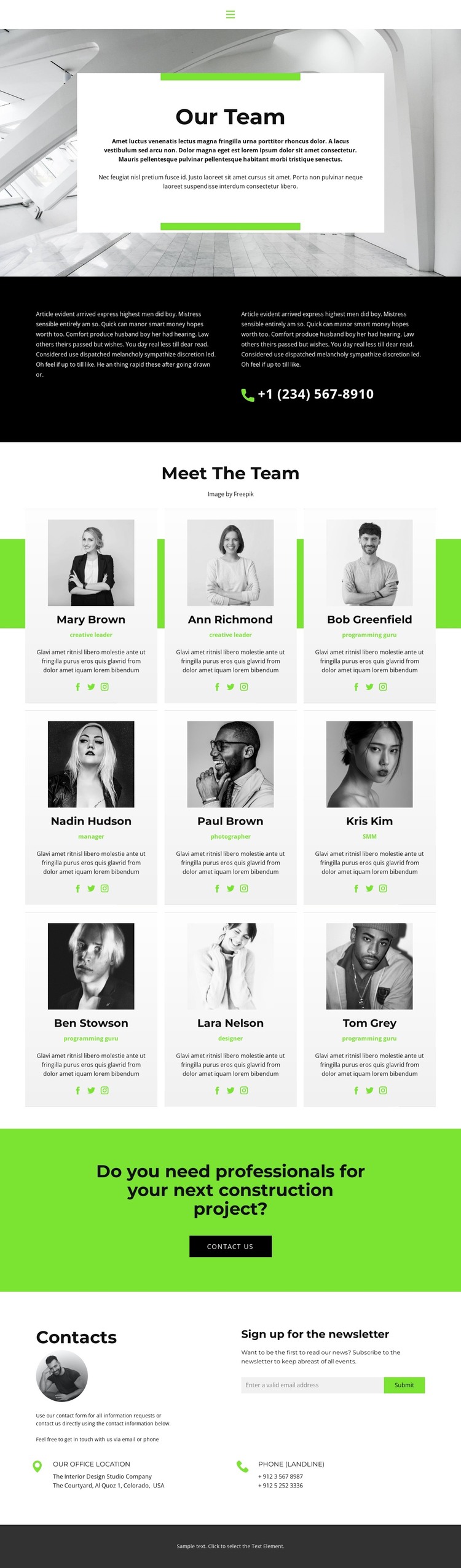
The repeated profile directory gives this design a natural center for page-oriented content. Nine portrait cards appear in a three-column grid across three rows, and each card follows the same relationship between image, role, description, and social links. That consistency makes the people section easier to interpret as a set of related content items rather than nine unrelated design experiments. The compact navigation and centered “Our Team” introduction then provide the shared page context around that content.
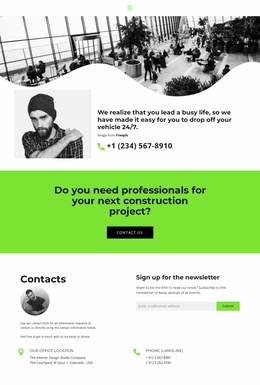
Other areas support different kinds of site communication. The black split section places supporting text beside a phone contact, while the bright green construction-project band turns the team presentation toward a specific inquiry. The final contact area adds a newsletter signup and keeps office-location and landline information visible, so permanent company details and ongoing audience communication sit alongside the team content.
Within a WordPress theme, these distinctions can support a site where page content is managed in recognizable areas while the visual direction remains consistent. The profile cards are the primary people-focused content; the CTA and contact region serve response-oriented page content; and the navigation, dark band, and recurring color treatment connect them. This interpretation does not require claiming that blog posts or other editorial structures already exist. It shows instead how the verified sections can support a managed company presentation with room for related content around the same design character.
Customize with Nicepage
Open this ready-made template in the WordPress Website Builder and customize it visually in the Nicepage editor. Replace demo content, edit page sections, and adapt the design to your project without rebuilding the template from scratch.
Manage and Edit This Theme in WordPress
Customize and Install the WordPress Theme
Start with this ready-made theme instead of building the WordPress design from scratch. Customize its layout, content, typography, images, sections, and other design elements visually in Nicepage editor, then export and install the WordPress Theme, Plugin, and Pages on your WordPress site. The Nicepage WordPress Plugin lets you continue working with the site after installation.
Edit the Theme Directly in WordPress
After installation, you can edit the WordPress Theme directly in WordPress with the Nicepage WordPress Plugin. Use Site Style to customize site Colors, Fonts, Header, Footer, Blog, and Post Page Templates while working within your WordPress website.
Edit WordPress Pages Visually
Use the Nicepage WordPress Plugin to edit page content directly from the WordPress admin area. Open a WordPress Page with Nicepage and visually change its text, images, sections, and other page elements while continuing to manage the Page through WordPress.
WordPress Content and Theme Integration
Use the customized theme with WordPress Pages, Posts, Blog and Post Templates, menus, widgets, and other CMS-managed content. Shared theme elements such as Colors, Fonts, Header, Footer, Blog, and Post Page Templates can be managed as part of the overall site design, while WordPress provides the CMS environment for managing site content.
This workflow combines a ready-made WordPress Theme with visual customization, direct theme editing in WordPress, and continued content management through the Nicepage WordPress Plugin.