We are a digital marketing agency WordPress Theme


Edit Template Offline
2. Create new page and search for id 5768733
Edit Template Online
Create Awesome Websites


Free Nicepage Builder
Keywords
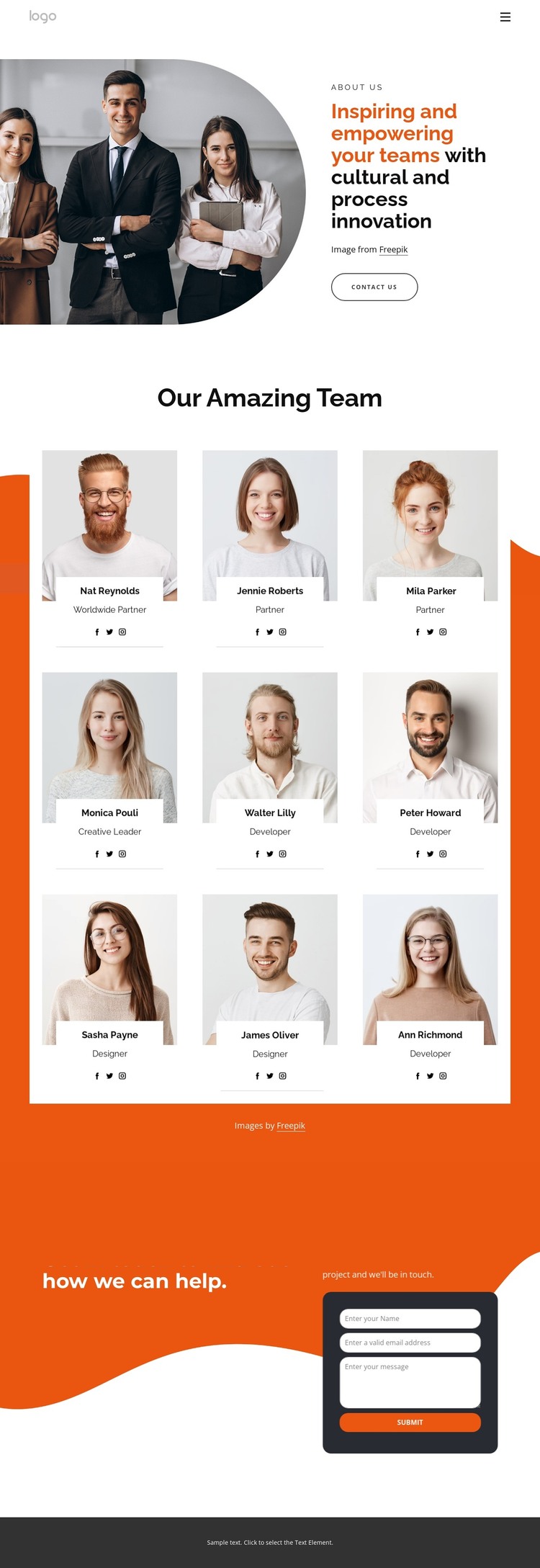
Nine profile cards give WordPress content a people-focused center
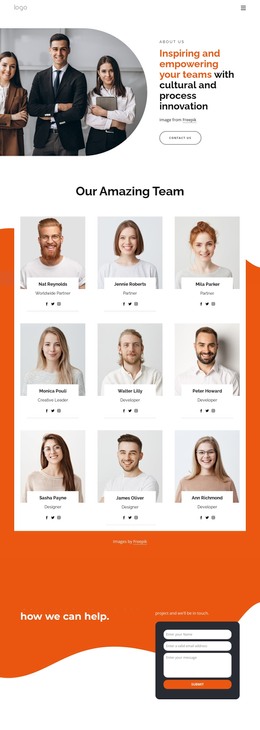
The nine-profile showcase provides the strongest content relationship for a WordPress-oriented version of this design. Each repeated card combines portrait imagery, a role label, and social links, creating a consistent presentation for team information without treating the demo names as verified employees. This arrangement can support page-based organizational content while preserving a recognizable visual pattern for people, roles, and professional context.
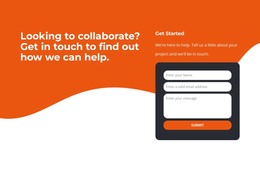
The opening and closing sections provide complementary permanent page areas. The portrait-led introduction presents cultural and process innovation alongside a Contact Us action, establishing the organization’s subject before visitors reach the team content. At the end, the collaboration message, Get Started heading, project introduction text, and compact contact form create a separate inquiry area for visitors considering a project. The navigation links for Home, About Us, Contact Us, and Our Works further divide the design into familiar content destinations that can be represented through WordPress-managed pages without claiming that those pages already exist.
This structure is useful when the visual theme must connect people-focused information with an editorial introduction and a response section. The orange, white, and charcoal palette, rounded forms, and generous spacing keep those content areas visually related as the site evolves, while the repeated profile pattern offers a clear basis for maintaining consistent team presentation.
Customize with Nicepage
Open this ready-made template in the WordPress Website Builder and customize it visually in the Nicepage editor. Replace demo content, edit page sections, and adapt the design to your project without rebuilding the template from scratch.
Manage and Edit This Theme in WordPress
Customize and Install the WordPress Theme
Start with this ready-made theme instead of building the WordPress design from scratch. Customize its layout, content, typography, images, sections, and other design elements visually in Nicepage editor, then export and install the WordPress Theme, Plugin, and Pages on your WordPress site. The Nicepage WordPress Plugin lets you continue working with the site after installation.
Edit the Theme Directly in WordPress
After installation, you can edit the WordPress Theme directly in WordPress with the Nicepage WordPress Plugin. Use Site Style to customize site Colors, Fonts, Header, Footer, Blog, and Post Page Templates while working within your WordPress website.
Edit WordPress Pages Visually
Use the Nicepage WordPress Plugin to edit page content directly from the WordPress admin area. Open a WordPress Page with Nicepage and visually change its text, images, sections, and other page elements while continuing to manage the Page through WordPress.
WordPress Content and Theme Integration
Use the customized theme with WordPress Pages, Posts, Blog and Post Templates, menus, widgets, and other CMS-managed content. Shared theme elements such as Colors, Fonts, Header, Footer, Blog, and Post Page Templates can be managed as part of the overall site design, while WordPress provides the CMS environment for managing site content.
This workflow combines a ready-made WordPress Theme with visual customization, direct theme editing in WordPress, and continued content management through the Nicepage WordPress Plugin.