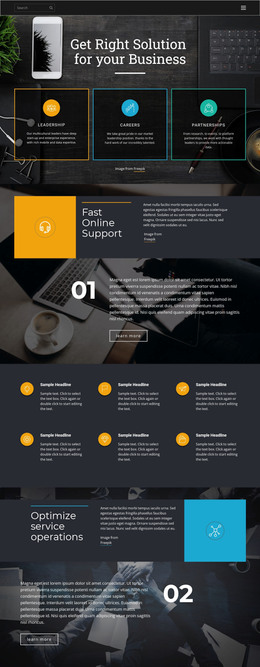
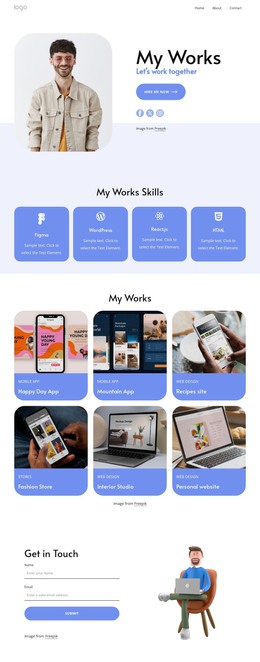
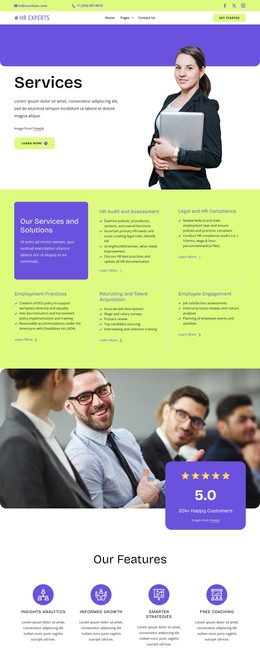
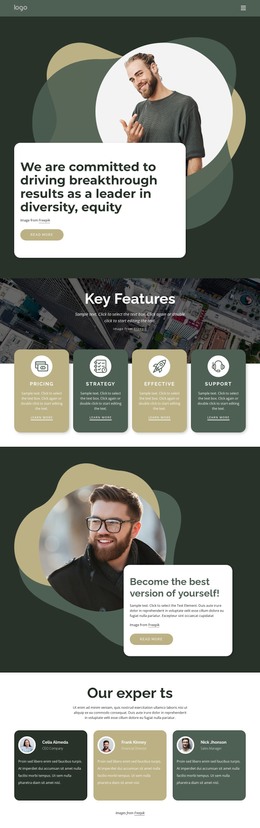
Two people from the team WordPress Theme


Two Profile Items Form Stable Page Content
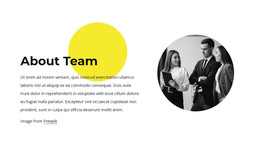
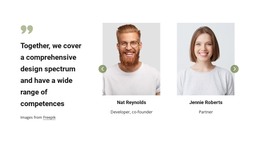
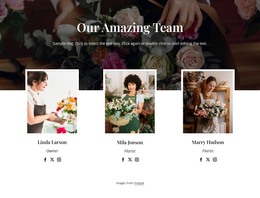
The centered “Meet our team” heading and two repeated profiles read as stable informational content rather than a time-sensitive list. Each profile has a circular portrait, role label, displayed name, description, and links to Facebook, Twitter, and Instagram. In a WordPress-managed page, this makes the block a natural team section that can remain part of the visual content while other areas of the project handle company pages, services, posts, or contact information.
The content pattern is also consistent enough to support maintenance: the two profile items share the same arrangement, but each retains its own person-focused details and social destinations. The white background and blue accents help the section preserve a recognizable appearance when placed among other page content, while generous whitespace keeps the profiles readable rather than treating them as a dense archive. Rounded and rectangular card treatments provide visual grouping without implying a particular WordPress component or content type inside the block. The section can therefore participate in a WordPress-oriented project as reusable page content, with the CMS context surrounding it rather than redefining it as a complete theme. Its main contribution is a clear, publishable team area that answers who the organization presents in this part of the page.
Customize with Nicepage
Open this ready-made template in the WordPress Website Builder and customize it visually in the Nicepage editor. Replace demo content, edit page sections, and adapt the design to your project without rebuilding the template from scratch.
Edit Template Offline
2. Create a new page or select existing
3. Click Add new block, search for id 550298 and click enter
Edit Template Online
Create Awesome Websites


Free Nicepage Builder
Keywords
Manage and Edit This Theme in WordPress
Customize and Install the WordPress Theme
Start with this ready-made theme instead of building the WordPress design from scratch. Customize its layout, content, typography, images, sections, and other design elements visually in Nicepage editor, then export and install the WordPress Theme, Plugin, and Pages on your WordPress site. The Nicepage WordPress Plugin lets you continue working with the site after installation.
Edit the Theme Directly in WordPress
After installation, you can edit the WordPress Theme directly in WordPress with the Nicepage WordPress Plugin. Use Site Style to customize site Colors, Fonts, Header, Footer, Blog, and Post Page Templates while working within your WordPress website.
Edit WordPress Pages Visually
Use the Nicepage WordPress Plugin to edit page content directly from the WordPress admin area. Open a WordPress Page with Nicepage and visually change its text, images, sections, and other page elements while continuing to manage the Page through WordPress.
WordPress Content and Theme Integration
Use the customized theme with WordPress Pages, Posts, Blog and Post Templates, menus, widgets, and other CMS-managed content. Shared theme elements such as Colors, Fonts, Header, Footer, Blog, and Post Page Templates can be managed as part of the overall site design, while WordPress provides the CMS environment for managing site content.
This workflow combines a ready-made WordPress Theme with visual customization, direct theme editing in WordPress, and continued content management through the Nicepage WordPress Plugin.