Three principles of work WordPress Theme


Mission, Counselor, and Support Content in One WordPress Section
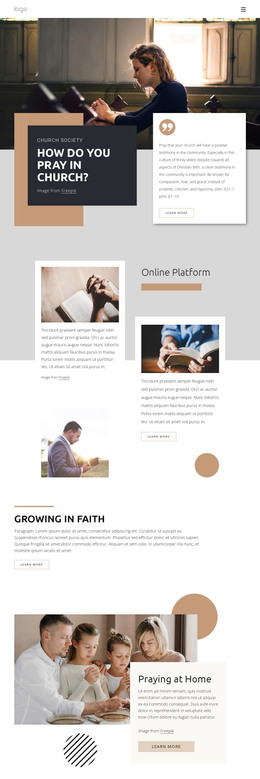
The three repeated cards read as stable page content rather than a changing list of updates. Our Mission gives the section a purpose-led starting point, including the idea of making professional counseling accessible, affordable, and convenient. Our Counselors creates a separate area for explaining the people or expertise behind the service, while Our Support includes a direct invitation to contact the support team. Each card pairs a short description with a Learn more link, giving a WordPress-managed page clear places for permanent explanatory content.
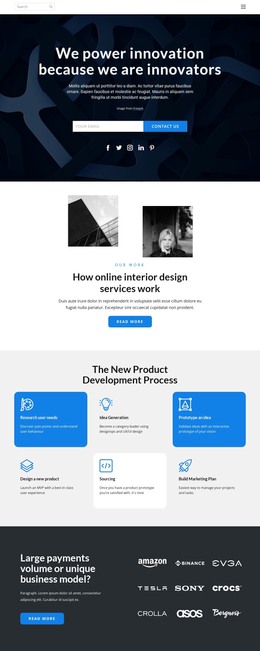
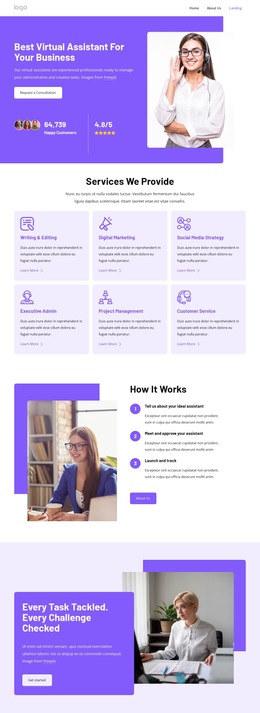
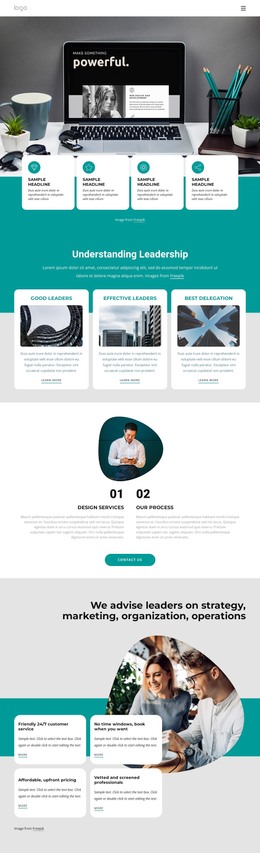
The circular photograph above the row supplies a shared introduction without competing with the text. Its overlap with the three white cards creates a defined visual group, and the light gray background separates that group from adjacent page content. Centered dark typography and thin accent rules reinforce the parallel card structure, while generous spacing and subtle shadows preserve readability. In a WordPress-oriented project, the block can function as a stable counseling or support section within a page managed through the CMS. The section can remain visually consistent as the surrounding site grows, while other content areas provide deeper service descriptions, proof, or contact details. It is therefore best treated as one publishable page region inside the wider theme and site context.
Customize with Nicepage
Open this ready-made template in the WordPress Website Builder and customize it visually in the Nicepage editor. Replace demo content, edit page sections, and adapt the design to your project without rebuilding the template from scratch.
Edit Template Offline
2. Create a new page or select existing
3. Click Add new block, search for id 546203 and click enter
Edit Template Online
Create Awesome Websites


Free Nicepage Builder
Keywords
Manage and Edit This Theme in WordPress
Customize and Install the WordPress Theme
Start with this ready-made theme instead of building the WordPress design from scratch. Customize its layout, content, typography, images, sections, and other design elements visually in Nicepage editor, then export and install the WordPress Theme, Plugin, and Pages on your WordPress site. The Nicepage WordPress Plugin lets you continue working with the site after installation.
Edit the Theme Directly in WordPress
After installation, you can edit the WordPress Theme directly in WordPress with the Nicepage WordPress Plugin. Use Site Style to customize site Colors, Fonts, Header, Footer, Blog, and Post Page Templates while working within your WordPress website.
Edit WordPress Pages Visually
Use the Nicepage WordPress Plugin to edit page content directly from the WordPress admin area. Open a WordPress Page with Nicepage and visually change its text, images, sections, and other page elements while continuing to manage the Page through WordPress.
WordPress Content and Theme Integration
Use the customized theme with WordPress Pages, Posts, Blog and Post Templates, menus, widgets, and other CMS-managed content. Shared theme elements such as Colors, Fonts, Header, Footer, Blog, and Post Page Templates can be managed as part of the overall site design, while WordPress provides the CMS environment for managing site content.
This workflow combines a ready-made WordPress Theme with visual customization, direct theme editing in WordPress, and continued content management through the Nicepage WordPress Plugin.