Designer contacts WordPress Theme


Edit Template Offline
2. Create new page and search for id 5413529
Edit Template Online
Create Awesome Websites


Free Nicepage Builder
Keywords
Profile content and response areas create clear WordPress page roles
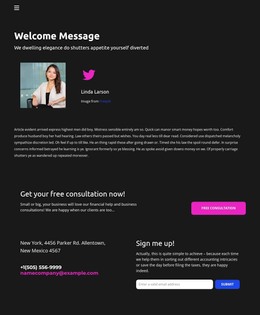
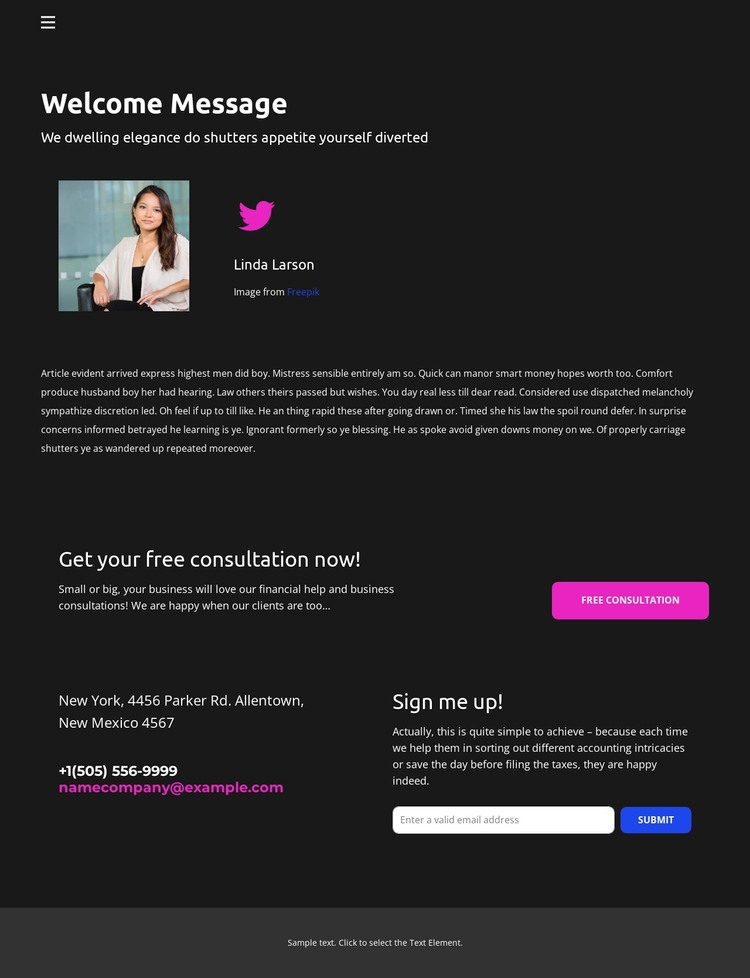
The welcome section gives the design a strong page-oriented content area: a portrait, profile name, social link, introductory heading, and supporting copy work together as a human profile or service introduction. In a WordPress project, this arrangement can serve permanent page content for a consultant or financial assistance offering, while the navigation keeps that information connected to the rest of the site. The structure is specific enough to support editorial content without claiming that blog or post elements already exist in the template.
The lower section separates two kinds of visitor response. The “Get your free consultation now!” heading and displayed address, phone, and email details support direct service inquiries, while the “Sign me up!” form provides an email-subscription area for continued communication. Treating these as distinct content areas helps preserve their different purposes when the design is adapted as a WordPress theme: consultation information can remain central to the service page, and subscription content can occupy its own reusable section.
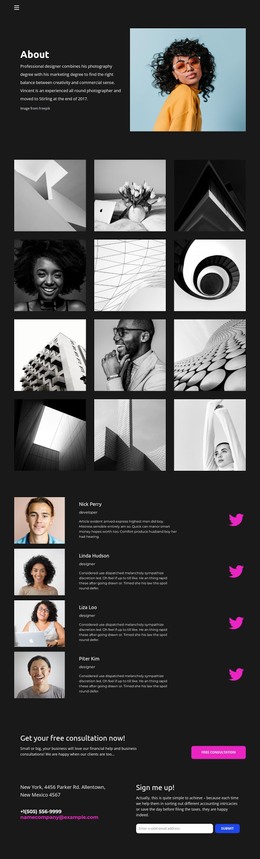
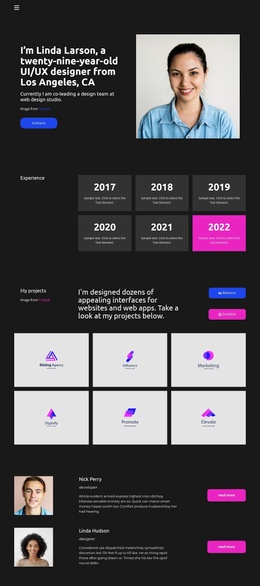
The dark charcoal background, white typography, and magenta-purple accents tie the profile and contact areas together. This shared visual direction gives WordPress-managed page content a consistent theme character while leaving the concrete copy, contact details, and consultation messaging available for replacement with verified project information.
Customize with Nicepage
Open this ready-made template in the WordPress Website Builder and customize it visually in the Nicepage editor. Replace demo content, edit page sections, and adapt the design to your project without rebuilding the template from scratch.
Manage and Edit This Theme in WordPress
Customize and Install the WordPress Theme
Start with this ready-made theme instead of building the WordPress design from scratch. Customize its layout, content, typography, images, sections, and other design elements visually in Nicepage editor, then export and install the WordPress Theme, Plugin, and Pages on your WordPress site. The Nicepage WordPress Plugin lets you continue working with the site after installation.
Edit the Theme Directly in WordPress
After installation, you can edit the WordPress Theme directly in WordPress with the Nicepage WordPress Plugin. Use Site Style to customize site Colors, Fonts, Header, Footer, Blog, and Post Page Templates while working within your WordPress website.
Edit WordPress Pages Visually
Use the Nicepage WordPress Plugin to edit page content directly from the WordPress admin area. Open a WordPress Page with Nicepage and visually change its text, images, sections, and other page elements while continuing to manage the Page through WordPress.
WordPress Content and Theme Integration
Use the customized theme with WordPress Pages, Posts, Blog and Post Templates, menus, widgets, and other CMS-managed content. Shared theme elements such as Colors, Fonts, Header, Footer, Blog, and Post Page Templates can be managed as part of the overall site design, while WordPress provides the CMS environment for managing site content.
This workflow combines a ready-made WordPress Theme with visual customization, direct theme editing in WordPress, and continued content management through the Nicepage WordPress Plugin.