Interior trends WordPress Theme


Planning Content and Image Cards Create a Stable Page Area
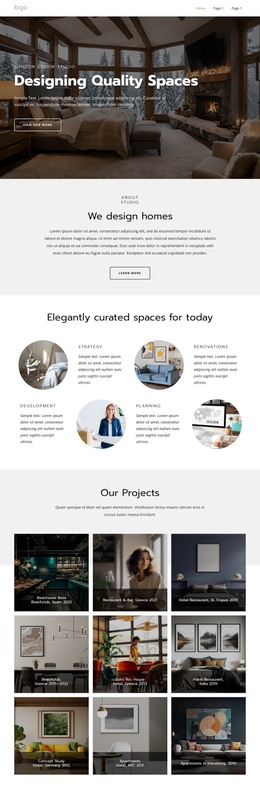
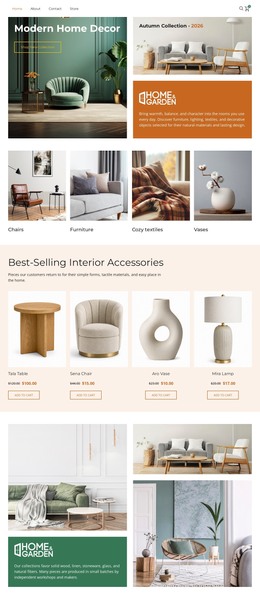
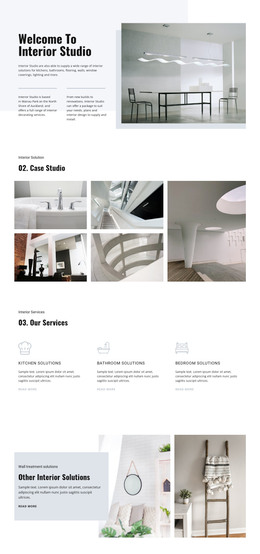
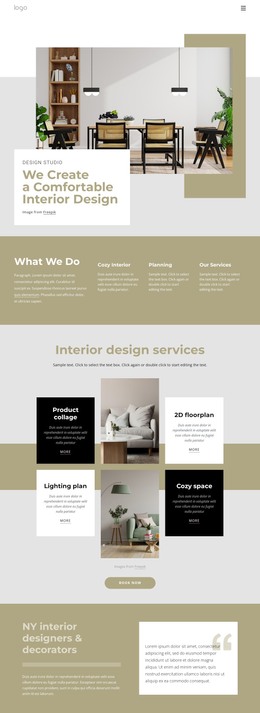
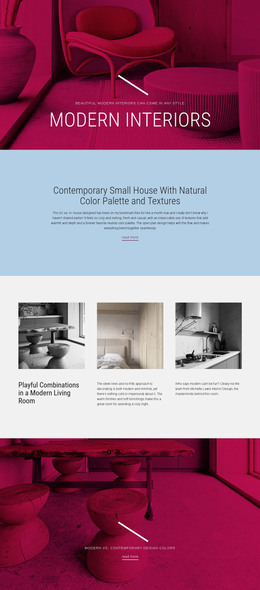
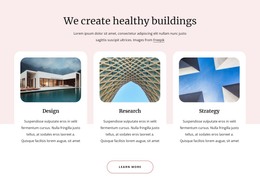
The heading “Interior trends” gives this section a clear subject for a WordPress-managed page, while the content model separates practical information from image-led references. Planning and Furniture form a vertical text column with circular icons, descriptions, and learn-more links. That structure suits stable page content that explains interior topics in compact units, rather than presenting the block as a time-sensitive editorial feed.
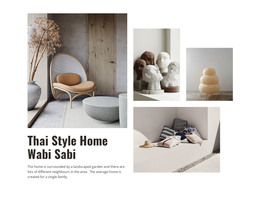
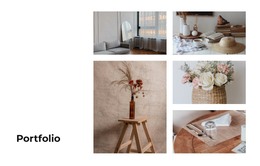
The paired cards on the right add a second content pattern. Color palette and Textiles are back each combine interior photography with a title, description, and more link, so visual examples sit beside the more text-led Planning and Furniture items. The repeated card sizing creates consistency, while the blush-pink band behind the lower content distinguishes the feature area from the white space around the heading. The “Images from Freepik” credit remains visible as supporting source information.
In a WordPress-oriented project, this section could occupy a stable services, inspiration, or design-topics area on a page, with the wider site handling additional content around it. The section does not depend on a specific CMS component to remain understandable: its four topic units and their links already define the page role. A content editor could later refine the descriptions and images while preserving the established relationship between the left feature column and right image cards.
Customize with Nicepage
Open this ready-made template in the WordPress Website Builder and customize it visually in the Nicepage editor. Replace demo content, edit page sections, and adapt the design to your project without rebuilding the template from scratch.
Edit Template Offline
2. Create a new page or select existing
3. Click Add new block, search for id 533021 and click enter
Edit Template Online
Create Awesome Websites


Free Nicepage Builder
Keywords
Manage and Edit This Theme in WordPress
Customize and Install the WordPress Theme
Start with this ready-made theme instead of building the WordPress design from scratch. Customize its layout, content, typography, images, sections, and other design elements visually in Nicepage editor, then export and install the WordPress Theme, Plugin, and Pages on your WordPress site. The Nicepage WordPress Plugin lets you continue working with the site after installation.
Edit the Theme Directly in WordPress
After installation, you can edit the WordPress Theme directly in WordPress with the Nicepage WordPress Plugin. Use Site Style to customize site Colors, Fonts, Header, Footer, Blog, and Post Page Templates while working within your WordPress website.
Edit WordPress Pages Visually
Use the Nicepage WordPress Plugin to edit page content directly from the WordPress admin area. Open a WordPress Page with Nicepage and visually change its text, images, sections, and other page elements while continuing to manage the Page through WordPress.
WordPress Content and Theme Integration
Use the customized theme with WordPress Pages, Posts, Blog and Post Templates, menus, widgets, and other CMS-managed content. Shared theme elements such as Colors, Fonts, Header, Footer, Blog, and Post Page Templates can be managed as part of the overall site design, while WordPress provides the CMS environment for managing site content.
This workflow combines a ready-made WordPress Theme with visual customization, direct theme editing in WordPress, and continued content management through the Nicepage WordPress Plugin.