Save your finances WordPress Theme



Edit Template Offline
2. Create new page and search for id 4934356
Edit Template Online
Create Awesome Websites


Free Nicepage Builder
Keywords
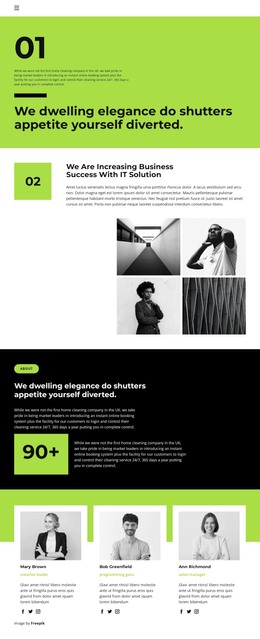
Team Profiles and Editorial Updates Extend the Company Page Content
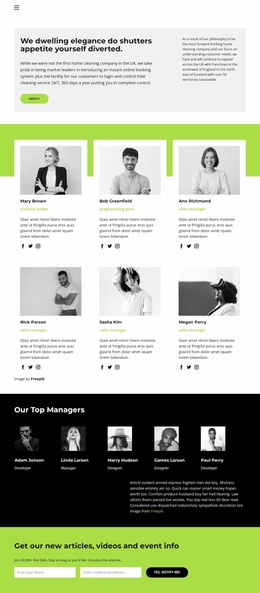
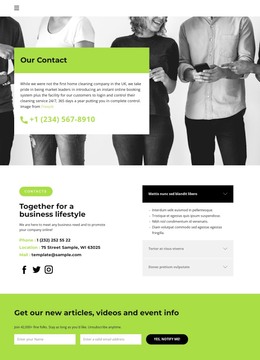
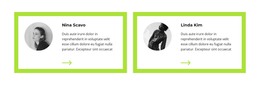
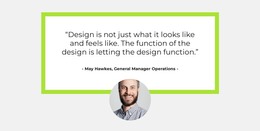
The three team profiles and four testimonial cards create two different kinds of recurring content within the design. The profiles identify people through portraits, role labels, and social links, while the testimonials use portraits, names, and quoted statements to present a separate form of audience-facing material. In a WordPress-managed project, these areas can be treated as distinct page content relationships rather than collapsed into one generic company section. Their repeated card structure also gives the visual system a consistent way to present additional verified content later.
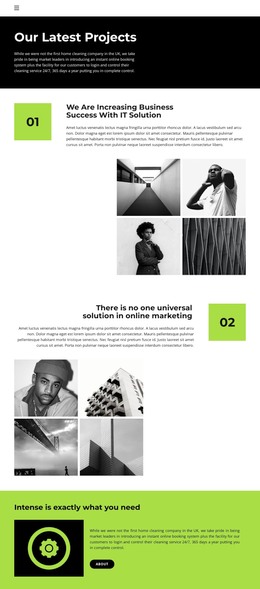
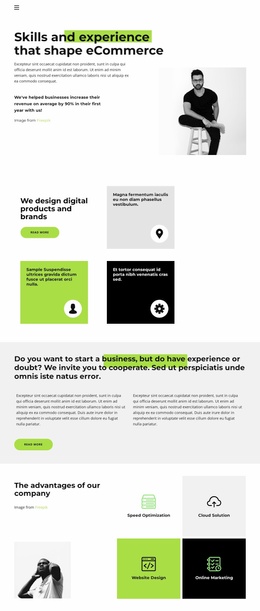
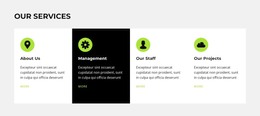
The service area supplies the page-oriented core. About Us, Management, Our Staff, and Our Projects divide the company presentation into recognizable subjects, and the capability section adds Content Optimization, Branding Strategy, and Better than normal ads as more focused labels. The two galleries provide visual context around these areas, but their sample images should be replaced or interpreted according to the real project rather than treated as proof of actual work.
The final newsletter prompt introduces a more regularly updated content direction. Its reference to articles, videos, and event information fits an editorial stream that can sit beside permanent company and service content. Home and About navigation, the shared footer, recurring cards, and the strong lime-and-black visual identity provide the connecting framework. This makes the design suitable for a WordPress theme interpretation based on page content, recurring updates, and reusable site elements, without assuming that blog posts or categories already exist.
Customize with Nicepage
Open this ready-made template in the WordPress Website Builder and customize it visually in the Nicepage editor. Replace demo content, edit page sections, and adapt the design to your project without rebuilding the template from scratch.
Manage and Edit This Theme in WordPress
Customize and Install the WordPress Theme
Start with this ready-made theme instead of building the WordPress design from scratch. Customize its layout, content, typography, images, sections, and other design elements visually in Nicepage editor, then export and install the WordPress Theme, Plugin, and Pages on your WordPress site. The Nicepage WordPress Plugin lets you continue working with the site after installation.
Edit the Theme Directly in WordPress
After installation, you can edit the WordPress Theme directly in WordPress with the Nicepage WordPress Plugin. Use Site Style to customize site Colors, Fonts, Header, Footer, Blog, and Post Page Templates while working within your WordPress website.
Edit WordPress Pages Visually
Use the Nicepage WordPress Plugin to edit page content directly from the WordPress admin area. Open a WordPress Page with Nicepage and visually change its text, images, sections, and other page elements while continuing to manage the Page through WordPress.
WordPress Content and Theme Integration
Use the customized theme with WordPress Pages, Posts, Blog and Post Templates, menus, widgets, and other CMS-managed content. Shared theme elements such as Colors, Fonts, Header, Footer, Blog, and Post Page Templates can be managed as part of the overall site design, while WordPress provides the CMS environment for managing site content.
This workflow combines a ready-made WordPress Theme with visual customization, direct theme editing in WordPress, and continued content management through the Nicepage WordPress Plugin.