Software development WordPress Theme



A stable page-content pattern for statement and related areas
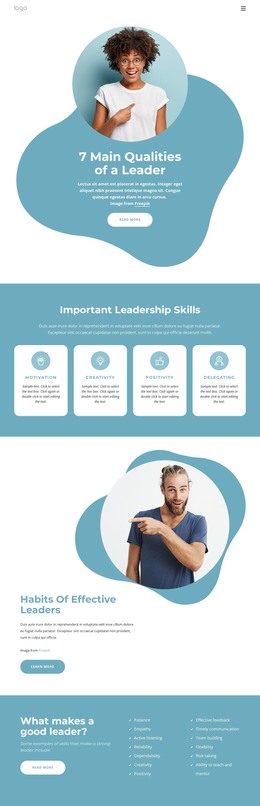
The heading gives this section a durable page-content role because it communicates one broad business statement rather than a time-sensitive item or a single promotional control. Behind it, the laptop-use photograph spans the block and supplies a visual context for the message. The left side carries the greatest typographic weight, while the right side organizes five named content routes: What We Do, Our Projects, What We Believe, Media Center, and Worldwide Offices. Their vertical arrangement makes the group readable as a set of related areas rather than unrelated buttons.
In a WordPress-managed project, this section can remain a visually consistent part of permanent page content while the surrounding site handles its broader publishing structure. The four social media icons add a separate connection layer beneath the supporting links, making the right column serve both directional and outward-facing purposes. The block does not need to become a theme or contain the site’s full page system to be useful: it already supplies a complete internal relationship between message, image, content routes, and social links. That makes it suitable for a business or product-development page where visitors need context before moving to more specific content.
Customize with Nicepage
Open this ready-made template in the WordPress Website Builder and customize it visually in the Nicepage editor. Replace demo content, edit page sections, and adapt the design to your project without rebuilding the template from scratch.
Edit Template Offline
2. Create a new page or select existing
3. Click Add new block, search for id 47714 and click enter
Edit Template Online
Create Awesome Websites


Free Nicepage Builder
Keywords
Manage and Edit This Theme in WordPress
Customize and Install the WordPress Theme
Start with this ready-made theme instead of building the WordPress design from scratch. Customize its layout, content, typography, images, sections, and other design elements visually in Nicepage editor, then export and install the WordPress Theme, Plugin, and Pages on your WordPress site. The Nicepage WordPress Plugin lets you continue working with the site after installation.
Edit the Theme Directly in WordPress
After installation, you can edit the WordPress Theme directly in WordPress with the Nicepage WordPress Plugin. Use Site Style to customize site Colors, Fonts, Header, Footer, Blog, and Post Page Templates while working within your WordPress website.
Edit WordPress Pages Visually
Use the Nicepage WordPress Plugin to edit page content directly from the WordPress admin area. Open a WordPress Page with Nicepage and visually change its text, images, sections, and other page elements while continuing to manage the Page through WordPress.
WordPress Content and Theme Integration
Use the customized theme with WordPress Pages, Posts, Blog and Post Templates, menus, widgets, and other CMS-managed content. Shared theme elements such as Colors, Fonts, Header, Footer, Blog, and Post Page Templates can be managed as part of the overall site design, while WordPress provides the CMS environment for managing site content.
This workflow combines a ready-made WordPress Theme with visual customization, direct theme editing in WordPress, and continued content management through the Nicepage WordPress Plugin.