Hiking through the Alpine Paths WordPress Theme


Mountain-travel copy provides stable WordPress page content
The main heading and supporting paragraph form lasting informational content for a mountain-travel section. “Go where you feel most alive.” introduces the experience, while the paragraph’s references to climbing, reaching a summit, and mountain height give the section a defined subject. The secondary sentence, “I like the mountains because they make me feel small”, adds a personal editorial note rather than a time-sensitive update. Four social media links remain grouped beneath this text as a supporting connection area.
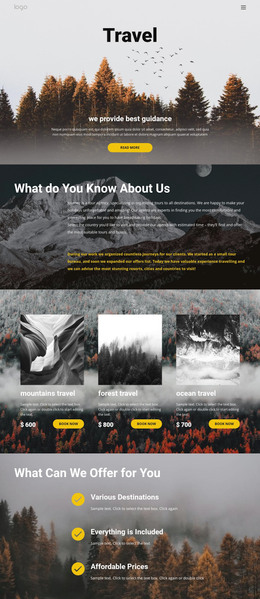
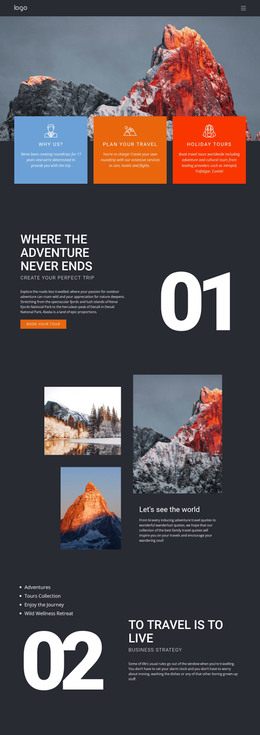
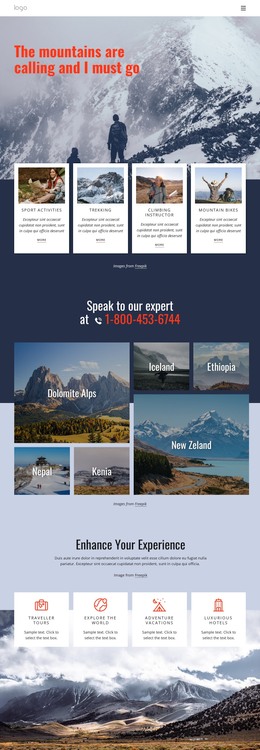
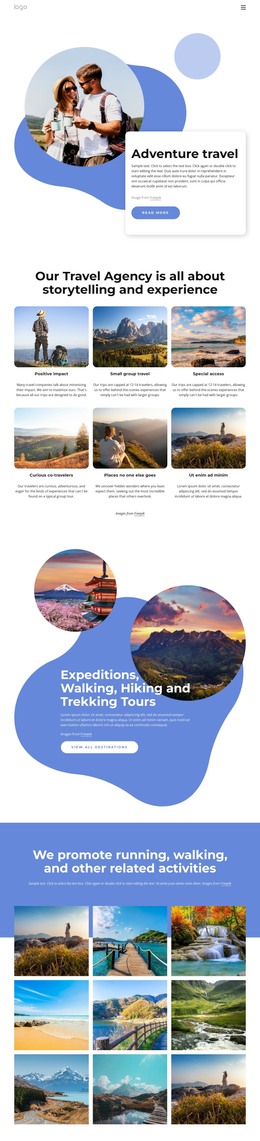
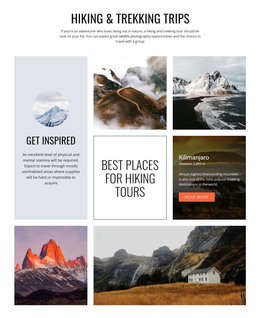
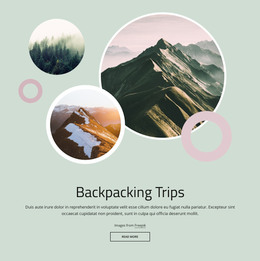
The visual arrangement keeps that page content distinctive. Four mountain photographs overlap across the center and lower-right, using offset positions and white or yellow frames to create a layered presentation. The dark slate-blue background and warm yellow-orange accents give the section a stable visual treatment that can sit within a larger set of WordPress-managed pages. The text remains on the left and upper side, so the image group can provide atmosphere without obscuring the written message.
In a WordPress-oriented project, this block can serve as a permanent mountain, travel, or outdoor section while the broader site manages its other content around it. It could support an introduction page or a longer story about destinations and experiences. The section itself remains one reusable content area; the surrounding WordPress project determines how pages and publishable material are organized.
Customize with Nicepage
Open this ready-made template in the WordPress Website Builder and customize it visually in the Nicepage editor. Replace demo content, edit page sections, and adapt the design to your project without rebuilding the template from scratch.
Edit Template Offline
2. Create a new page or select existing
3. Click Add new block, search for id 58518 and click enter
Edit Template Online
Create Awesome Websites


Free Nicepage Builder
Keywords
Manage and Edit This Theme in WordPress
Customize and Install the WordPress Theme
Start with this ready-made theme instead of building the WordPress design from scratch. Customize its layout, content, typography, images, sections, and other design elements visually in Nicepage editor, then export and install the WordPress Theme, Plugin, and Pages on your WordPress site. The Nicepage WordPress Plugin lets you continue working with the site after installation.
Edit the Theme Directly in WordPress
After installation, you can edit the WordPress Theme directly in WordPress with the Nicepage WordPress Plugin. Use Site Style to customize site Colors, Fonts, Header, Footer, Blog, and Post Page Templates while working within your WordPress website.
Edit WordPress Pages Visually
Use the Nicepage WordPress Plugin to edit page content directly from the WordPress admin area. Open a WordPress Page with Nicepage and visually change its text, images, sections, and other page elements while continuing to manage the Page through WordPress.
WordPress Content and Theme Integration
Use the customized theme with WordPress Pages, Posts, Blog and Post Templates, menus, widgets, and other CMS-managed content. Shared theme elements such as Colors, Fonts, Header, Footer, Blog, and Post Page Templates can be managed as part of the overall site design, while WordPress provides the CMS environment for managing site content.
This workflow combines a ready-made WordPress Theme with visual customization, direct theme editing in WordPress, and continued content management through the Nicepage WordPress Plugin.