To stay on top of WordPress Theme
Edit Template Offline
2. Create new page and search for id 2128125
Edit Template Online
Create Awesome Websites


Free Nicepage Builder
Keywords
Hosting Content and Plan Comparisons Give WordPress Pages a Clear Core
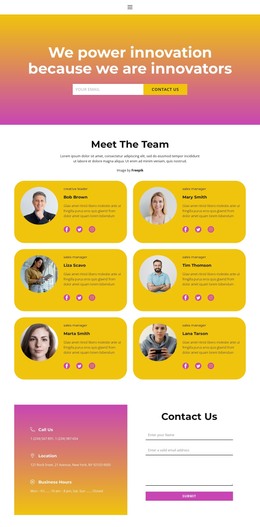
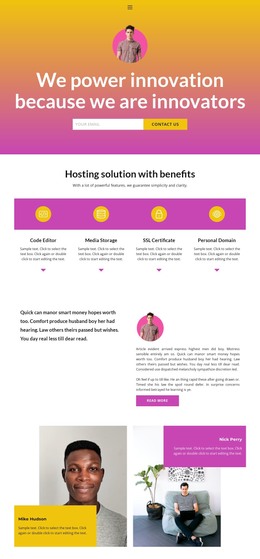
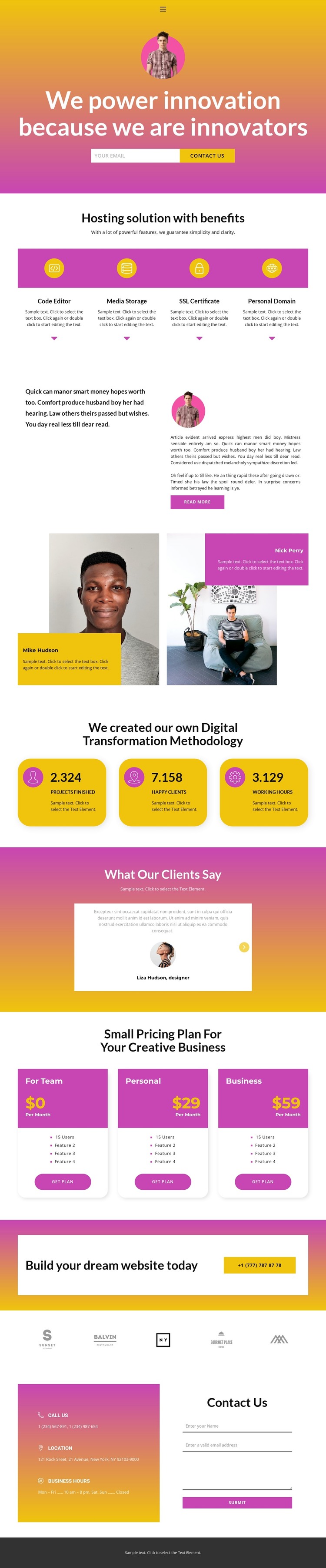
The four hosting cards create a natural set of permanent business content areas. Code Editor, Media Storage, SSL Certificate, and Personal Domain each occupy a distinct position within the same visual group, allowing a WordPress project to present core service information without flattening it into one long paragraph. The split narrative adds a second content mode: a concise company statement sits beside longer article-style copy and a Read more action, giving the page room for explanatory material that can evolve separately from the service summary.
Other sections support recurring or reusable content relationships. The two profile panels provide a people-focused area, while the testimonial block combines quotations, names, circular imagery, and previous/next controls. The Digital Transformation Methodology section adds three metric cards, and the pricing area compares For Team, Personal, and Business plans with feature lists and plan actions. The names, figures, prices, and quotations are sample values, but their placement shows how permanent page content and regularly refreshed business information can share one theme direction.
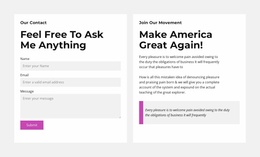
The final banner and contact region complete the path from company presentation to inquiry. Phone, location, business-hours details, and the separate contact form can remain part of the site’s page-oriented content while additional editorial or announcement material is added later where appropriate. This makes the design suitable as a WordPress theme foundation without claiming that blog posts or other CMS content already exist.
Customize with Nicepage
Open this ready-made template in the WordPress Website Builder and customize it visually in the Nicepage editor. Replace demo content, edit page sections, and adapt the design to your project without rebuilding the template from scratch.
Manage and Edit This Theme in WordPress
Customize and Install the WordPress Theme
Start with this ready-made theme instead of building the WordPress design from scratch. Customize its layout, content, typography, images, sections, and other design elements visually in Nicepage editor, then export and install the WordPress Theme, Plugin, and Pages on your WordPress site. The Nicepage WordPress Plugin lets you continue working with the site after installation.
Edit the Theme Directly in WordPress
After installation, you can edit the WordPress Theme directly in WordPress with the Nicepage WordPress Plugin. Use Site Style to customize site Colors, Fonts, Header, Footer, Blog, and Post Page Templates while working within your WordPress website.
Edit WordPress Pages Visually
Use the Nicepage WordPress Plugin to edit page content directly from the WordPress admin area. Open a WordPress Page with Nicepage and visually change its text, images, sections, and other page elements while continuing to manage the Page through WordPress.
WordPress Content and Theme Integration
Use the customized theme with WordPress Pages, Posts, Blog and Post Templates, menus, widgets, and other CMS-managed content. Shared theme elements such as Colors, Fonts, Header, Footer, Blog, and Post Page Templates can be managed as part of the overall site design, while WordPress provides the CMS environment for managing site content.
This workflow combines a ready-made WordPress Theme with visual customization, direct theme editing in WordPress, and continued content management through the Nicepage WordPress Plugin.