Our models say WordPress Theme


A Single Portrait-Led Quote Fits Stable WordPress Page Content
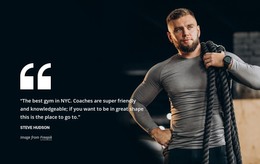
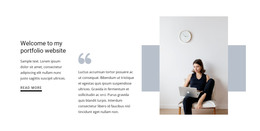
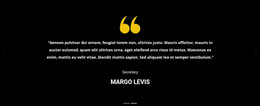
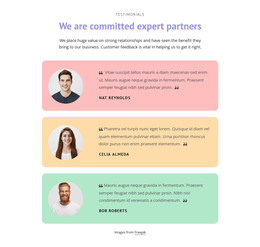
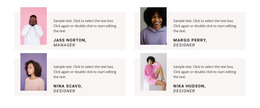
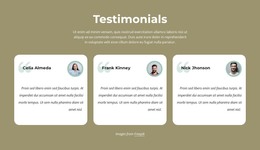
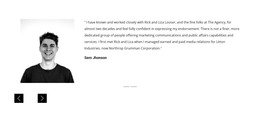
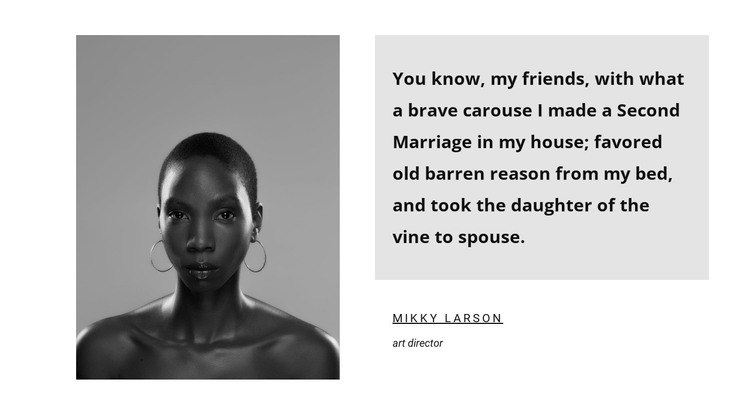
The portrait, quotation, and attribution form one compact content unit. A monochrome image occupies the left side, establishing the personal reference visually, while the light-gray panel on the right presents the quote before identifying Mikky Larson as an Art director. The bold quotation is the dominant text layer; the smaller name and role create a secondary layer that explains who is associated with the statement. Together, these relationships make the section readable without requiring multiple testimonial items or interactive controls.
For a WordPress-oriented project, the block can function as stable testimonial content within a broader page managed through the CMS. It can suit an about, services, or presentation context where one human perspective supports the surrounding information. The block remains one reusable section, not a complete WordPress Theme, so the wider project can provide its own pages, navigation, additional content, and publishing structure.
The sample quotation and attribution show how the section is organized, while the same layout can accommodate appropriate editorial content for the final site. Keeping the portrait on the left and the quote panel on the right preserves the visual logic even when the text or image changes. This makes the block a practical page-content pattern for a site that needs a clearly attributed testimonial without expanding the section into a full review system.
Customize with Nicepage
Open this ready-made template in the WordPress Website Builder and customize it visually in the Nicepage editor. Replace demo content, edit page sections, and adapt the design to your project without rebuilding the template from scratch.
Edit Template Offline
2. Create a new page or select existing
3. Click Add new block, search for id 148966 and click enter
Edit Template Online
Create Awesome Websites


Free Nicepage Builder
Keywords
Manage and Edit This Theme in WordPress
Customize and Install the WordPress Theme
Start with this ready-made theme instead of building the WordPress design from scratch. Customize its layout, content, typography, images, sections, and other design elements visually in Nicepage editor, then export and install the WordPress Theme, Plugin, and Pages on your WordPress site. The Nicepage WordPress Plugin lets you continue working with the site after installation.
Edit the Theme Directly in WordPress
After installation, you can edit the WordPress Theme directly in WordPress with the Nicepage WordPress Plugin. Use Site Style to customize site Colors, Fonts, Header, Footer, Blog, and Post Page Templates while working within your WordPress website.
Edit WordPress Pages Visually
Use the Nicepage WordPress Plugin to edit page content directly from the WordPress admin area. Open a WordPress Page with Nicepage and visually change its text, images, sections, and other page elements while continuing to manage the Page through WordPress.
WordPress Content and Theme Integration
Use the customized theme with WordPress Pages, Posts, Blog and Post Templates, menus, widgets, and other CMS-managed content. Shared theme elements such as Colors, Fonts, Header, Footer, Blog, and Post Page Templates can be managed as part of the overall site design, while WordPress provides the CMS environment for managing site content.
This workflow combines a ready-made WordPress Theme with visual customization, direct theme editing in WordPress, and continued content management through the Nicepage WordPress Plugin.