AI Solutions Unleashed Template


Edit Template Offline
2. Create new page and search for id 6369903
Edit Template Online
Create Awesome Websites


Free Nicepage Builder
Keywords
AI Education Content Meets a Distinctive Card-Led Agency Layout
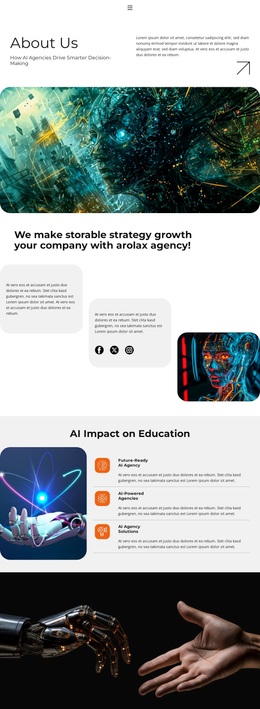
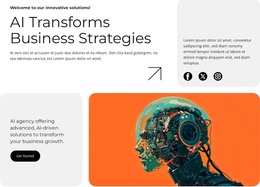
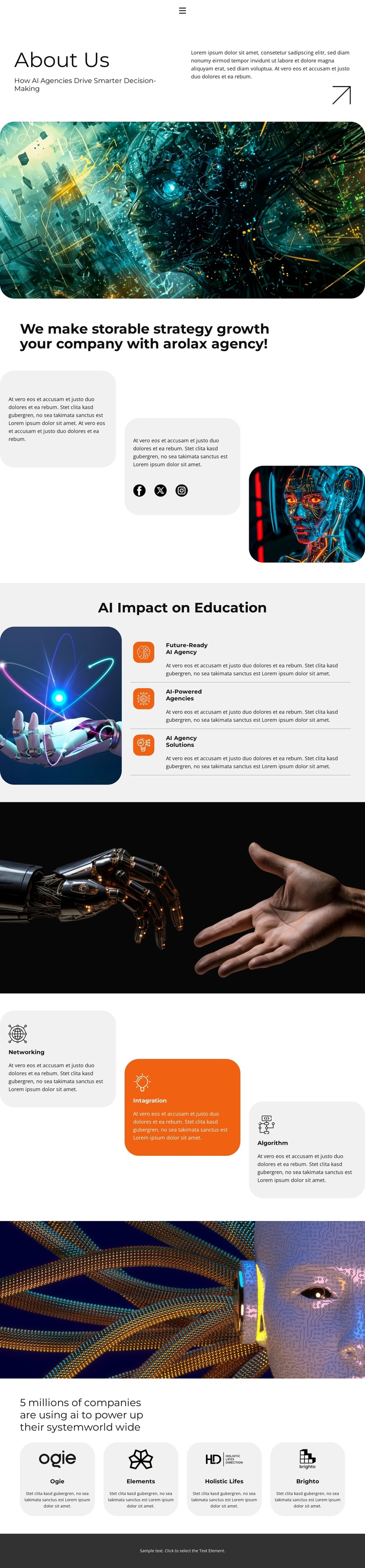
The design stands out through the way it combines a broad agency explanation with several compact capability groups. The About Us opening establishes the subject through AI decision-making content and a large illustration, while the strategy section places two rounded text cards beside another AI image. This makes the page feel explanatory without relying on a long uninterrupted text column.
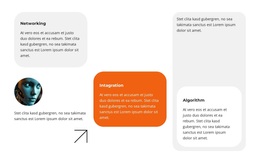
The AI Impact on Education section gives the template a more specific subject focus. Its three repeated entries—Future-Ready AI Agency, AI-Powered Agencies, and AI Agency Solutions—create a recognizable capability pattern next to a large image. That pattern is reinforced later by the three cards labeled Networking, Intagration, and Algorithm. The repeated card logic makes the design a useful choice for projects that need to present several related AI areas within one visual system.
Four organization cards named Ogie, Elements, Holistic Lifes, and Brighto add a final company-example layer, while two full-width dark technology images create visual pauses between denser sections. These names and the statement about millions of companies are structural demo content, not verified claims. The overall combination of education impact, named capabilities, organization examples, social links, and strong monochrome-with-accent styling gives this design a specific identity among broader About-page options.
Customize with Nicepage
Open this ready-made template in the Template Builder and customize it visually in the Nicepage editor. Replace demo content, edit page sections, and adapt the design to your project without rebuilding the template from scratch.
Start With a Ready-Made Template
Choose a Design for a New Page
Use a ready-made template as a starting point instead of creating every page from a blank canvas. When adding a new page in Nicepage, browse available designs, compare different layouts, and choose an option that already fits the general purpose and visual direction of your project.
Browse Different Page Designs
Explore Page Designs using search, thematic categories, Design Sets, and full-page previews. The collection includes layouts for different subjects and page purposes, making it easier to compare alternatives before selecting a design to customize.
Customize the Selected Template
After choosing a design, create the page and continue editing it visually in Nicepage. Replace the demo content, adjust images, typography, colors, sections, and other elements, and adapt the ready-made layout to your own content instead of rebuilding the design from the beginning.
Explore More Design Directions
If the first option does not match your project closely enough, return to the design collection and compare other templates before committing to a layout. This makes the template library useful not only for faster page creation, but also for exploring different visual approaches and finding a suitable starting point for a new project.
This workflow gives you access to a broad collection of ready-made designs that can be selected, compared, and customized according to the needs of each new page or project.