Web design and website development Template


Edit Template Offline
2. Create new page and search for id 6451315
Edit Template Online
Create Awesome Websites


Free Nicepage Builder
Keywords
Nine Service Categories Turn a Mission-Led Layout into a Distinctive Choice
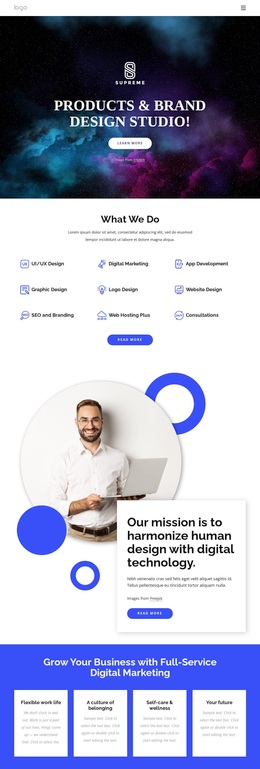
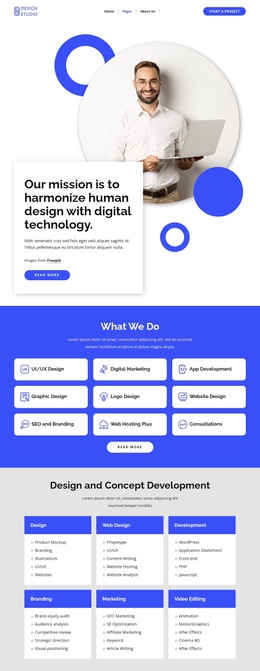
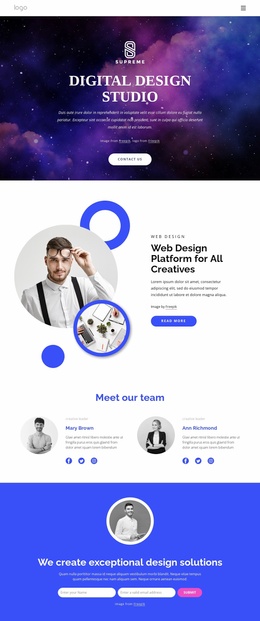
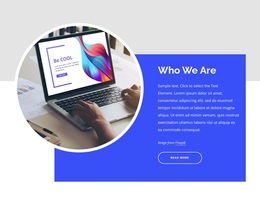
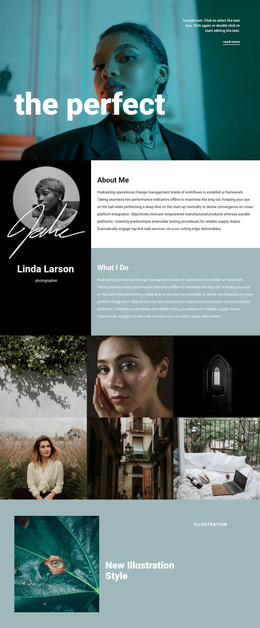
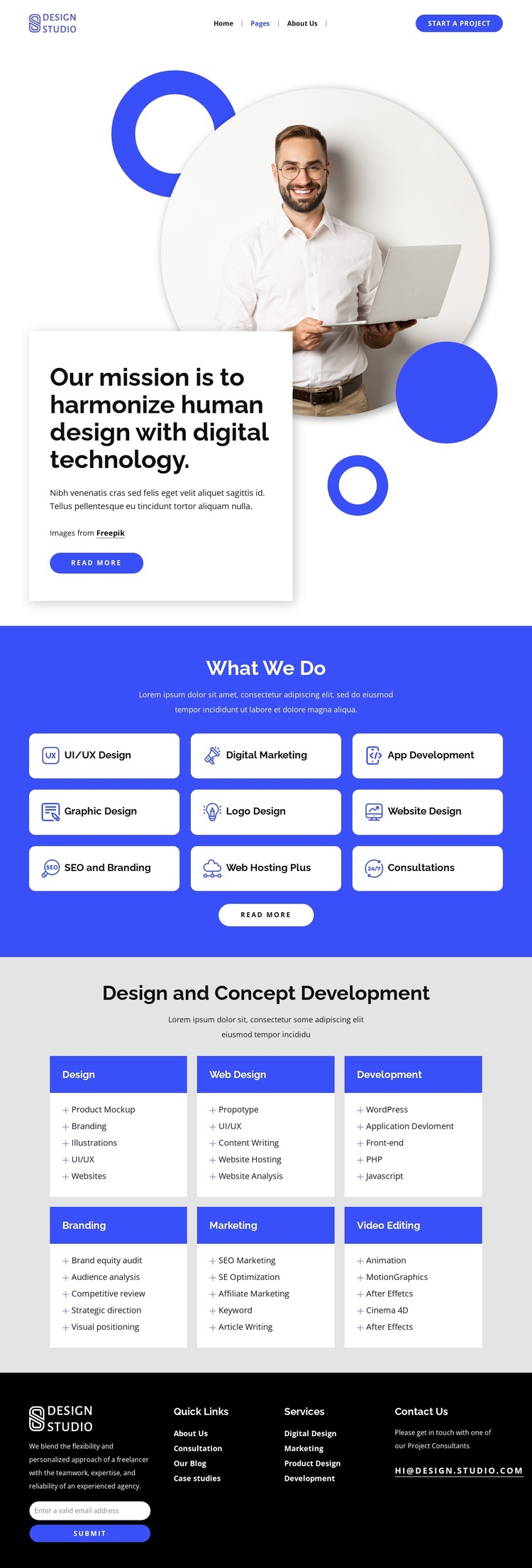
The strongest reason to choose this design is the way it connects a human-centered message with a broad, clearly grouped service offer. The opening statement about harmonizing human design and digital technology gives the page a specific point of view, while the portrait, overlapping white card, and circular accents keep that message connected to an identifiable visual subject rather than presenting a generic corporate introduction.
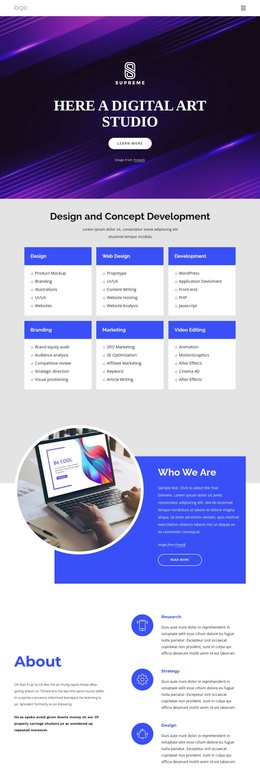
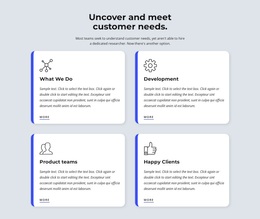
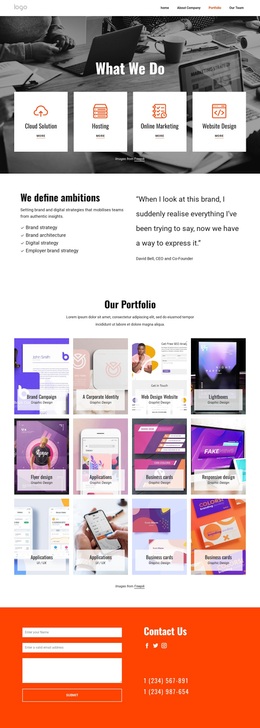
The service coverage is also unusually explicit. Nine overview cards let a studio show its range in a compact scan: UI/UX Design, Digital Marketing, App Development, Graphic Design, Logo Design, Website Design, SEO and Branding, Web Hosting Plus, and Consultations. The second service area adds six deeper categories—Design, Web Design, Development, Branding, Marketing, and Video Editing—with capability lists that can support more detailed evaluation. The two levels make the layout useful for projects that need both variety and explanation.
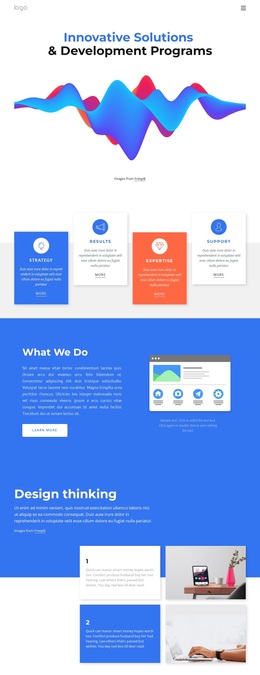
Blue-and-white cards, generous spacing, rounded treatments, and a dark four-column footer give the page a recognizable visual direction. The footer’s subscription and contact areas also prevent the design from stopping at service discovery. Together, the mission, service breadth, detailed capabilities, and closing contact region make this a practical option for a studio that wants its range and working approach visible on one focused page.
Customize with Nicepage
Open this ready-made template in the Template Builder and customize it visually in the Nicepage editor. Replace demo content, edit page sections, and adapt the design to your project without rebuilding the template from scratch.
Start With a Ready-Made Template
Choose a Design for a New Page
Use a ready-made template as a starting point instead of creating every page from a blank canvas. When adding a new page in Nicepage, browse available designs, compare different layouts, and choose an option that already fits the general purpose and visual direction of your project.
Browse Different Page Designs
Explore Page Designs using search, thematic categories, Design Sets, and full-page previews. The collection includes layouts for different subjects and page purposes, making it easier to compare alternatives before selecting a design to customize.
Customize the Selected Template
After choosing a design, create the page and continue editing it visually in Nicepage. Replace the demo content, adjust images, typography, colors, sections, and other elements, and adapt the ready-made layout to your own content instead of rebuilding the design from the beginning.
Explore More Design Directions
If the first option does not match your project closely enough, return to the design collection and compare other templates before committing to a layout. This makes the template library useful not only for faster page creation, but also for exploring different visual approaches and finding a suitable starting point for a new project.
This workflow gives you access to a broad collection of ready-made designs that can be selected, compared, and customized according to the needs of each new page or project.