We humanize corporations Template



Edit Template Offline
2. Create new page and search for id 429504
Edit Template Online
Create Awesome Websites


Free Nicepage Builder
Keywords
A Nine-Image Portfolio Connects Brand Strategy with Service Coverage
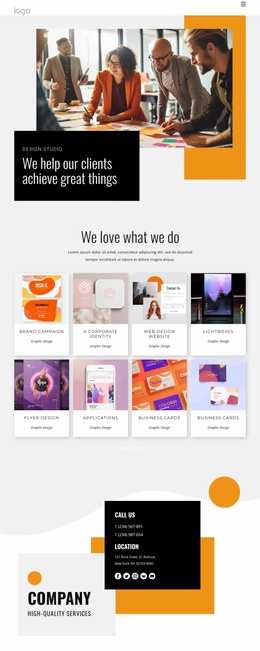
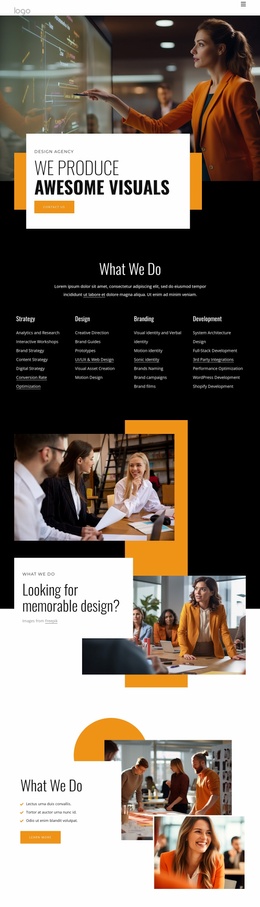
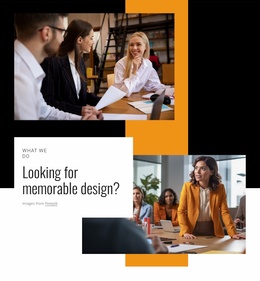
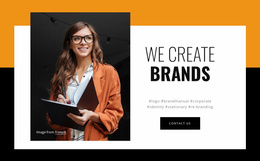
Large photography, concise editorial headings, and the nine-image Projects gallery make visual storytelling the defining choice of this design. The opening “We Create Brands” section establishes that direction immediately by placing a prominent image beside a centered statement and contact action. Rather than relying on dense explanatory copy, the page alternates short propositions with photographs, white panels, bullet lists, and strong contrast to keep the agency’s creative focus visible.
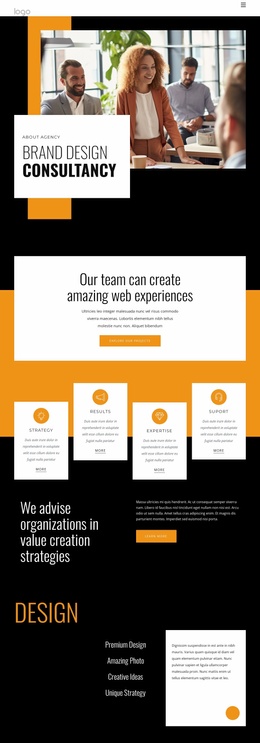
The content coverage is also broad enough to explain how the work is approached. “Innovative Design Solutions” introduces the value proposition, the Brand Identity Design Agency block presents a more specific offering, and “Why Us?” adds a four-item differentiation list. The four service cards then extend the choice beyond a single identity service by naming Strategy, UX Design, Development, and Testing. This combination suits projects that need to present both a recognizable creative direction and several connected capabilities.
The closing structure reinforces the design’s practical use. “Unique & memorable experience” summarizes the intended outcome, while “Ready to talk?” supplies a contact form and submission action for organizations that want to continue the conversation. The orange, black, white, and gray palette keeps the portfolio, service categories, and inquiry area visually related. As a ready-made design option, it is especially suited to agency presentations where imagery and project evidence should carry as much weight as descriptive text.
Customize with Nicepage
Open this ready-made template in the Template Builder and customize it visually in the Nicepage editor. Replace demo content, edit page sections, and adapt the design to your project without rebuilding the template from scratch.
Start With a Ready-Made Template
Choose a Design for a New Page
Use a ready-made template as a starting point instead of creating every page from a blank canvas. When adding a new page in Nicepage, browse available designs, compare different layouts, and choose an option that already fits the general purpose and visual direction of your project.
Browse Different Page Designs
Explore Page Designs using search, thematic categories, Design Sets, and full-page previews. The collection includes layouts for different subjects and page purposes, making it easier to compare alternatives before selecting a design to customize.
Customize the Selected Template
After choosing a design, create the page and continue editing it visually in Nicepage. Replace the demo content, adjust images, typography, colors, sections, and other elements, and adapt the ready-made layout to your own content instead of rebuilding the design from the beginning.
Explore More Design Directions
If the first option does not match your project closely enough, return to the design collection and compare other templates before committing to a layout. This makes the template library useful not only for faster page creation, but also for exploring different visual approaches and finding a suitable starting point for a new project.
This workflow gives you access to a broad collection of ready-made designs that can be selected, compared, and customized according to the needs of each new page or project.

Design Set (21)
-

-
-
-
-
-
-
-
-
-
-
-
-
-
-
-
-
Free Website Builder SoftwareDownload
-