We create brands and bring them to life Template



Edit Template Offline
2. Create new page and search for id 4225951
Edit Template Online
Create Awesome Websites


Free Nicepage Builder
Keywords
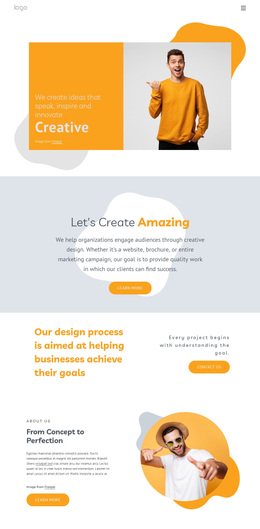
Four value areas connect agency character with client proof
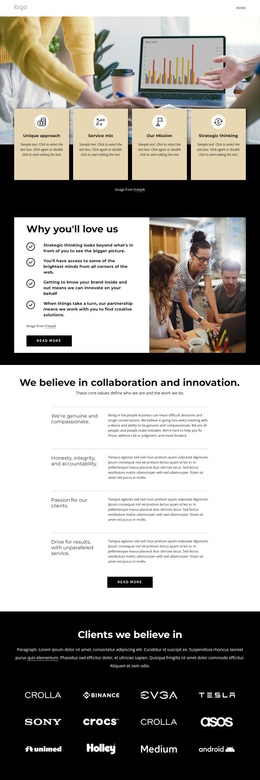
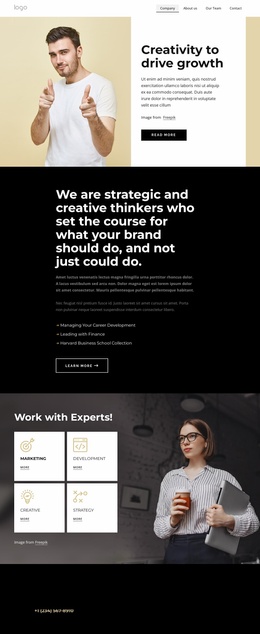
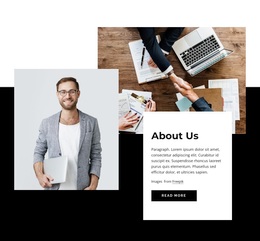
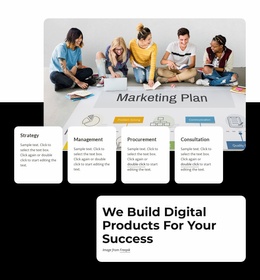
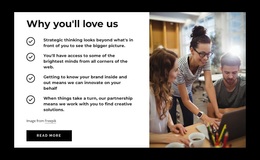
The opening combination of a large photograph and four value labels gives this design a clear point of distinction. Unique approach, service mix, mission, and strategic thinking are presented as a compact set rather than buried in a long paragraph, making the agency’s intended character visible immediately. The benefit section continues that direction by pairing four reasons to work with the organization with a supporting photograph and a Read more button.
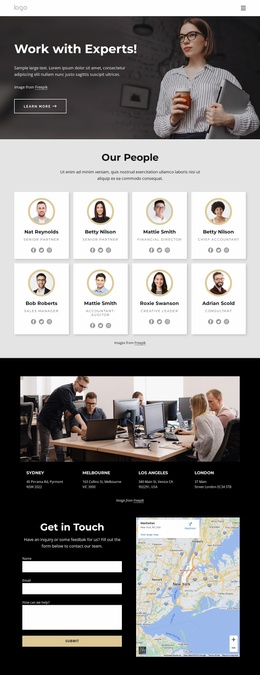
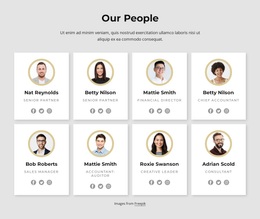
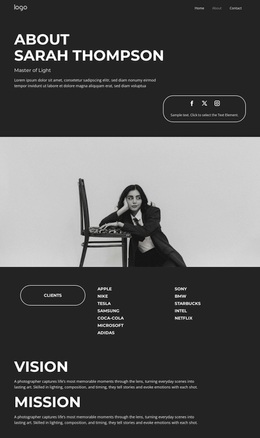
The design becomes especially useful for projects that need both values and relationships in the same presentation. A collaboration-and-innovation section separates four working principles into bordered entries, while the dark client section introduces twelve brand marks as a visual record of client-facing context. Six testimonial cards then add a more personal layer through portraits, names, and statements. This combination distinguishes the layout from agency designs centered only on service cards or a portfolio grid.
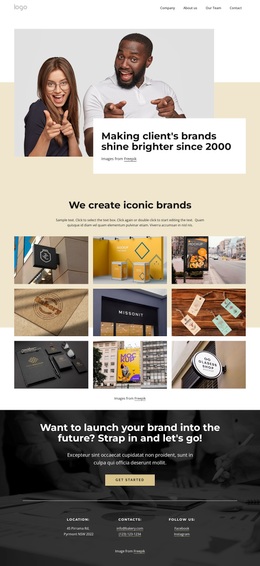
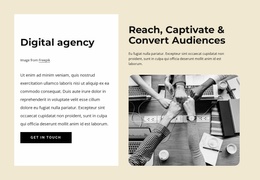
The ending preserves the same narrative rather than switching to an unrelated contact screen. The launch-focused message and Get Started button give the page a strong forward direction, while the social section and final contact area keep the organization accessible through multiple channels. The black, white, and pale beige palette, editorial image placement, and repeated card logic make this a considered choice for a brand-led About presentation.
Customize with Nicepage
Open this ready-made template in the Template Builder and customize it visually in the Nicepage editor. Replace demo content, edit page sections, and adapt the design to your project without rebuilding the template from scratch.
Start With a Ready-Made Template
Choose a Design for a New Page
Use a ready-made template as a starting point instead of creating every page from a blank canvas. When adding a new page in Nicepage, browse available designs, compare different layouts, and choose an option that already fits the general purpose and visual direction of your project.
Browse Different Page Designs
Explore Page Designs using search, thematic categories, Design Sets, and full-page previews. The collection includes layouts for different subjects and page purposes, making it easier to compare alternatives before selecting a design to customize.
Customize the Selected Template
After choosing a design, create the page and continue editing it visually in Nicepage. Replace the demo content, adjust images, typography, colors, sections, and other elements, and adapt the ready-made layout to your own content instead of rebuilding the design from the beginning.
Explore More Design Directions
If the first option does not match your project closely enough, return to the design collection and compare other templates before committing to a layout. This makes the template library useful not only for faster page creation, but also for exploring different visual approaches and finding a suitable starting point for a new project.
This workflow gives you access to a broad collection of ready-made designs that can be selected, compared, and customized according to the needs of each new page or project.

Design Set (22)
-

-
-
-
-
-
-
-
-
-
-
-
-
-
-
Free Website Builder SoftwareDownload
-
-