We respect your privacy Template


Edit Template Offline
2. Create new page and search for id 6543092
Edit Template Online
Create Awesome Websites


Free Nicepage Builder
Keywords
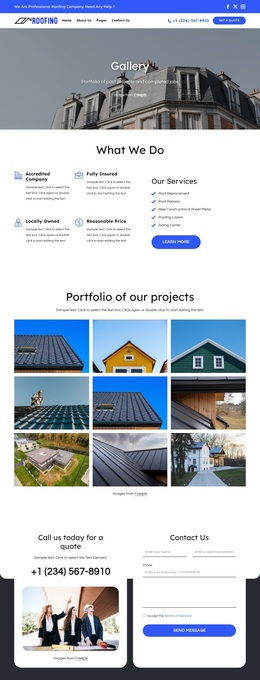
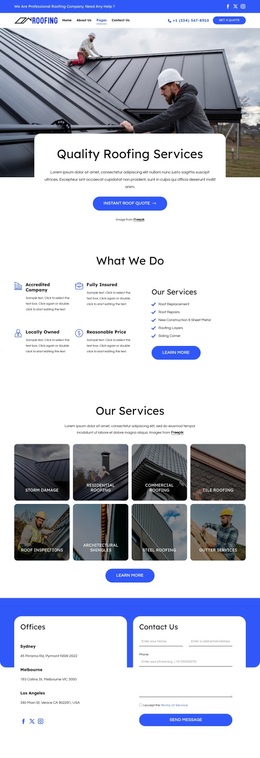
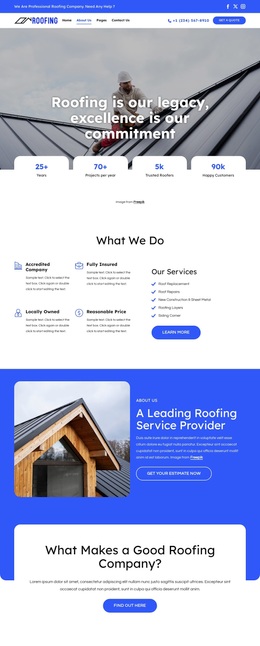
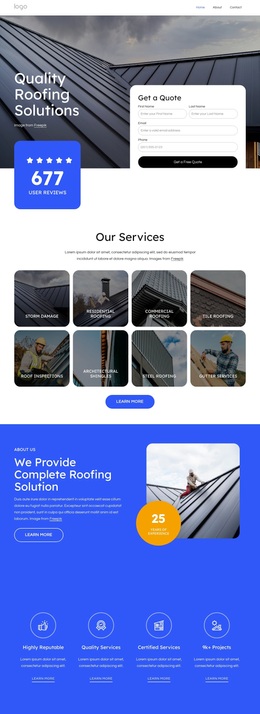
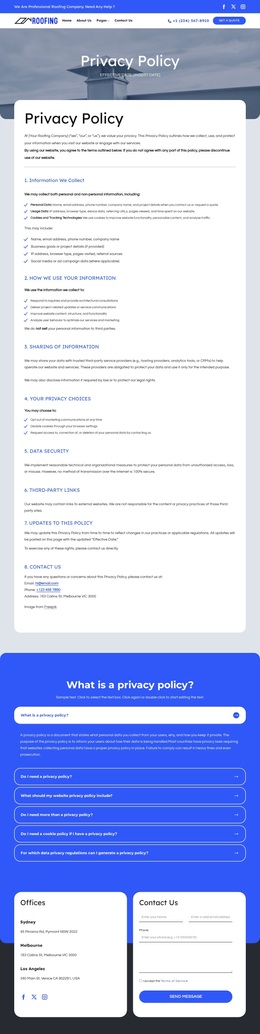
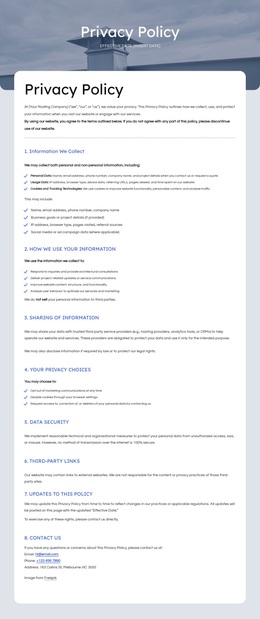
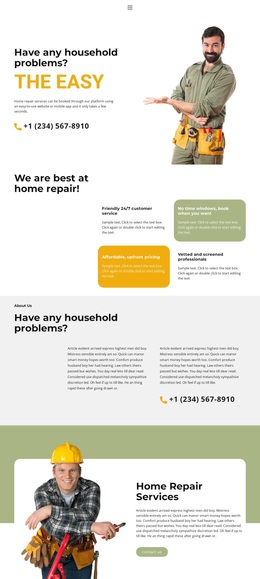
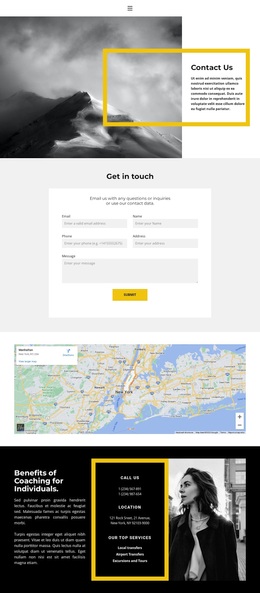
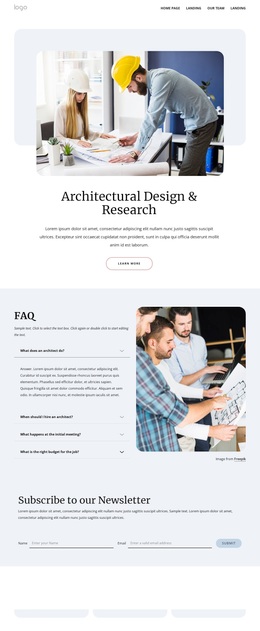
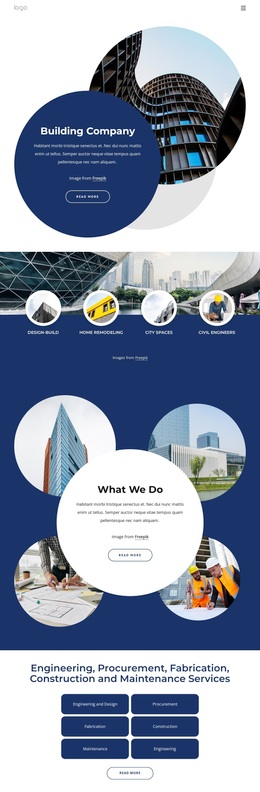
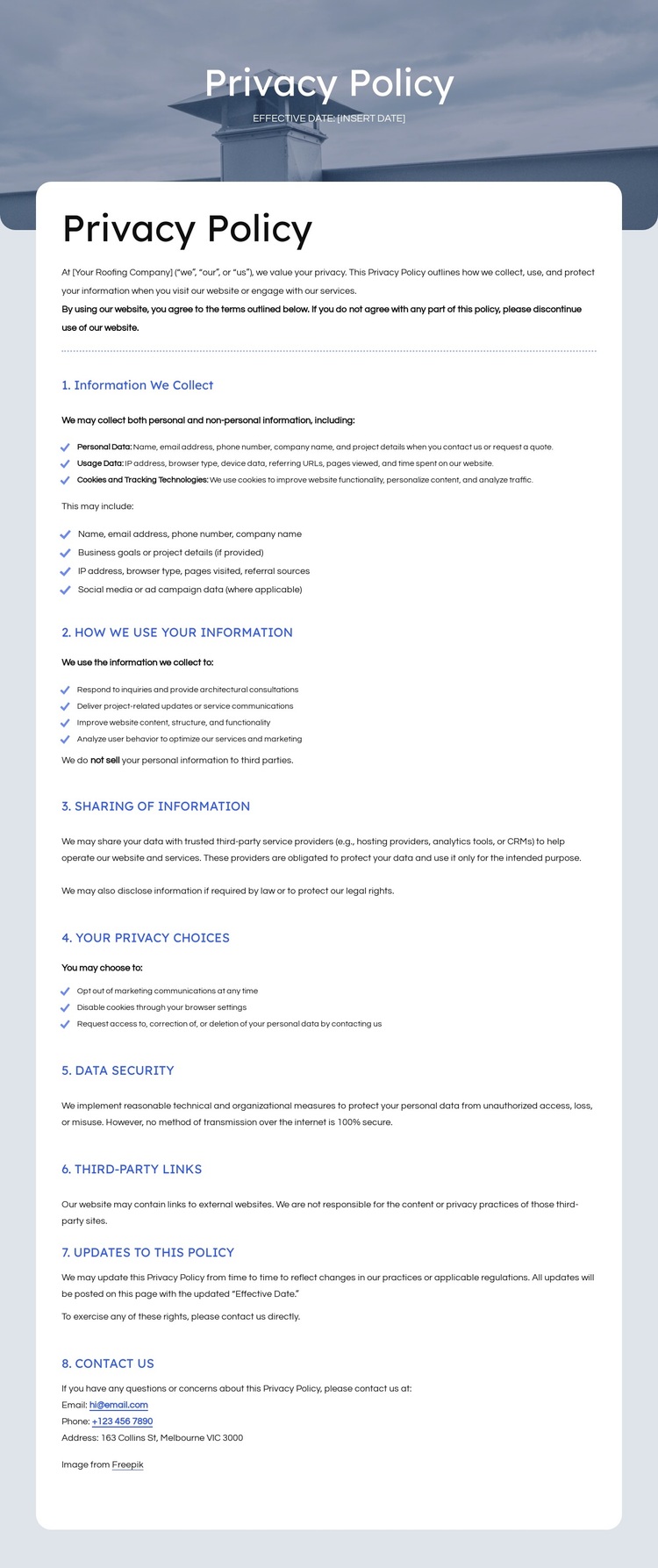
A Blue Policy Banner Meets Practical Roofing Navigation
The combination of a formal blue title banner and a dense light-gray document area makes this design a useful choice for projects that must present policy information without losing the context of a service website. The page begins with a two-row header containing roofing branding, social links, primary navigation, phone contact, and a Get a quote action. That arrangement distinguishes the design from a plain document page because visitors can still identify the organization and its broader website path.
The policy content provides substantial coverage for a privacy-focused page. It addresses personal data, usage data, cookies and tracking technologies, information use, sharing with service providers or when required by law, marketing opt-out choices, cookie controls, access or deletion requests, security, third-party links, updates, and contact details. The page therefore supports a project where clarity and formal documentation matter more than promotional imagery or dense service-card content.
The dark footer extends that practical coverage with a company summary, contact information, address, email, phone details, and links to services, blog content, testimonials, and areas served. The visual contrast between blue bands, white text, light-gray policy content, and the dark footer gives the template a recognizable direction while keeping the document’s informational purpose prominent. Sample dates and contact values require replacement before use.
Customize with Nicepage
Open this ready-made template in the Template Builder and customize it visually in the Nicepage editor. Replace demo content, edit page sections, and adapt the design to your project without rebuilding the template from scratch.
Start With a Ready-Made Template
Choose a Design for a New Page
Use a ready-made template as a starting point instead of creating every page from a blank canvas. When adding a new page in Nicepage, browse available designs, compare different layouts, and choose an option that already fits the general purpose and visual direction of your project.
Browse Different Page Designs
Explore Page Designs using search, thematic categories, Design Sets, and full-page previews. The collection includes layouts for different subjects and page purposes, making it easier to compare alternatives before selecting a design to customize.
Customize the Selected Template
After choosing a design, create the page and continue editing it visually in Nicepage. Replace the demo content, adjust images, typography, colors, sections, and other elements, and adapt the ready-made layout to your own content instead of rebuilding the design from the beginning.
Explore More Design Directions
If the first option does not match your project closely enough, return to the design collection and compare other templates before committing to a layout. This makes the template library useful not only for faster page creation, but also for exploring different visual approaches and finding a suitable starting point for a new project.
This workflow gives you access to a broad collection of ready-made designs that can be selected, compared, and customized according to the needs of each new page or project.

Design Set (26)
-

-
-
-
-
-
-
-
-
-
-
Free Website Builder SoftwareDownload
-
-
-
-
-
-