Innovative architectural designs Template



Edit Template Offline
2. Create new page and search for id 6287454
Edit Template Online
Create Awesome Websites


Free Nicepage Builder
Keywords
Architectural Photography Connects Services, Proof, and Inquiry
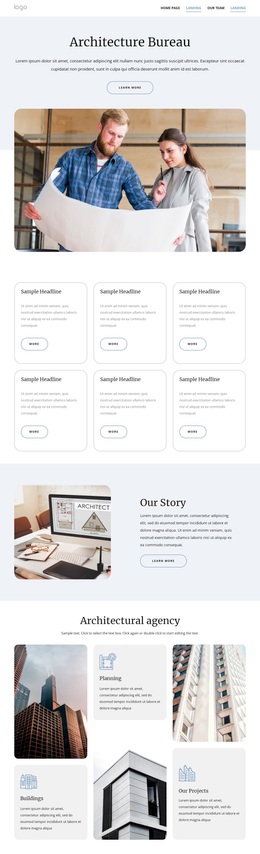
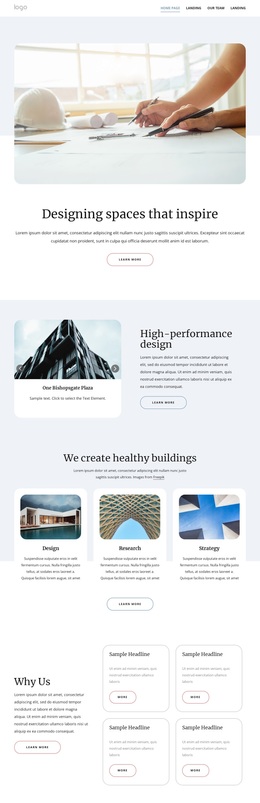
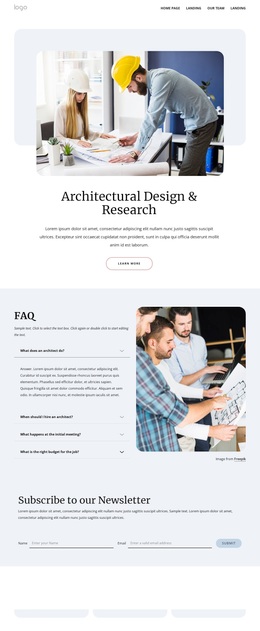
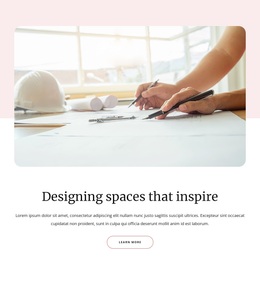
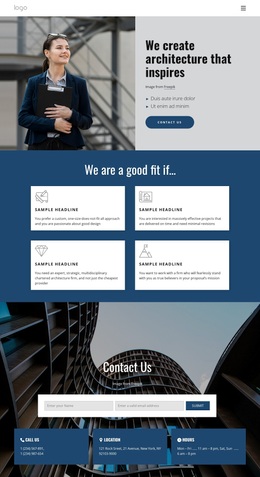
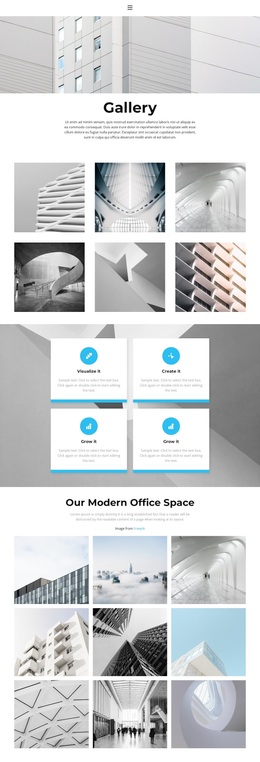
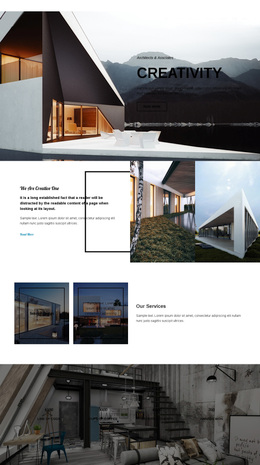
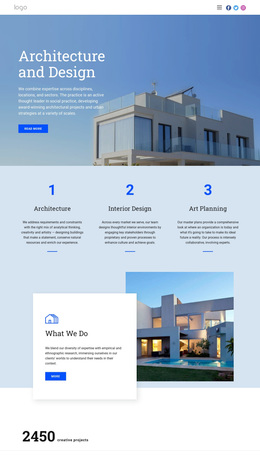
Architectural and interior photography gives this design its strongest point of recognition. The opening image supports the statement “Designing spaces that inspire,” so the page begins with a visual expression of the studio’s subject rather than a dense service list. The following high-performance design section keeps that image-led tone while introducing a more specific capability, creating a useful transition from design perspective to professional offering.
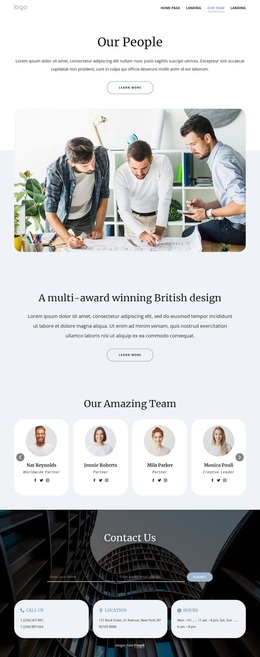
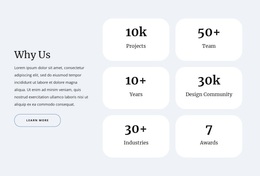
The three service cards for Design, Research, and Strategy make the content coverage especially clear. They show that the page is not limited to showcasing finished images; it also explains the types of work and thinking behind them. The Why Us feature group and the Density, Collaboration, and Community principles add a second layer of distinction, while three testimonial cards provide customer-oriented evidence. This combination suits projects that need to communicate both creative direction and a considered working approach.
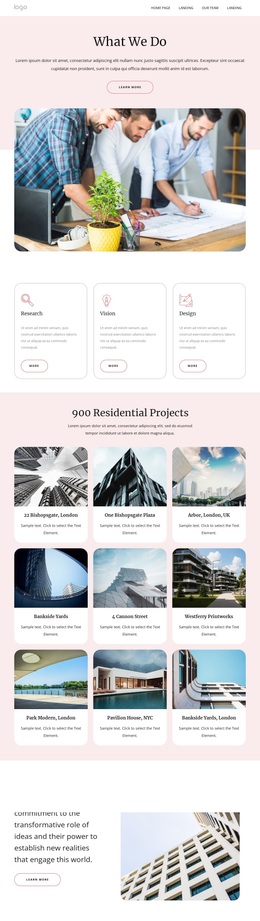
Two project cards then return attention to visual examples of unique, singular spaces. The page closes with a newsletter subscription form, contact panels, and a map labeled New York, giving interested visitors several contextual and response-oriented details without changing the editorial character. As a ready-made design option, it is most compelling for an architecture or interior-design presentation where photography, service clarity, selected work, and measured credibility should share one restrained visual system.
Customize with Nicepage
Open this ready-made template in the Template Builder and customize it visually in the Nicepage editor. Replace demo content, edit page sections, and adapt the design to your project without rebuilding the template from scratch.
Start With a Ready-Made Template
Choose a Design for a New Page
Use a ready-made template as a starting point instead of creating every page from a blank canvas. When adding a new page in Nicepage, browse available designs, compare different layouts, and choose an option that already fits the general purpose and visual direction of your project.
Browse Different Page Designs
Explore Page Designs using search, thematic categories, Design Sets, and full-page previews. The collection includes layouts for different subjects and page purposes, making it easier to compare alternatives before selecting a design to customize.
Customize the Selected Template
After choosing a design, create the page and continue editing it visually in Nicepage. Replace the demo content, adjust images, typography, colors, sections, and other elements, and adapt the ready-made layout to your own content instead of rebuilding the design from the beginning.
Explore More Design Directions
If the first option does not match your project closely enough, return to the design collection and compare other templates before committing to a layout. This makes the template library useful not only for faster page creation, but also for exploring different visual approaches and finding a suitable starting point for a new project.
This workflow gives you access to a broad collection of ready-made designs that can be selected, compared, and customized according to the needs of each new page or project.