The center for architecture Template



Edit Template Offline
2. Create new page and search for id 4607284
Edit Template Online
Create Awesome Websites


Free Nicepage Builder
Keywords
Architectural Imagery Meets Detailed Building Expertise
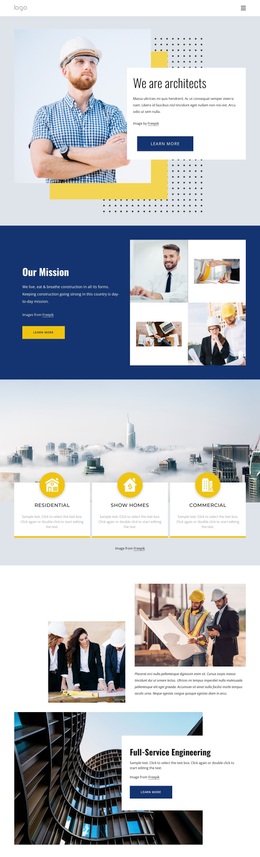
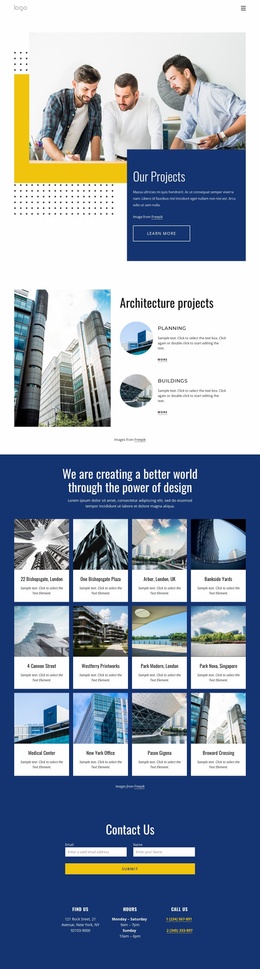
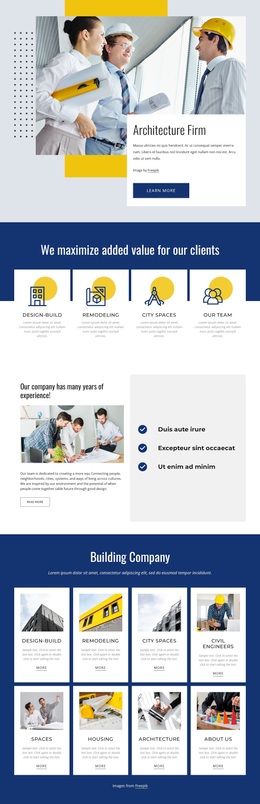
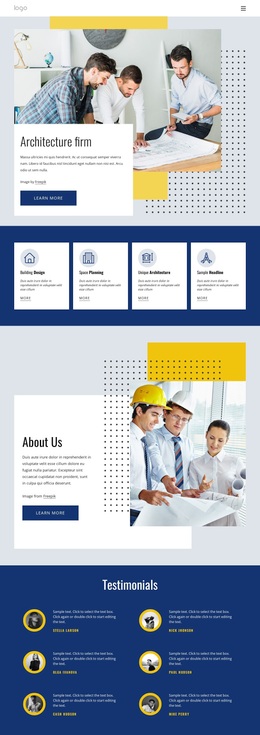
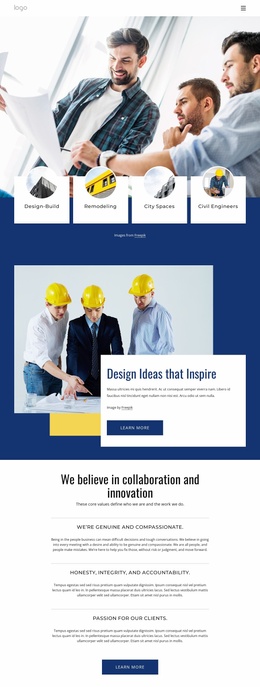
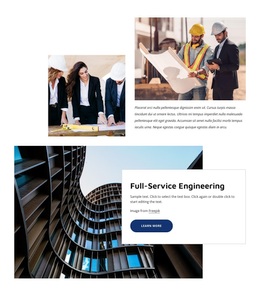
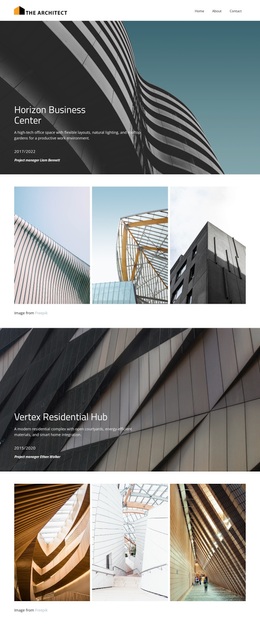
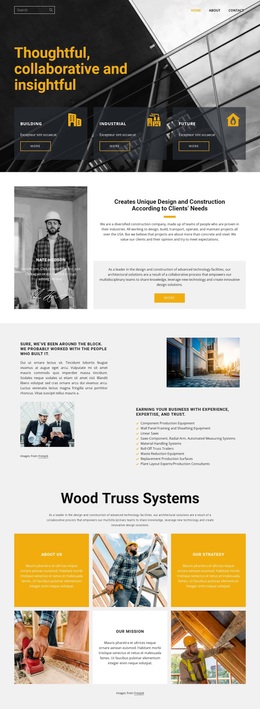
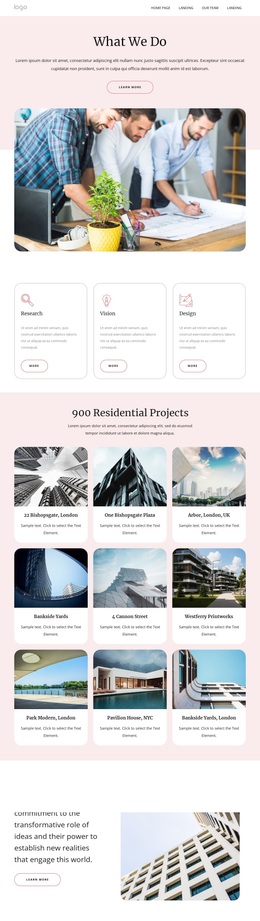
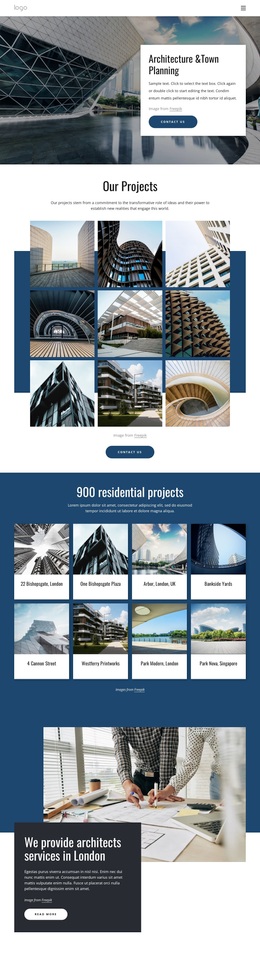
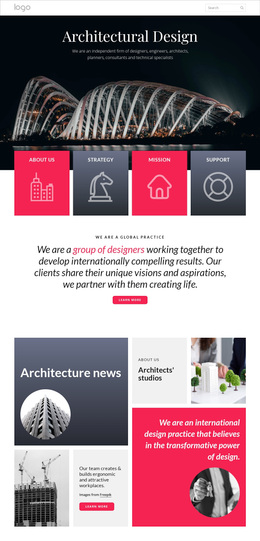
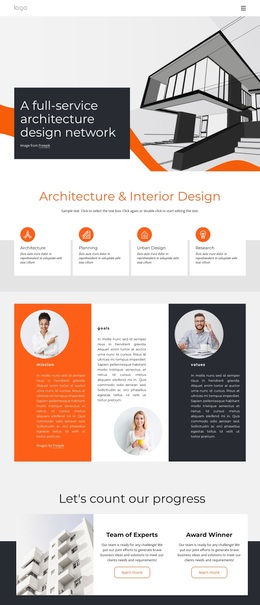
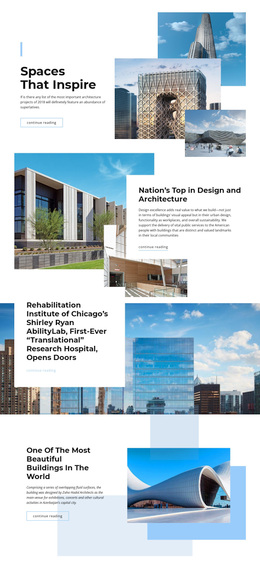
Architectural and construction photography gives this design an immediate subject, but the page is not limited to image-led presentation. The opening firm introduction is followed by four capability cards, allowing visitors to distinguish broad areas such as Building Design, Space Planning, and Unique Architecture before reaching the more detailed content. That progression makes the template a useful choice for projects that need to present both a design-led perspective and practical building expertise.
The Building Services section is the strongest point of differentiation. Its list covers HVAC, computational fluid dynamics modelling and analysis, thermal storage, automation systems and controls, and building envelope analysis and optimisation. These specific service areas give the page more informational depth than a standard architecture portfolio layout. Six testimonial entries and a separate metrics section add structural space for proof, although the displayed names, quotations, and numbers are sample content and require replacement or verification.
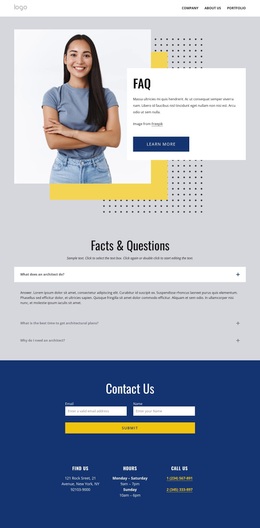
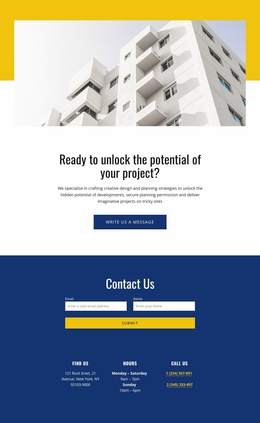
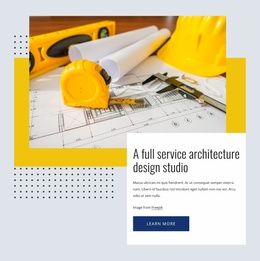
The blue, white, yellow, and light-gray palette, bold editorial headings, and geometric dotted and rectangular accents reinforce the architecture theme without depending on dense decoration. Contact, consultation, social-link, and navigation areas make the design suitable for a firm that wants its expertise and communication options visible together. Among ready-made design choices, this template stands out when the project needs a balanced presentation of architectural character, specialist services, supporting proof, and an approachable contact path.
Customize with Nicepage
Open this ready-made template in the Template Builder and customize it visually in the Nicepage editor. Replace demo content, edit page sections, and adapt the design to your project without rebuilding the template from scratch.
Start With a Ready-Made Template
Choose a Design for a New Page
Use a ready-made template as a starting point instead of creating every page from a blank canvas. When adding a new page in Nicepage, browse available designs, compare different layouts, and choose an option that already fits the general purpose and visual direction of your project.
Browse Different Page Designs
Explore Page Designs using search, thematic categories, Design Sets, and full-page previews. The collection includes layouts for different subjects and page purposes, making it easier to compare alternatives before selecting a design to customize.
Customize the Selected Template
After choosing a design, create the page and continue editing it visually in Nicepage. Replace the demo content, adjust images, typography, colors, sections, and other elements, and adapt the ready-made layout to your own content instead of rebuilding the design from the beginning.
Explore More Design Directions
If the first option does not match your project closely enough, return to the design collection and compare other templates before committing to a layout. This makes the template library useful not only for faster page creation, but also for exploring different visual approaches and finding a suitable starting point for a new project.
This workflow gives you access to a broad collection of ready-made designs that can be selected, compared, and customized according to the needs of each new page or project.