Web developer works Template


Edit Template Offline
2. Create new page and search for id 6343435
Edit Template Online
Create Awesome Websites


Free Nicepage Builder
Keywords
Four Skills and Six Projects Give This Portfolio a Clear Focus
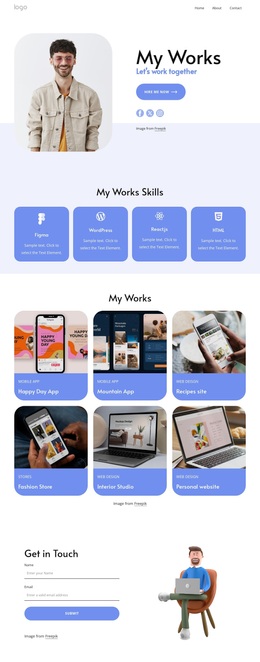
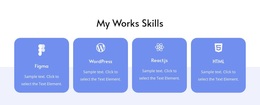
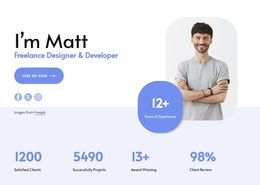
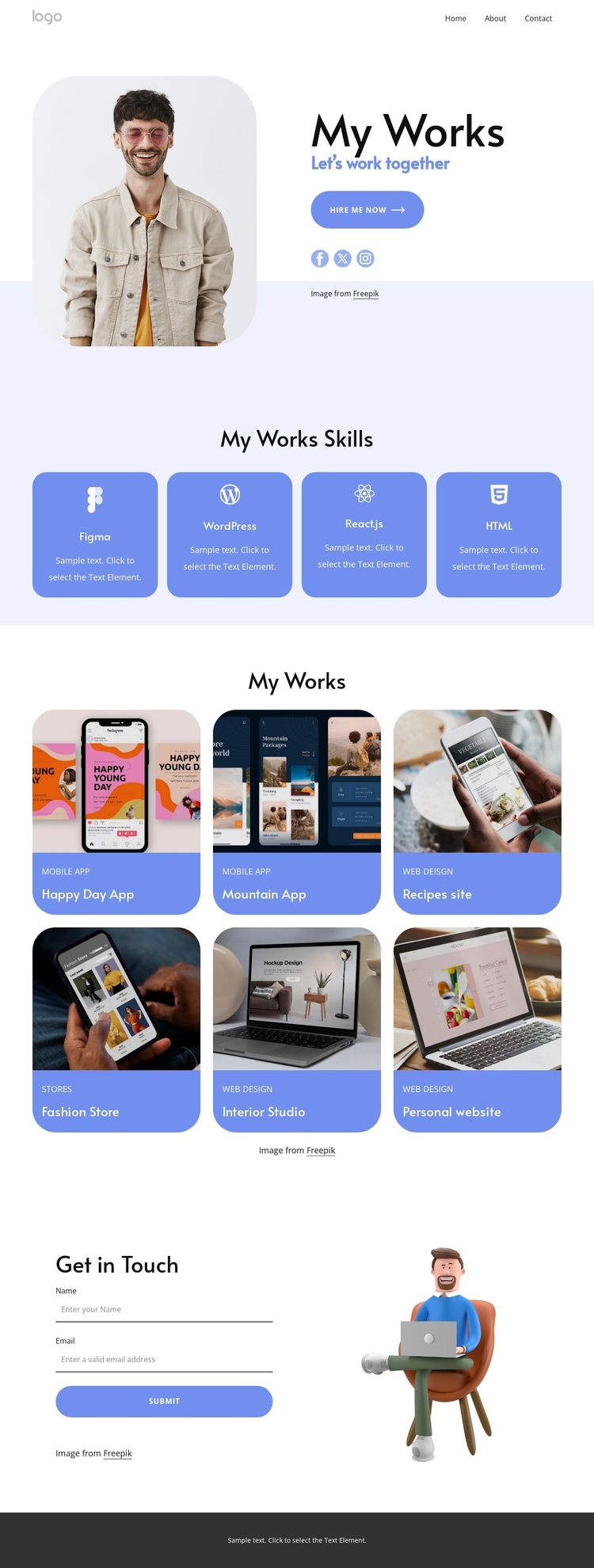
The design begins with a direct personal introduction rather than a generic corporate banner. A portrait sits beside My Works branding, the Let’s work together message, a Hire Me Now action, and social links, immediately establishing the portfolio as a service-oriented presentation. That opening is followed by four evenly arranged skill cards naming Figma, WordPress, React.js, and HTML, which makes the technical direction easy to understand at a glance.
Its strongest distinguishing feature is the relationship between those skills and the six named projects below. Happy Day App, Mountain App, Recipes site, Fashion Store, Interior Studio, and Personal website show varied digital work across applications, websites, commerce, and visual studio presentation. The gallery-led section therefore gives the design practical content coverage for someone who needs to demonstrate range without building a dense case-study layout.
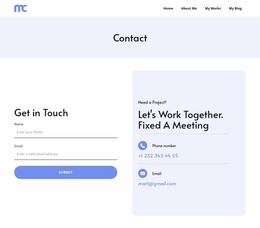
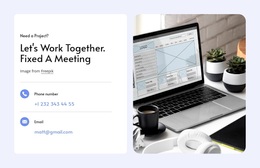
The closing contact form, with name and email inputs, keeps the portfolio useful for potential clients rather than treating the gallery as the final destination. Social links and the footer contact area provide additional communication context, while the soft lavender and white palette, blue cards, rounded imagery, and generous spacing keep the overall tone approachable. This combination makes the template a suitable choice when personal presentation, visible skills, varied work, and a clear hiring route need to coexist on one page.
Customize with Nicepage
Open this ready-made template in the Template Builder and customize it visually in the Nicepage editor. Replace demo content, edit page sections, and adapt the design to your project without rebuilding the template from scratch.
Start With a Ready-Made Template
Choose a Design for a New Page
Use a ready-made template as a starting point instead of creating every page from a blank canvas. When adding a new page in Nicepage, browse available designs, compare different layouts, and choose an option that already fits the general purpose and visual direction of your project.
Browse Different Page Designs
Explore Page Designs using search, thematic categories, Design Sets, and full-page previews. The collection includes layouts for different subjects and page purposes, making it easier to compare alternatives before selecting a design to customize.
Customize the Selected Template
After choosing a design, create the page and continue editing it visually in Nicepage. Replace the demo content, adjust images, typography, colors, sections, and other elements, and adapt the ready-made layout to your own content instead of rebuilding the design from the beginning.
Explore More Design Directions
If the first option does not match your project closely enough, return to the design collection and compare other templates before committing to a layout. This makes the template library useful not only for faster page creation, but also for exploring different visual approaches and finding a suitable starting point for a new project.
This workflow gives you access to a broad collection of ready-made designs that can be selected, compared, and customized according to the needs of each new page or project.