Web hosting services Template



Edit Template Offline
2. Create new page and search for id 6375292
Edit Template Online
Create Awesome Websites


Free Nicepage Builder
Keywords
Four Hosting Routes Build a Clear Service Choice
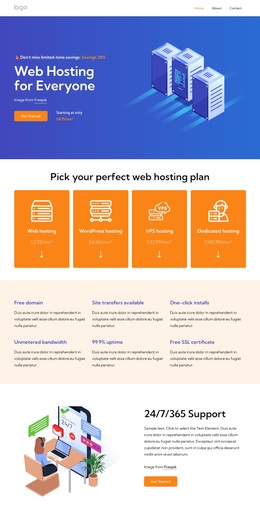
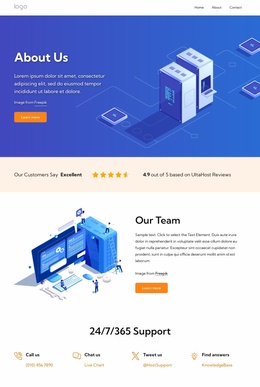
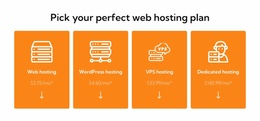
Four peer cards make the design distinctive from a generic business homepage: web hosting, WordPress hosting, VPS hosting, and dedicated hosting are presented as separate entry points. That range gives the page immediate content coverage for visitors with different technical requirements, while the opening server illustration and “Web Hosting for Everyone” heading keep the subject accessible rather than beginning with dense specifications.
The design is also worth choosing when a hosting project needs more than a single pricing table. Six benefit callouts create a compact overview of practical considerations, including a free domain, safe transfers, one-click installs, unlimited bandwidth, 99% uptime, and a free SSL certificate. A dedicated-server migration section and the list of Debian, Ubuntu, CentOS, Red Hat, AlmaLinux, and Fedora options add technical depth without removing the broader service presentation.
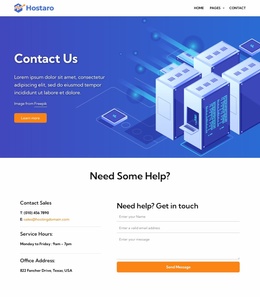
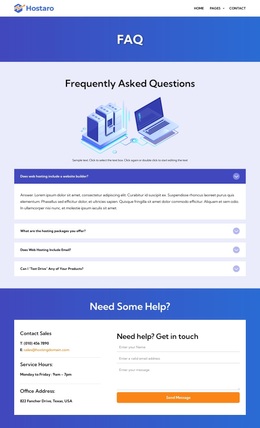
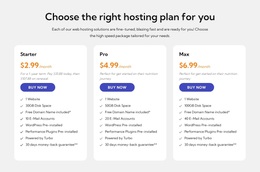
The page covers reassurance as well as selection. A support-focused section, four contact routes, three named plans, testimonial cards, and expandable FAQ rows create several ways to explain the offer and address uncertainty. The final email capture and sales form extend the design beyond plan comparison. For projects presenting hosting services, this combination of category breadth, plan structure, technical options, and assistance content makes the template a useful starting choice.
Customize with Nicepage
Open this ready-made template in the Template Builder and customize it visually in the Nicepage editor. Replace demo content, edit page sections, and adapt the design to your project without rebuilding the template from scratch.
Start With a Ready-Made Template
Choose a Design for a New Page
Use a ready-made template as a starting point instead of creating every page from a blank canvas. When adding a new page in Nicepage, browse available designs, compare different layouts, and choose an option that already fits the general purpose and visual direction of your project.
Browse Different Page Designs
Explore Page Designs using search, thematic categories, Design Sets, and full-page previews. The collection includes layouts for different subjects and page purposes, making it easier to compare alternatives before selecting a design to customize.
Customize the Selected Template
After choosing a design, create the page and continue editing it visually in Nicepage. Replace the demo content, adjust images, typography, colors, sections, and other elements, and adapt the ready-made layout to your own content instead of rebuilding the design from the beginning.
Explore More Design Directions
If the first option does not match your project closely enough, return to the design collection and compare other templates before committing to a layout. This makes the template library useful not only for faster page creation, but also for exploring different visual approaches and finding a suitable starting point for a new project.
This workflow gives you access to a broad collection of ready-made designs that can be selected, compared, and customized according to the needs of each new page or project.