Flexible childcare for busy lives Template


Edit Template Offline
2. Create new page and search for id 6331065
Edit Template Online
Create Awesome Websites


Free Nicepage Builder
Keywords
An Image-Led Childcare Choice With Service Proof and Direct Contact
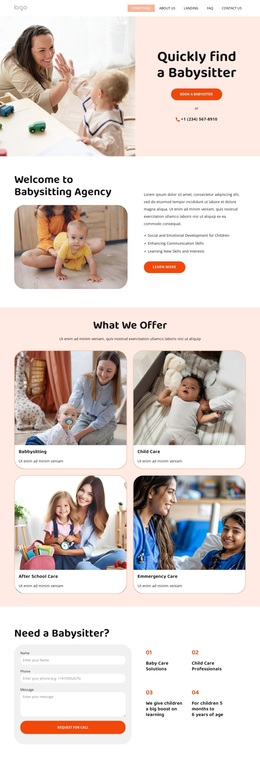
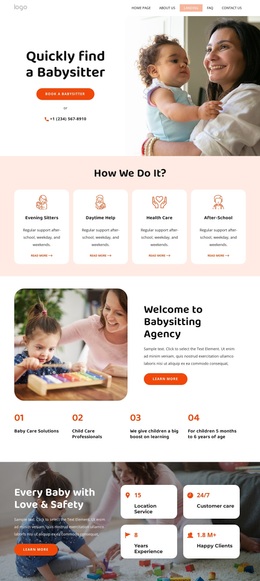
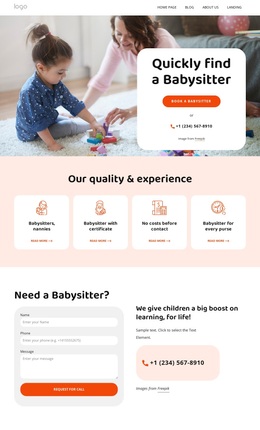
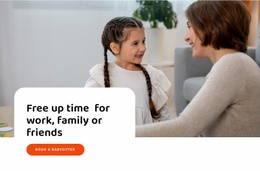
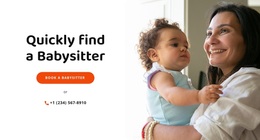
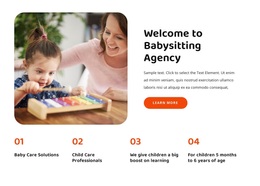
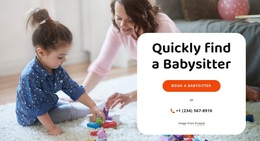
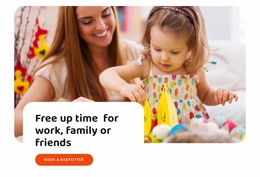
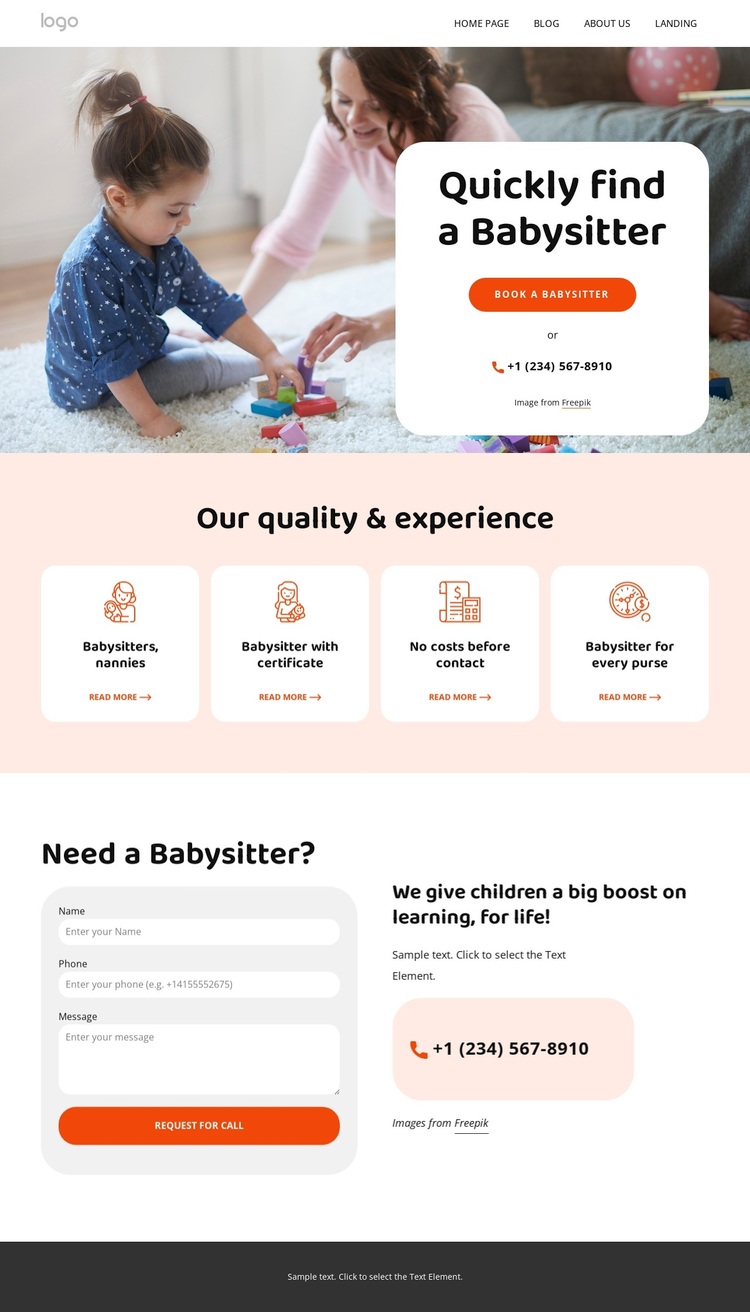
The strongest reason to choose this design is the way it makes the childcare subject visible immediately. A large image of children and caregivers carries the emotional context, while the centered white card narrows the message to “Quickly find a Babysitter.” The booking button and telephone option turn that first impression into a practical next step. This combination suits a service project where families need to understand the offer quickly and see how to make contact.
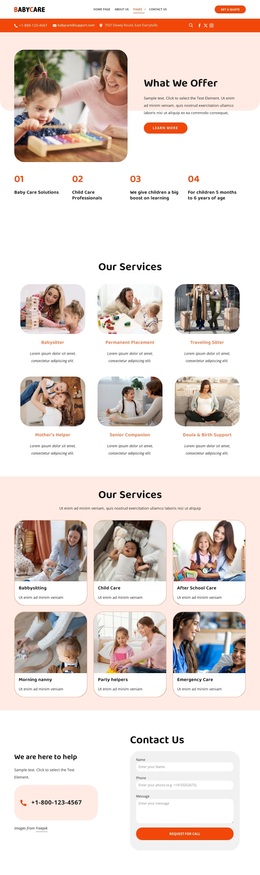
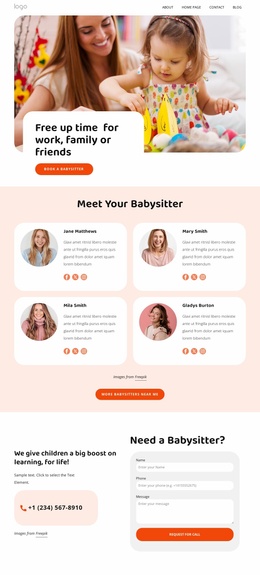
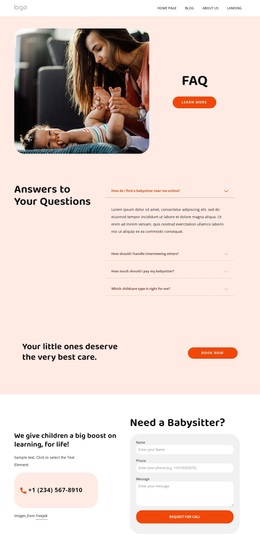
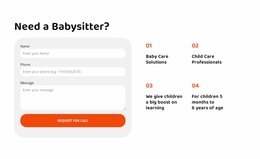
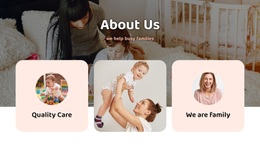
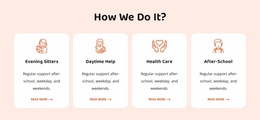
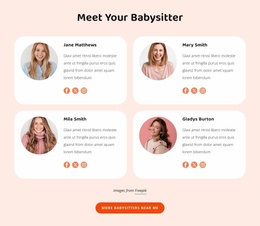
The four service cards add useful coverage without making the page text-heavy. Babysitters, nannies, certified babysitters, and related benefits are treated as distinct categories, so the design can communicate both the breadth of the service and the qualities families may consider. The callback section then gives the page a more personal response route through name, phone, and message fields, supported by additional childcare content. It makes the template suitable for projects that need both explanation and a request mechanism.
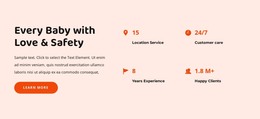
The coral footer broadens the page beyond the initial booking message. Phone and email contacts, an address and map link, social links, quick navigation, and newsletter signup create a complete closing area for an active service presence. Warm coral, pale pink, rounded white cards, and bold sans-serif headings keep the tone friendly and accessible. Together, the image-led introduction, categorized service content, callback request, and communication-rich footer make this design a strong option for a family-oriented childcare project.
Customize with Nicepage
Open this ready-made template in the Template Builder and customize it visually in the Nicepage editor. Replace demo content, edit page sections, and adapt the design to your project without rebuilding the template from scratch.
Start With a Ready-Made Template
Choose a Design for a New Page
Use a ready-made template as a starting point instead of creating every page from a blank canvas. When adding a new page in Nicepage, browse available designs, compare different layouts, and choose an option that already fits the general purpose and visual direction of your project.
Browse Different Page Designs
Explore Page Designs using search, thematic categories, Design Sets, and full-page previews. The collection includes layouts for different subjects and page purposes, making it easier to compare alternatives before selecting a design to customize.
Customize the Selected Template
After choosing a design, create the page and continue editing it visually in Nicepage. Replace the demo content, adjust images, typography, colors, sections, and other elements, and adapt the ready-made layout to your own content instead of rebuilding the design from the beginning.
Explore More Design Directions
If the first option does not match your project closely enough, return to the design collection and compare other templates before committing to a layout. This makes the template library useful not only for faster page creation, but also for exploring different visual approaches and finding a suitable starting point for a new project.
This workflow gives you access to a broad collection of ready-made designs that can be selected, compared, and customized according to the needs of each new page or project.

Design Set (21)
-

-
-
-
-
-
-
-
-
-
-
-
-
Free Website Builder SoftwareDownload
-