Babysitting FAQs Template


Edit Template Offline
2. Create new page and search for id 6330513
Edit Template Online
Create Awesome Websites


Free Nicepage Builder
Keywords
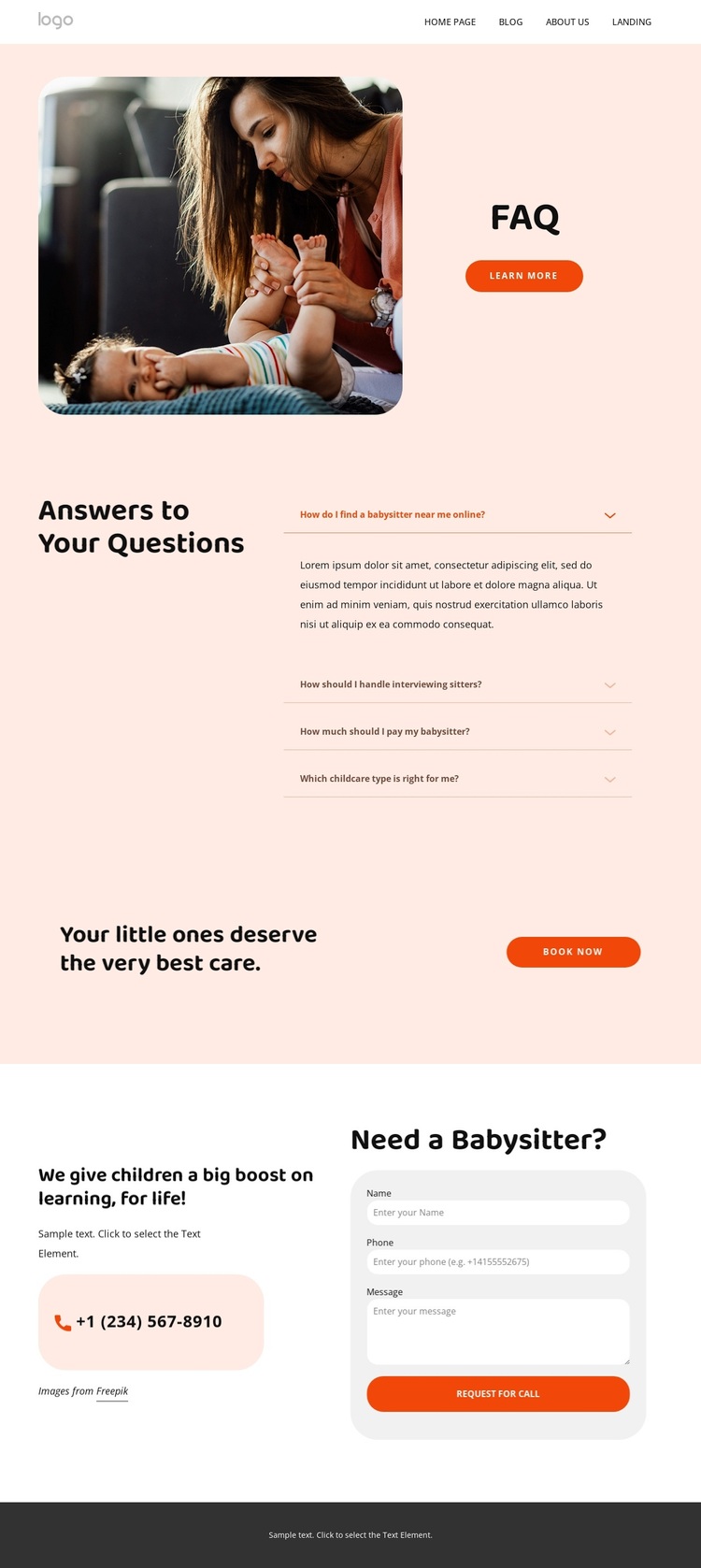
Four childcare questions give this design a clear point of view
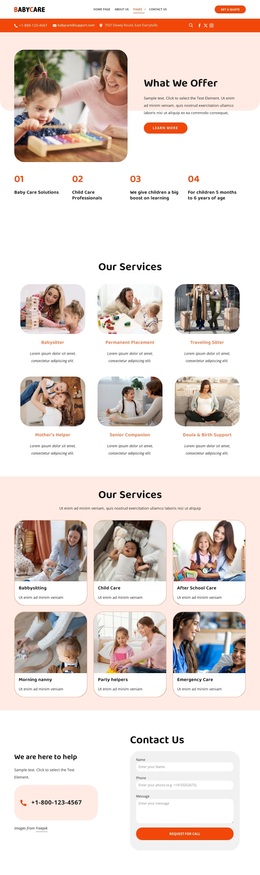
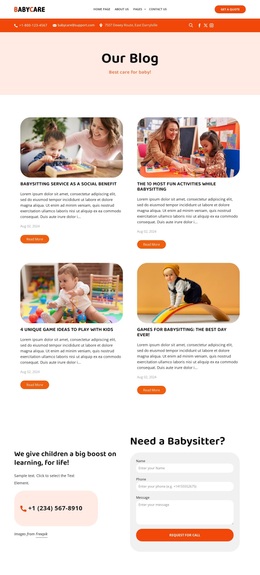
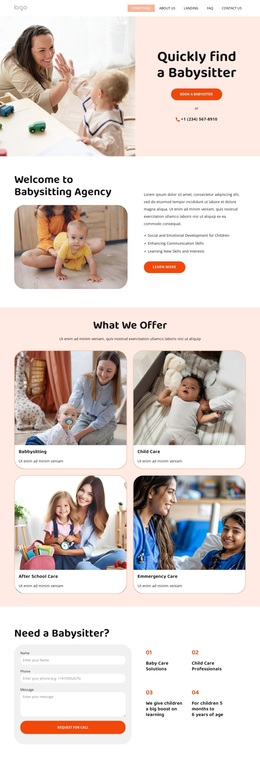
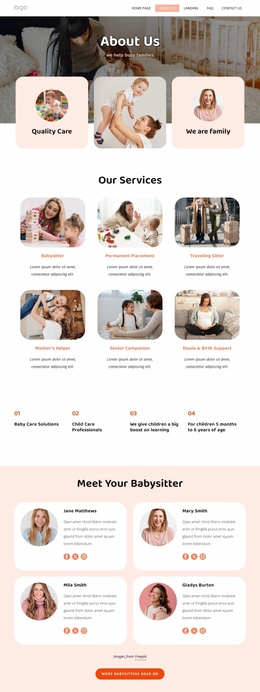
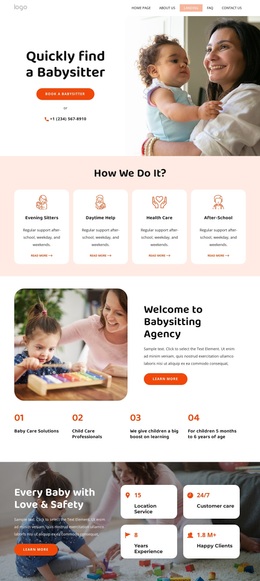
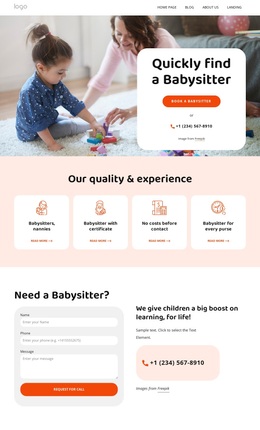
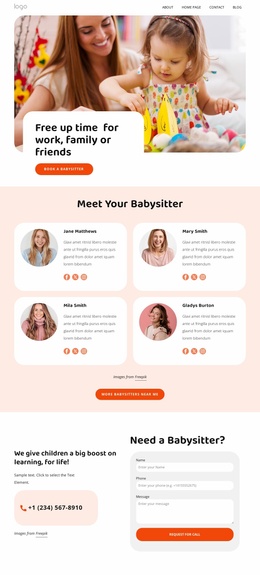
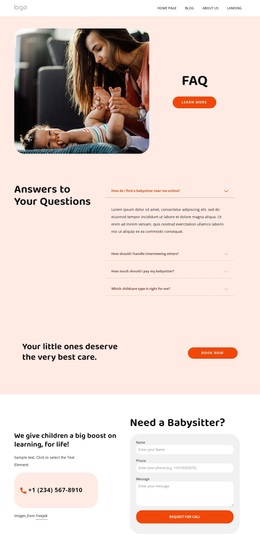
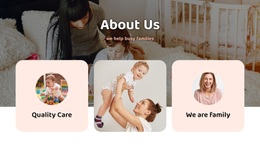
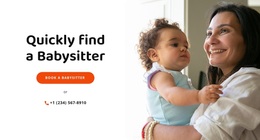
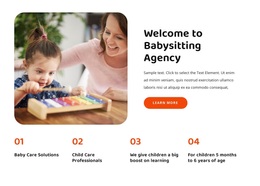
The four-question accordion makes this design distinctive because it addresses practical childcare decisions before asking families to make contact. Questions about finding a babysitter, interviewing sitters, payment, and choosing a childcare type create a focused information set rather than a generic services layout. The split opening reinforces that focus by pairing a childcare image with the FAQ heading and Learn More action, giving visitors immediate context for the questions that follow.
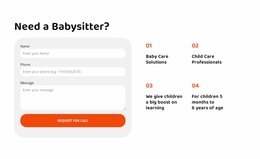
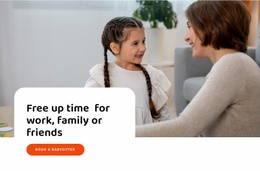
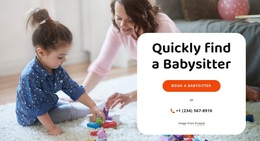
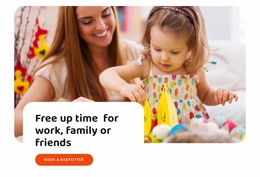
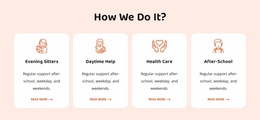
The design also connects information with several response opportunities. The statement that children deserve the best care leads to a Book now button, while the Need a Babysitter? section offers a more detailed route through care-focused text, contact information, and an inquiry form. The service vocabulary extends across babysitter, nanny, and childminder categories, helping the page speak to families comparing different forms of support without relying on dense explanatory copy. A newsletter signup, social links, quick navigation, and contact content complete the communication picture in the footer.
This combination makes the template worth choosing for a childcare project that needs reassurance and action on the same page. Its strongest identity comes from the relationship between specific family questions, warm imagery, and clearly placed booking prompts, rather than from a broad business layout that could describe any service.
Customize with Nicepage
Open this ready-made template in the Template Builder and customize it visually in the Nicepage editor. Replace demo content, edit page sections, and adapt the design to your project without rebuilding the template from scratch.
Start With a Ready-Made Template
Choose a Design for a New Page
Use a ready-made template as a starting point instead of creating every page from a blank canvas. When adding a new page in Nicepage, browse available designs, compare different layouts, and choose an option that already fits the general purpose and visual direction of your project.
Browse Different Page Designs
Explore Page Designs using search, thematic categories, Design Sets, and full-page previews. The collection includes layouts for different subjects and page purposes, making it easier to compare alternatives before selecting a design to customize.
Customize the Selected Template
After choosing a design, create the page and continue editing it visually in Nicepage. Replace the demo content, adjust images, typography, colors, sections, and other elements, and adapt the ready-made layout to your own content instead of rebuilding the design from the beginning.
Explore More Design Directions
If the first option does not match your project closely enough, return to the design collection and compare other templates before committing to a layout. This makes the template library useful not only for faster page creation, but also for exploring different visual approaches and finding a suitable starting point for a new project.
This workflow gives you access to a broad collection of ready-made designs that can be selected, compared, and customized according to the needs of each new page or project.

Design Set (21)
-

-
-
-
-
-
-
-
-
-
-
-
-
Free Website Builder SoftwareDownload
-