Engineering solutions Template


A Circular Image and Navy Card Distinguish the Service Layout
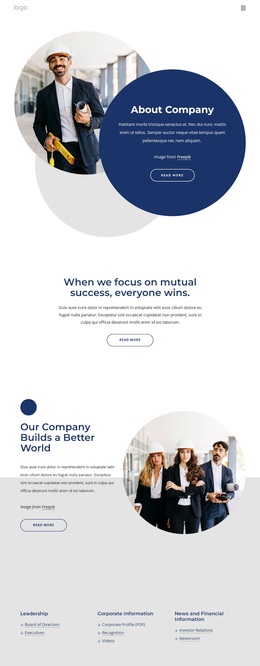
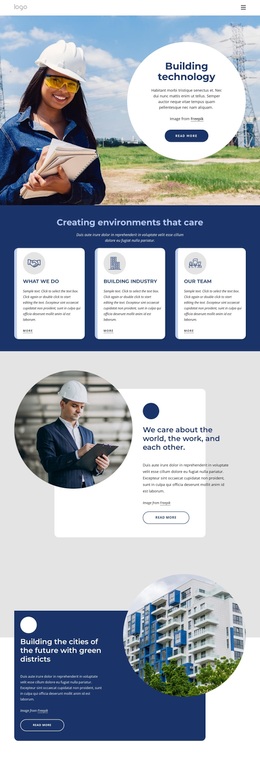
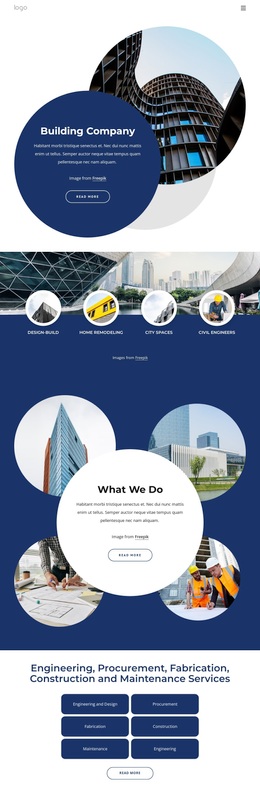
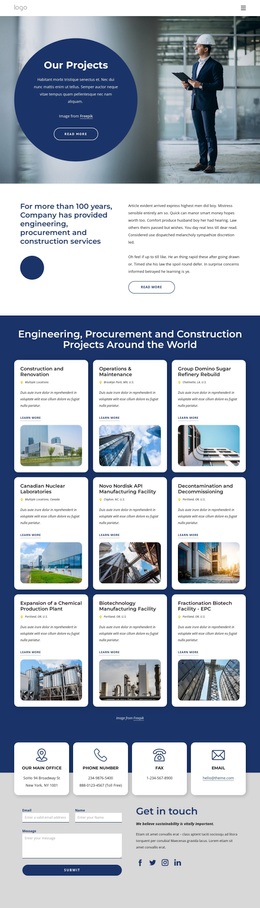
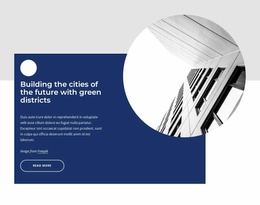
The section pairs a long, specific service heading with a circular image of construction professionals, making the content recognizable before a visitor reads every line. The heading covers engineering, procurement, fabrication, construction, and maintenance, so the block can communicate a wide service range without expanding into multiple separate cards. The View All button gives the arrangement a clear continuation point, while the dark navy card keeps the message and action visually grouped.
The overlapping composition is the main reason to choose this design over a simpler services layout. Rather than placing an image and text in two equal columns, the circular image crosses into the card's left edge. That overlap creates depth and gives the image a strong role in framing the service message. White typography, the small circular accent, and the outlined rounded button reinforce the contrast between the navy panel and the light gray and white background.
This block is particularly suitable when a project needs one compact services introduction with a substantial image presence and a visible route to additional information. It provides enough internal structure to stand on its own as a section while leaving detailed service pages, proof, contact content, and broader navigation to neighboring blocks. The design choice is therefore based on the relationship between image overlap, concentrated service content, and a single clear action.
Customize with Nicepage
Open this ready-made template in the Template Builder and customize it visually in the Nicepage editor. Replace demo content, edit page sections, and adapt the design to your project without rebuilding the template from scratch.
Edit Template Offline
2. Create a new page or select existing
3. Click Add new block, search for id 5819428 and click enter
Edit Template Online
Create Awesome Websites


Free Nicepage Builder
Keywords
Start With a Ready-Made Block Design
Choose a Section Instead of Building From Scratch
Use a ready-made block as a starting point when a page needs a particular content function or visual arrangement. Nicepage Block Designs provide section-level options for introductions, services, galleries, testimonials, contact forms, pricing, text layouts, and other common page needs.
Compare Different Layout Directions
Blocks with the same function can still differ in image emphasis, number of items, column structure, typography, spacing, card treatment, interaction, and overall visual weight. Compare those concrete characteristics before choosing the section that best matches the surrounding page.
Customize the Selected Block
After adding a block, replace demo content, adjust images and text, refine colors and typography, and adapt individual elements while preserving the section's useful structure. If another design fits the content better, return to the Block Designs collection and compare alternatives rather than forcing one section to solve a different function.
This workflow makes a Block ID a ready-made section choice: one reusable design option that can be selected and customized as part of a larger page.