Design of Architecture Template


Edit Template Offline
2. Create new page and search for id 27023
Edit Template Online
Create Awesome Websites


Free Nicepage Builder
Keywords
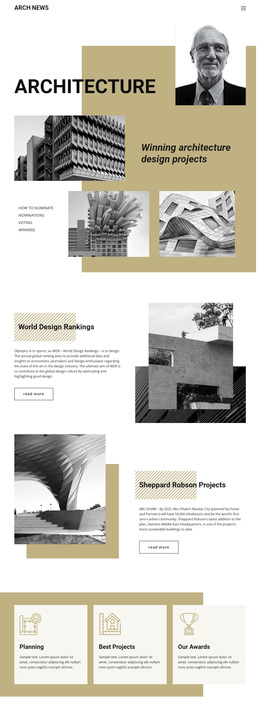
Ranking Stories and Project Features Define the Design Choice
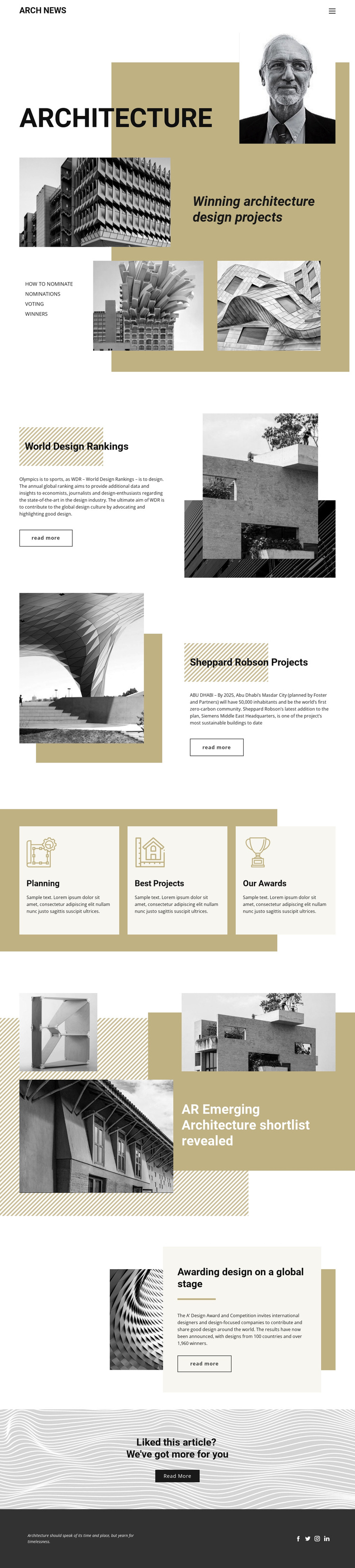
The strongest reason to choose this design is its balance between recognizable editorial categories and visually led feature stories. The Architecture opening establishes a clear subject with a dominant title and layered building imagery, while the World Design Rankings section gives the page a specific ranking-oriented story. The Sheppard Robson feature adds a concrete project focus through Siemens Middle East Headquarters in Masdar City, preventing the layout from feeling like a purely abstract architecture magazine.
The page also covers several related directions without losing its identity. Planning, Best Projects, and Our Awards appear as three equal cards, creating quick topic entry points. The emerging architecture shortlist and A’ Design Award feature extend the content toward discovery, selection, and international recognition. The latter references designs from 100 countries and more than 1,960 winners, providing a strong example of how the template can present broad industry context beside individual projects.
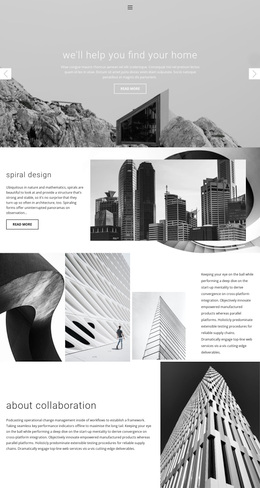
This combination suits a publication, journal, or editorial showcase that needs imagery to carry attention while headings and short article panels organize the reading. The black-and-gold palette, monochrome photography, generous white space, and dark social footer make the option recognizable before any page-specific copy is replaced. Its value lies in the relationship between architecture news coverage, project storytelling, rankings, and awards.
Customize with Nicepage
Open this ready-made template in the Template Builder and customize it visually in the Nicepage editor. Replace demo content, edit page sections, and adapt the design to your project without rebuilding the template from scratch.
Start With a Ready-Made Template
Choose a Design for a New Page
Use a ready-made template as a starting point instead of creating every page from a blank canvas. When adding a new page in Nicepage, browse available designs, compare different layouts, and choose an option that already fits the general purpose and visual direction of your project.
Browse Different Page Designs
Explore Page Designs using search, thematic categories, Design Sets, and full-page previews. The collection includes layouts for different subjects and page purposes, making it easier to compare alternatives before selecting a design to customize.
Customize the Selected Template
After choosing a design, create the page and continue editing it visually in Nicepage. Replace the demo content, adjust images, typography, colors, sections, and other elements, and adapt the ready-made layout to your own content instead of rebuilding the design from the beginning.
Explore More Design Directions
If the first option does not match your project closely enough, return to the design collection and compare other templates before committing to a layout. This makes the template library useful not only for faster page creation, but also for exploring different visual approaches and finding a suitable starting point for a new project.
This workflow gives you access to a broad collection of ready-made designs that can be selected, compared, and customized according to the needs of each new page or project.