Building construction industry Template


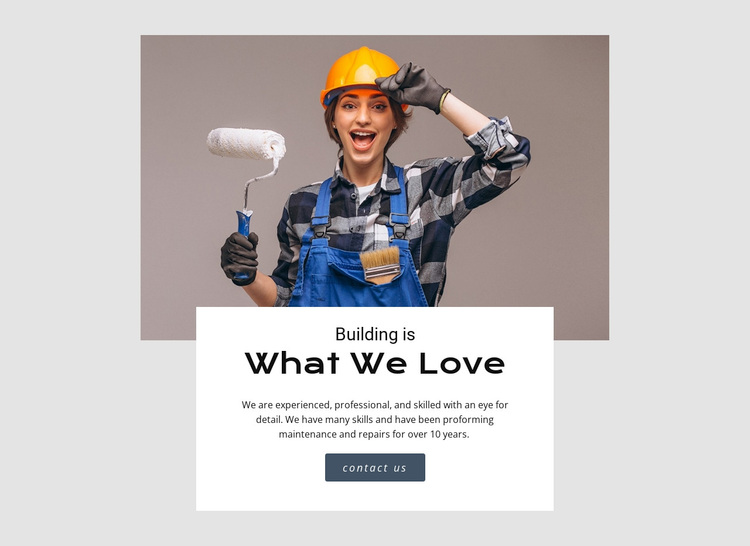
A Worker Photograph Gives the Service Introduction a Distinctive Shape
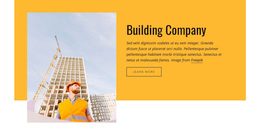
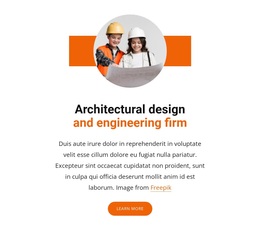
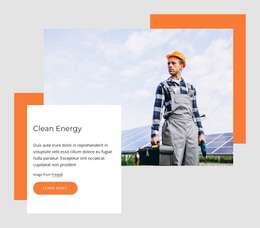
The section combines a centered worker photograph with a white card that overlaps the image’s lower edge, creating more visual presence than a conventional text-only introduction. The headings “Building is” and “What We Love” give the message a clear two-part identity, while the paragraph develops that idea through professional skills, attention to detail, maintenance, and repairs. A reference to more than 10 years of work adds a further layer of service context without turning the section into a long company profile.
This design is a useful choice when a building or maintenance page needs its opening service message to remain compact but visually prominent. The image establishes the working subject at a glance, and the card provides enough separation for the heading, explanation, and “contact us” button to be read as one focused unit. The muted gray background keeps attention on the warm-toned photograph and the white panel, while the dark rounded button supplies a contrasting response point.
Compared with a standard multi-card services arrangement, this block concentrates attention on one introductory statement and one supporting image. That makes it appropriate when the page will explain individual services, projects, or repair work in later sections. The block itself remains one reusable design option, but its combination of image overlap, two-part heading, service copy, and direct contact prompt makes it recognizable among alternative building-section layouts.
Customize with Nicepage
Open this ready-made template in the Template Builder and customize it visually in the Nicepage editor. Replace demo content, edit page sections, and adapt the design to your project without rebuilding the template from scratch.
Edit Template Offline
2. Create a new page or select existing
3. Click Add new block, search for id 52444 and click enter
Edit Template Online
Create Awesome Websites


Free Nicepage Builder
Keywords
Start With a Ready-Made Template
Choose a Design for a New Page
Use a ready-made template as a starting point instead of creating every page from a blank canvas. When adding a new page in Nicepage, browse available designs, compare different layouts, and choose an option that already fits the general purpose and visual direction of your project.
Browse Different Page Designs
Explore Page Designs using search, thematic categories, Design Sets, and full-page previews. The collection includes layouts for different subjects and page purposes, making it easier to compare alternatives before selecting a design to customize.
Customize the Selected Template
After choosing a design, create the page and continue editing it visually in Nicepage. Replace the demo content, adjust images, typography, colors, sections, and other elements, and adapt the ready-made layout to your own content instead of rebuilding the design from the beginning.
Explore More Design Directions
If the first option does not match your project closely enough, return to the design collection and compare other templates before committing to a layout. This makes the template library useful not only for faster page creation, but also for exploring different visual approaches and finding a suitable starting point for a new project.
This workflow gives you access to a broad collection of ready-made designs that can be selected, compared, and customized according to the needs of each new page or project.