Crossfit classes for all levels Template


Edit Template Offline
2. Create new page and search for id 4373869
Edit Template Online
Create Awesome Websites


Free Nicepage Builder
Keywords
Nine Training Paths Give the Design a Specific Fitness Focus
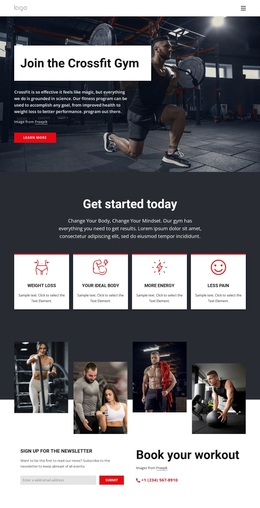
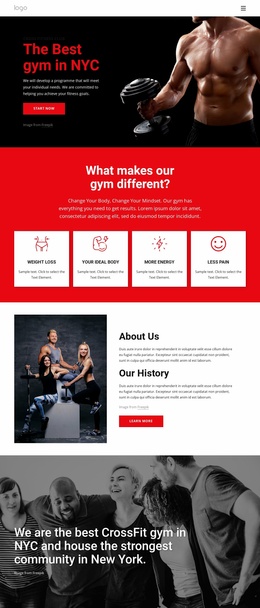
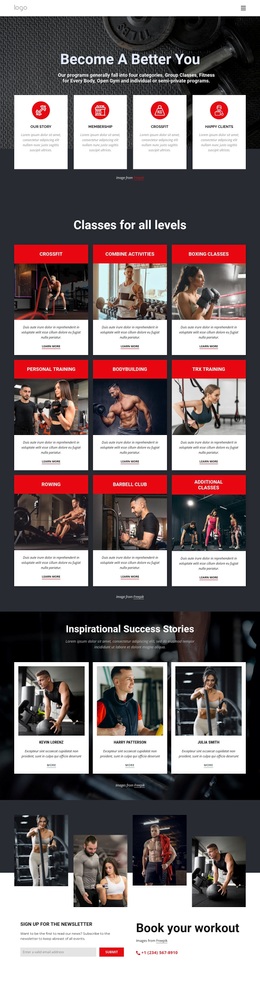
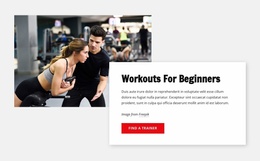
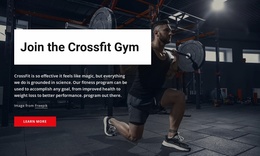
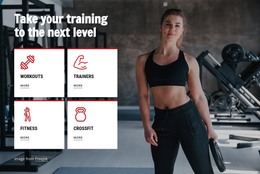
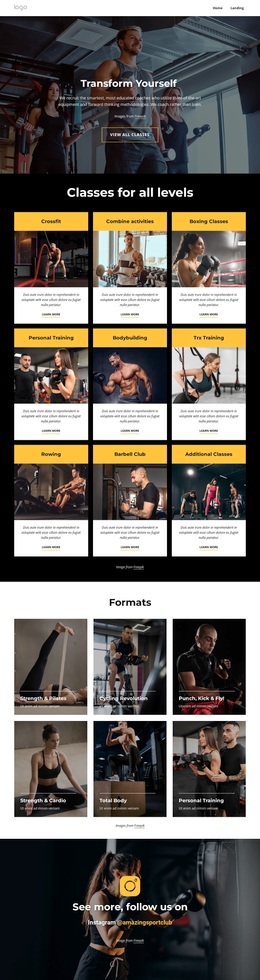
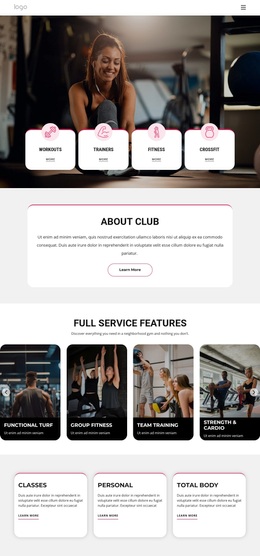
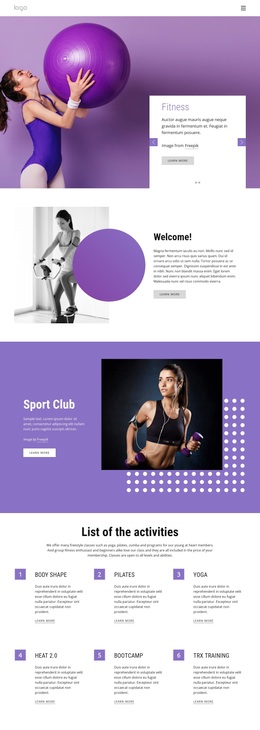
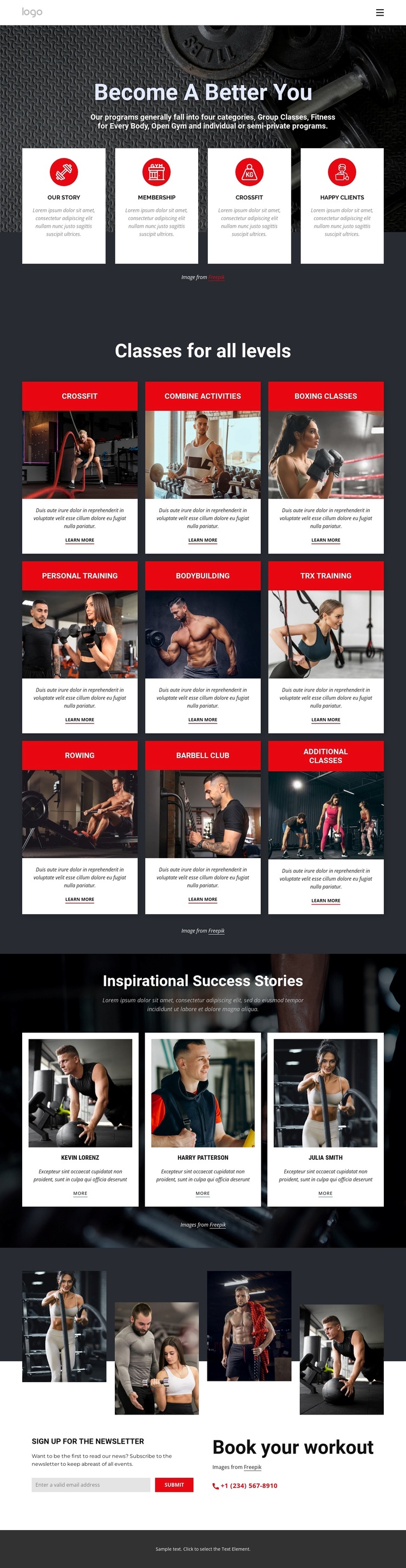
The strongest reason to choose this design is its combination of broad fitness coverage and a clearly recognizable training subject. The hero does not rely on a generic business introduction: “Become A Better You” is paired with a large workout photograph and four feature cards that immediately establish the page as a fitness presentation. The central catalog then makes that subject concrete through nine named class categories, from Crossfit and boxing to personal training, bodybuilding, TRX training, rowing, and the barbell club.
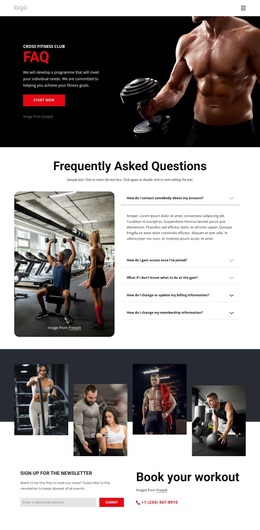
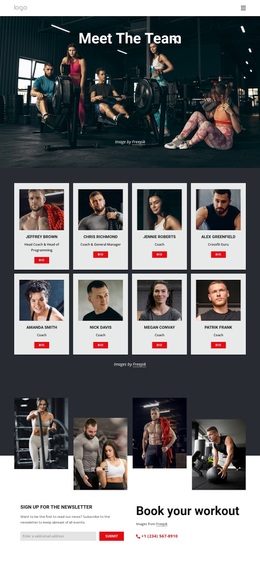
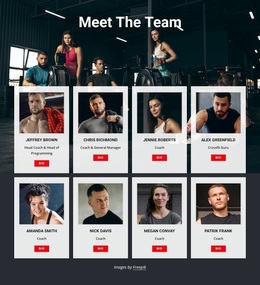
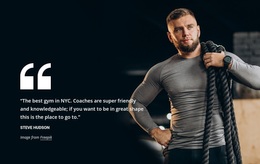
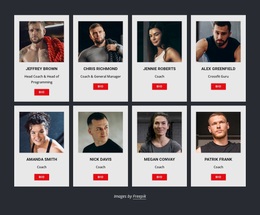
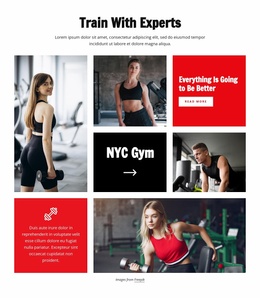
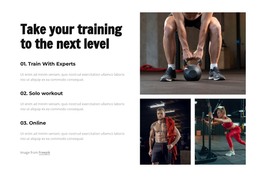
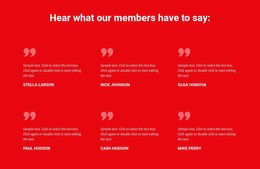
The design also balances program discovery with human evidence. Three success-story profiles add portraits and short statements after the class catalog, creating a member-oriented layer without interrupting the repeated card structure. A four-image fitness collage reinforces the visual emphasis on movement and training, while the final light section combines newsletter subscription with workout booking contact content. This gives the design coverage across introduction, class exploration, stories, and response rather than making it only a decorative gym homepage. Dark charcoal backgrounds, vivid red accents, white cards, bold condensed headings, and tightly arranged layouts further distinguish it from softer wellness or text-heavy service designs. It is a useful option when the project needs multiple training categories to remain visible while photography and member stories carry much of the page’s energy.
Customize with Nicepage
Open this ready-made template in the Template Builder and customize it visually in the Nicepage editor. Replace demo content, edit page sections, and adapt the design to your project without rebuilding the template from scratch.
Start With a Ready-Made Template
Choose a Design for a New Page
Use a ready-made template as a starting point instead of creating every page from a blank canvas. When adding a new page in Nicepage, browse available designs, compare different layouts, and choose an option that already fits the general purpose and visual direction of your project.
Browse Different Page Designs
Explore Page Designs using search, thematic categories, Design Sets, and full-page previews. The collection includes layouts for different subjects and page purposes, making it easier to compare alternatives before selecting a design to customize.
Customize the Selected Template
After choosing a design, create the page and continue editing it visually in Nicepage. Replace the demo content, adjust images, typography, colors, sections, and other elements, and adapt the ready-made layout to your own content instead of rebuilding the design from the beginning.
Explore More Design Directions
If the first option does not match your project closely enough, return to the design collection and compare other templates before committing to a layout. This makes the template library useful not only for faster page creation, but also for exploring different visual approaches and finding a suitable starting point for a new project.
This workflow gives you access to a broad collection of ready-made designs that can be selected, compared, and customized according to the needs of each new page or project.

Design Set (26)
-

-
-
-
-
-
-
-
-
-
-
-
-
Free Website Builder SoftwareDownload
-
-
-
-
-
-