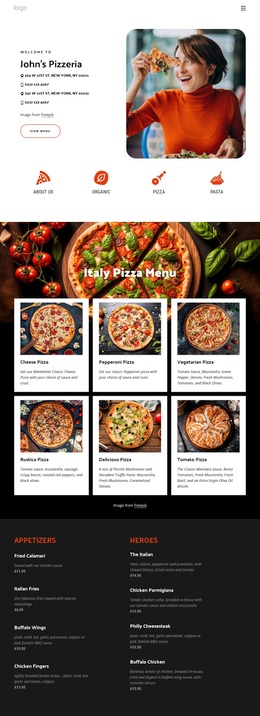
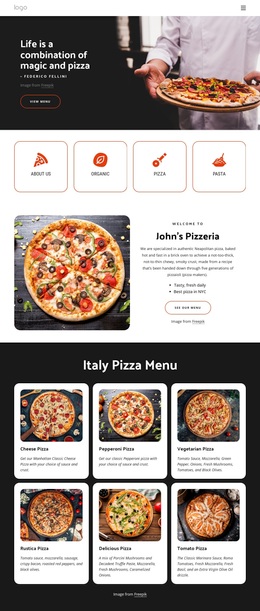
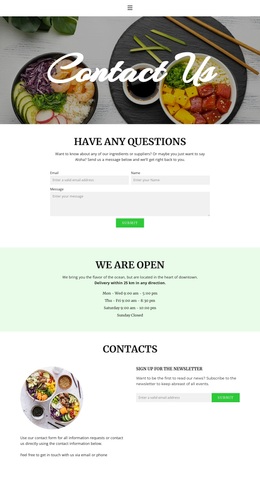
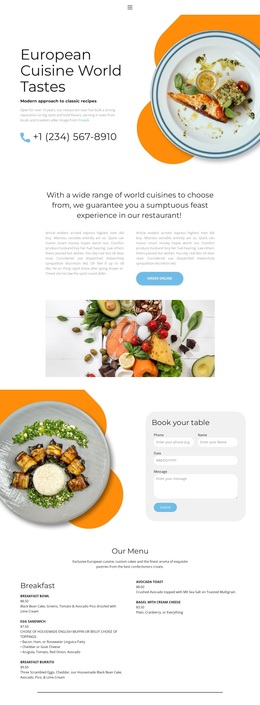
Fresh bread handcrafted every day Template


Edit Template Offline
2. Create new page and search for id 3284327
Edit Template Online
Create Awesome Websites


Free Nicepage Builder
Keywords
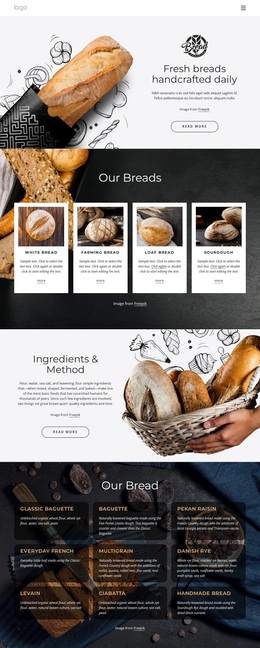
Four Featured Cards and a Nine-Item Menu Give the Design Bread-Focused Coverage
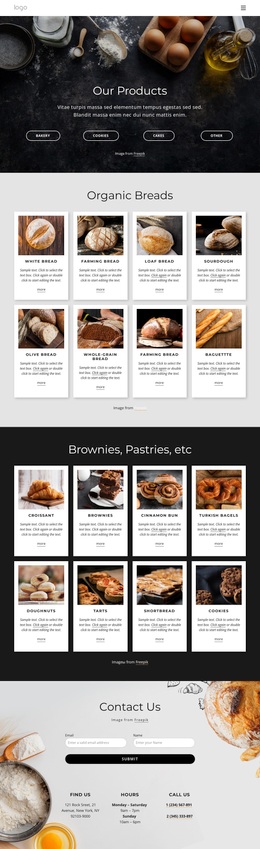
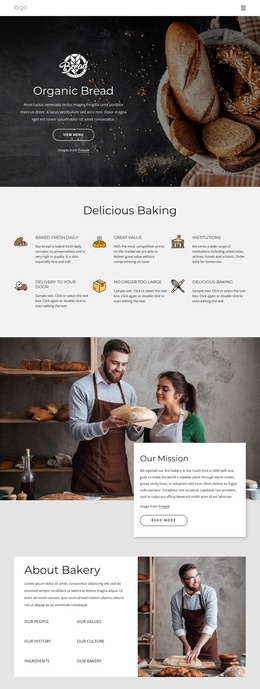
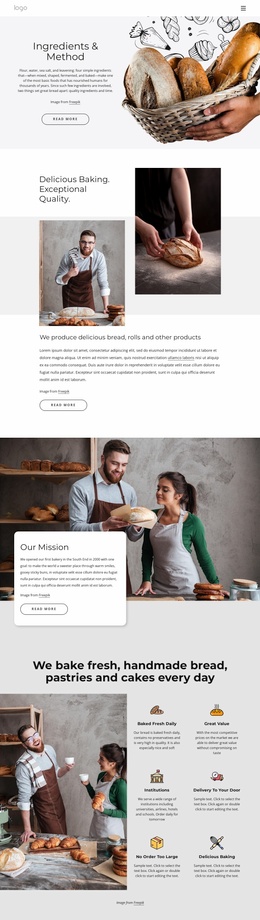
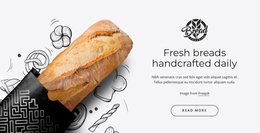
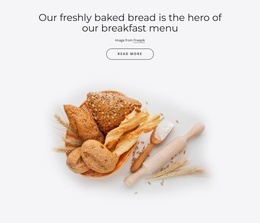
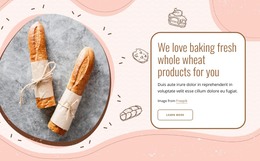
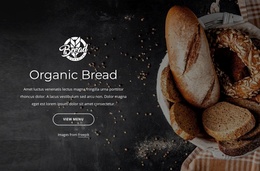
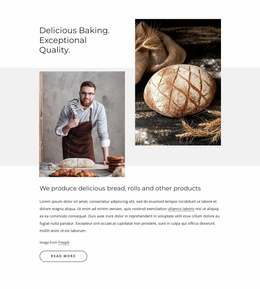
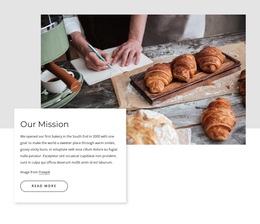
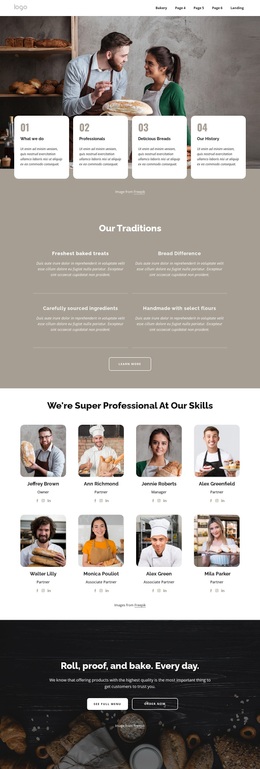
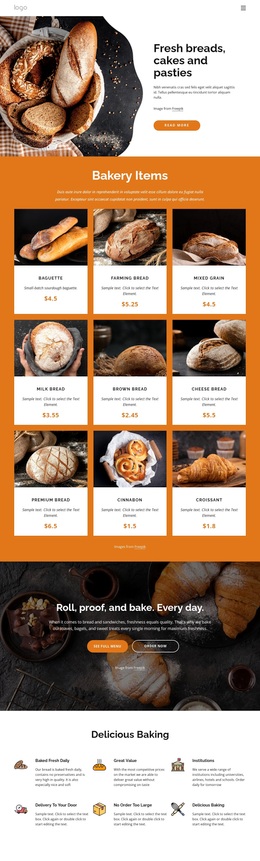
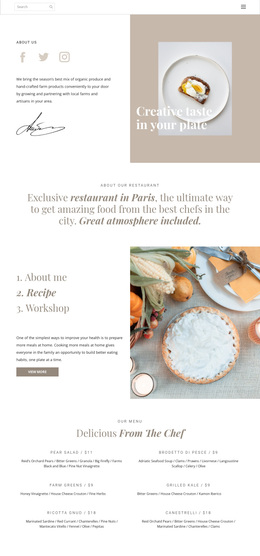
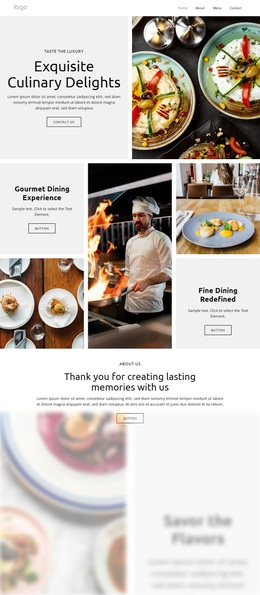
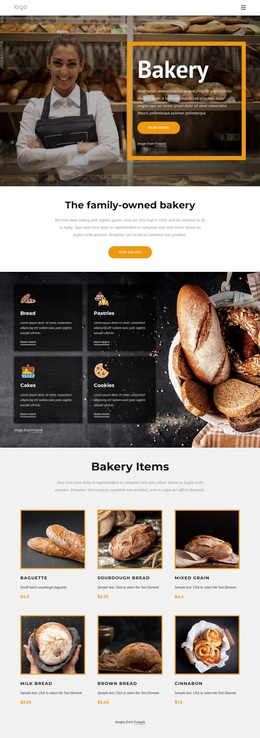
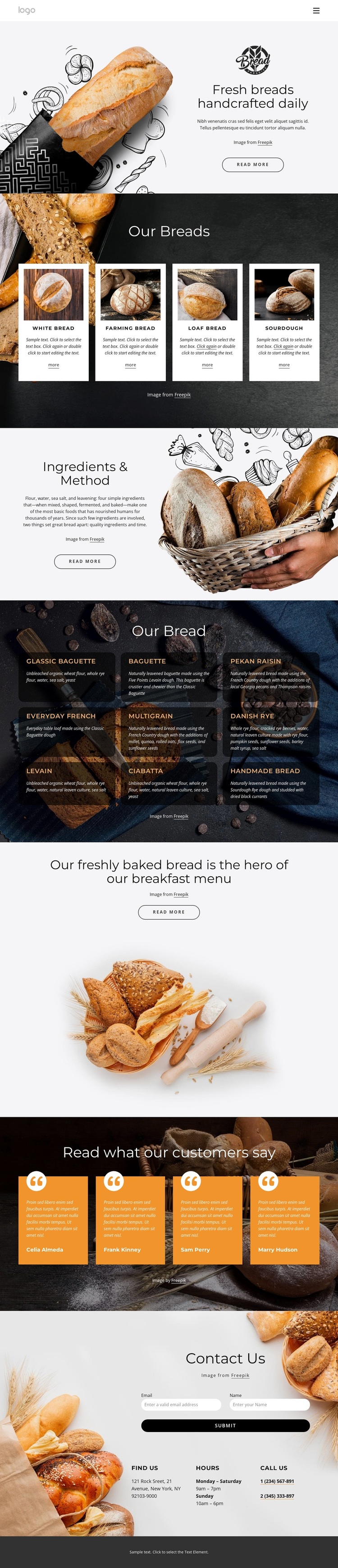
The design is a useful choice when bread itself needs to carry the main story. Its opening image-led hero establishes the subject quickly, then the four featured cards provide a compact way to introduce bread categories with names, descriptions, images, and links. That combination makes the offering understandable before visitors reach the more detailed content below.
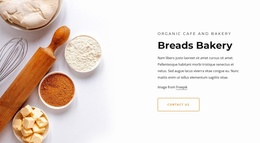
The Ingredients & Method section gives the design a second strength: it can explain how the product is prepared instead of relying only on appetizing photography. The nine-item menu then broadens the coverage with named varieties such as Classic Baguette, Pekan Raisin, Everyday French, Danish Rye, Levain, and Handmade Bread. Together, the explanatory section and the menu suit a bakery project that needs both product range and process-focused content.
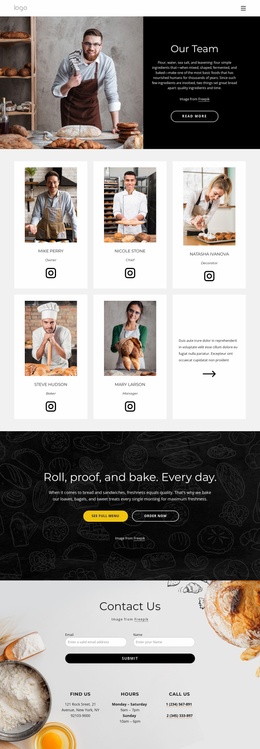
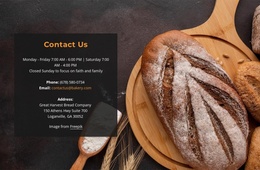
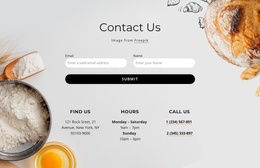
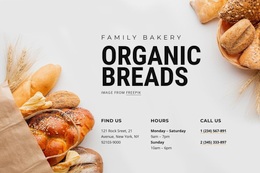
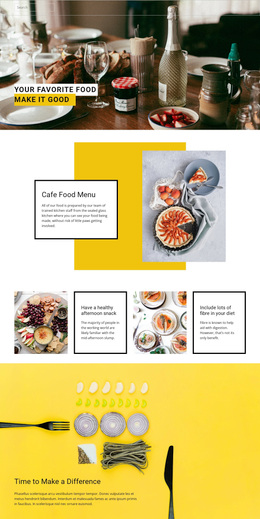
The later sections add useful balance rather than repeating the catalogue. A centered breakfast statement creates a strong promotional moment, four testimonial cards introduce customer-oriented proof, and the final contact area makes the next conversation visible through a form, phone information, hours, and location details. The sample contact values and testimonial identities are structural placeholders, but the arrangement itself provides a clear starting direction for a bread shop, bakery, or food-focused homepage that depends on imagery and organized product coverage.
Customize with Nicepage
Open this ready-made template in the Template Builder and customize it visually in the Nicepage editor. Replace demo content, edit page sections, and adapt the design to your project without rebuilding the template from scratch.
Start With a Ready-Made Template
Choose a Design for a New Page
Use a ready-made template as a starting point instead of creating every page from a blank canvas. When adding a new page in Nicepage, browse available designs, compare different layouts, and choose an option that already fits the general purpose and visual direction of your project.
Browse Different Page Designs
Explore Page Designs using search, thematic categories, Design Sets, and full-page previews. The collection includes layouts for different subjects and page purposes, making it easier to compare alternatives before selecting a design to customize.
Customize the Selected Template
After choosing a design, create the page and continue editing it visually in Nicepage. Replace the demo content, adjust images, typography, colors, sections, and other elements, and adapt the ready-made layout to your own content instead of rebuilding the design from the beginning.
Explore More Design Directions
If the first option does not match your project closely enough, return to the design collection and compare other templates before committing to a layout. This makes the template library useful not only for faster page creation, but also for exploring different visual approaches and finding a suitable starting point for a new project.
This workflow gives you access to a broad collection of ready-made designs that can be selected, compared, and customized according to the needs of each new page or project.

Design Set (24)
-

-
-
-
-
-
-
-
-
-
-
-
-
-
-
-
Free Website Builder SoftwareDownload
-
-
-
-