We love traditions Template


Edit Template Offline
2. Create new page and search for id 6166939
Edit Template Online
Create Awesome Websites


Free Nicepage Builder
Keywords
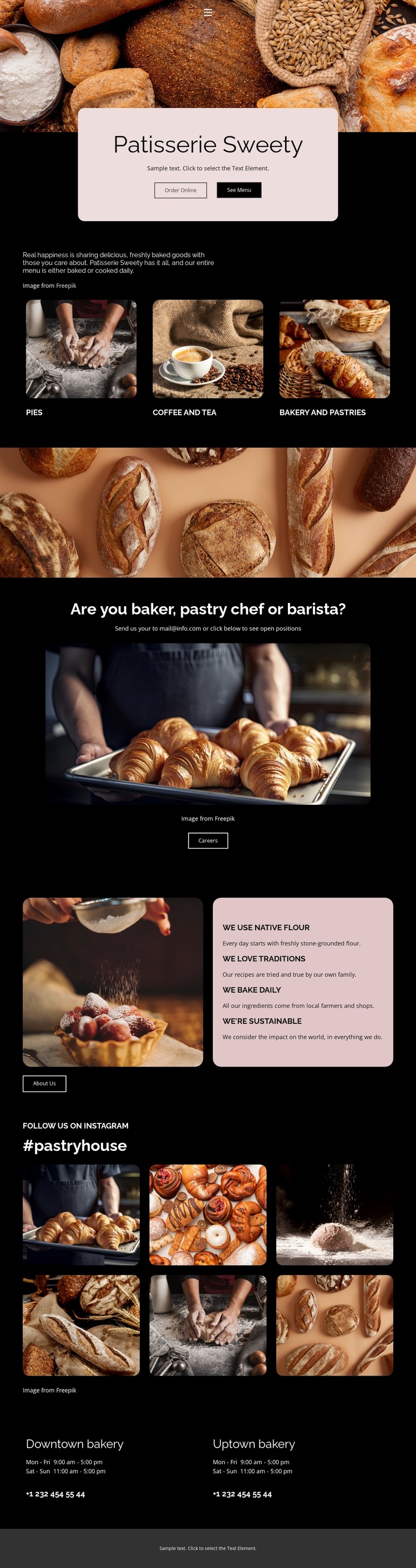
Three Product Categories Give the Bakery Design a Clear Starting Point
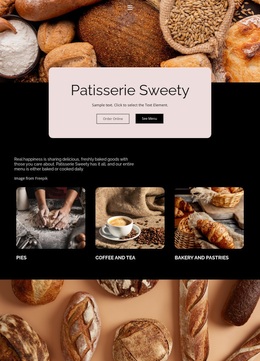
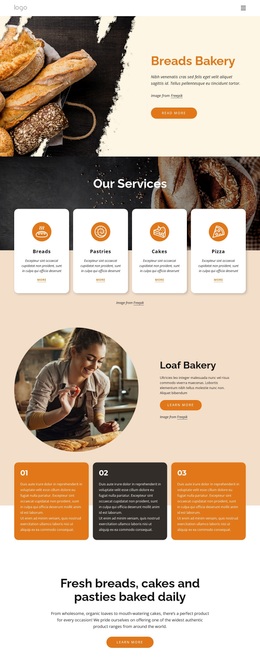
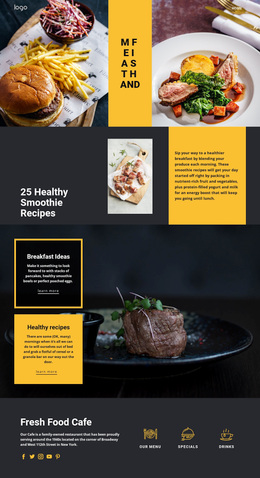
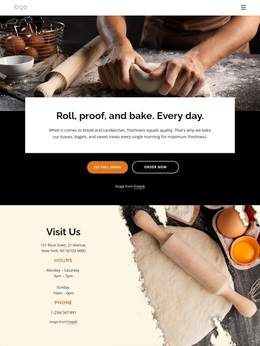
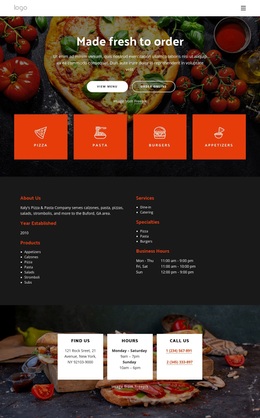
The combination of large bakery photography and three named product categories makes this design a useful choice for a patisserie project that needs its offer to be understood quickly. Pies, coffee and tea, and bakery and pastries are presented as separate visual subjects beneath introductory bakery copy, so the page can show range without turning the opening into a dense catalogue. The centered title panel adds Order Online and See Menu actions, connecting the visual presentation with immediate customer-oriented destinations.
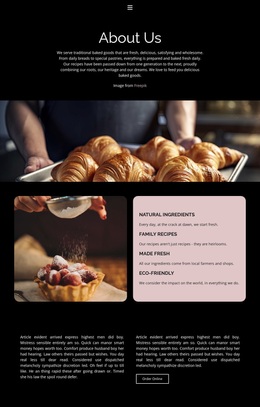
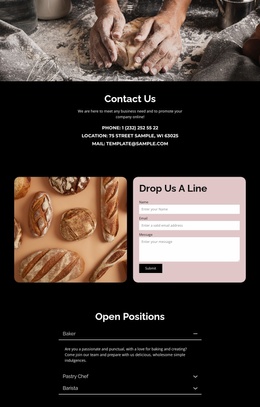
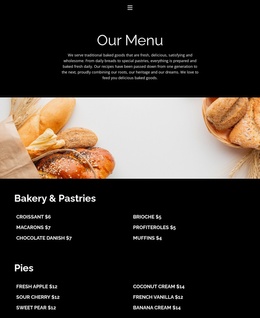
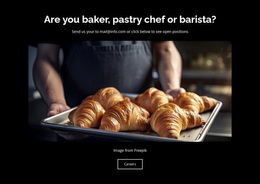
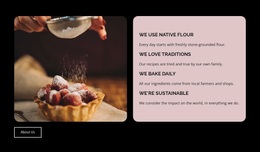
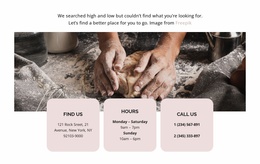
The design also covers more than products. A recruitment section addresses bakers, pastry chefs, and baristas, which gives the page a distinct employment use alongside its customer-facing purpose. Four value statements—native flour, traditions, daily baking, and sustainability—supply a concise way to communicate bakery practices. The six-image social showcase continues the emphasis on appetizing imagery, while two labeled bakery locations with hours and phone contacts add practical local information. This combination separates the template from a layout focused only on a menu or product grid. Its dark, high-contrast language, pale pink panels, rounded image corners, and generous vertical spacing make the content feel boutique and image-led while preserving clear areas for ordering, careers, social presentation, and visits.
Customize with Nicepage
Open this ready-made template in the Template Builder and customize it visually in the Nicepage editor. Replace demo content, edit page sections, and adapt the design to your project without rebuilding the template from scratch.
Start With a Ready-Made Template
Choose a Design for a New Page
Use a ready-made template as a starting point instead of creating every page from a blank canvas. When adding a new page in Nicepage, browse available designs, compare different layouts, and choose an option that already fits the general purpose and visual direction of your project.
Browse Different Page Designs
Explore Page Designs using search, thematic categories, Design Sets, and full-page previews. The collection includes layouts for different subjects and page purposes, making it easier to compare alternatives before selecting a design to customize.
Customize the Selected Template
After choosing a design, create the page and continue editing it visually in Nicepage. Replace the demo content, adjust images, typography, colors, sections, and other elements, and adapt the ready-made layout to your own content instead of rebuilding the design from the beginning.
Explore More Design Directions
If the first option does not match your project closely enough, return to the design collection and compare other templates before committing to a layout. This makes the template library useful not only for faster page creation, but also for exploring different visual approaches and finding a suitable starting point for a new project.
This workflow gives you access to a broad collection of ready-made designs that can be selected, compared, and customized according to the needs of each new page or project.