Professional fitness Template
Edit Template Offline
2. Create new page and search for id 21137
Edit Template Online
Create Awesome Websites


Free Nicepage Builder
Keywords
Bold Athletic Imagery Supports a Complete Fitness Story
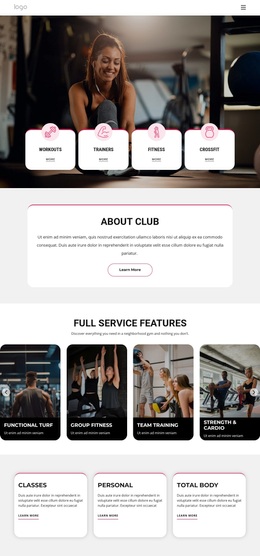
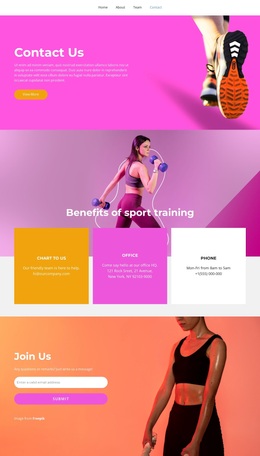
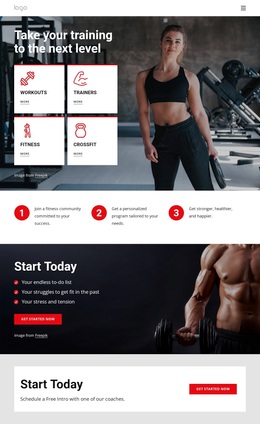
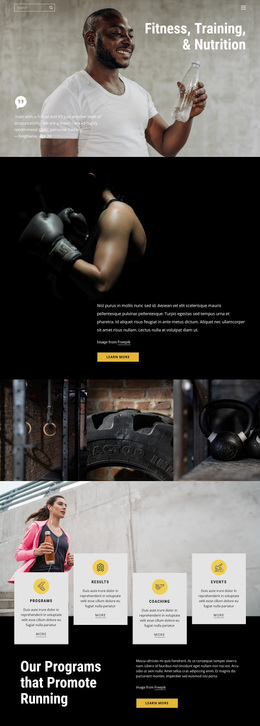
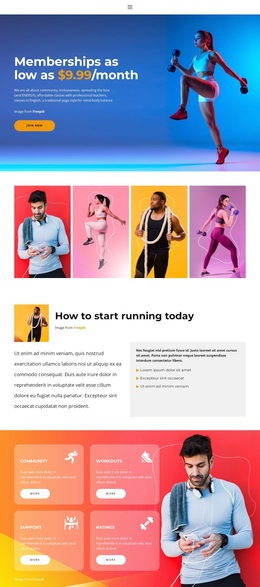
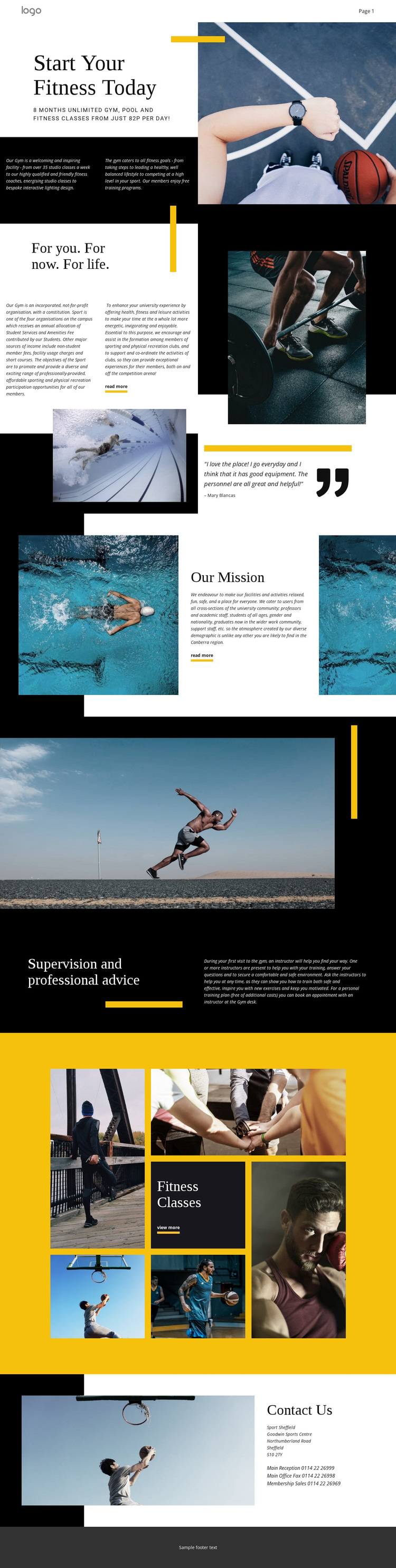
The design begins with a strong combination of visual identity and practical coverage. Black, white, and bright yellow create a clear sports-oriented palette, while geometric accents and large athletic photographs make activity the dominant visual subject. The opening fitness introduction places gym, pool, and class information beside a prominent image, so the page communicates both what the facility offers and the energetic setting associated with those offerings.
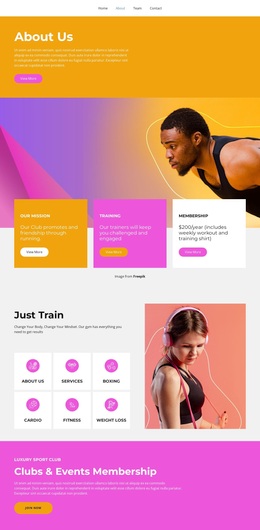
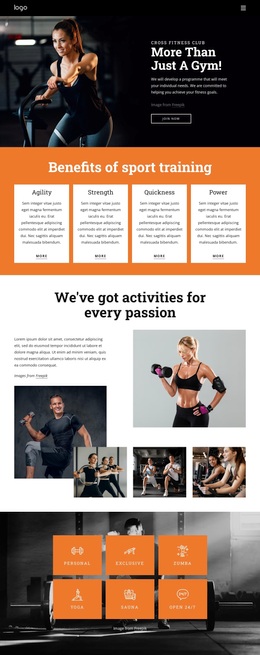
Its content coverage is another reason to choose this design. The “For you. For now. For life.” overview and “Our Mission” statement give the organization a community dimension, including its relationship with students, staff, graduates, and other university members. The testimonial attributed to Mary Blancas adds a member-centered perspective, while the coaching section introduces supervision, professional advice, and personal training support. These elements distinguish the layout from a page built only around facility photographs or a simple service list.
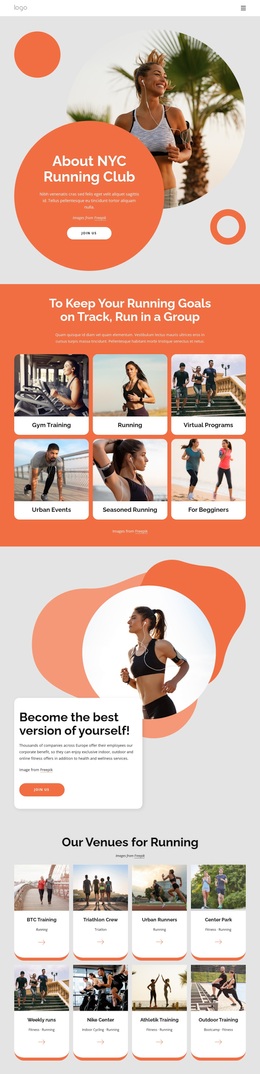
The six-image “Fitness Classes” gallery adds a visual discovery point before the contact section identifies Sport Sheffield at Goodwin Sports Centre. With separate reception, office, and membership sales telephone channels, the page also covers practical next steps. It is therefore a useful design option for fitness organizations that need energetic presentation, community context, program visibility, and clear facility information in one connected page.
Customize with Nicepage
Open this ready-made template in the Template Builder and customize it visually in the Nicepage editor. Replace demo content, edit page sections, and adapt the design to your project without rebuilding the template from scratch.
Start With a Ready-Made Template
Choose a Design for a New Page
Use a ready-made template as a starting point instead of creating every page from a blank canvas. When adding a new page in Nicepage, browse available designs, compare different layouts, and choose an option that already fits the general purpose and visual direction of your project.
Browse Different Page Designs
Explore Page Designs using search, thematic categories, Design Sets, and full-page previews. The collection includes layouts for different subjects and page purposes, making it easier to compare alternatives before selecting a design to customize.
Customize the Selected Template
After choosing a design, create the page and continue editing it visually in Nicepage. Replace the demo content, adjust images, typography, colors, sections, and other elements, and adapt the ready-made layout to your own content instead of rebuilding the design from the beginning.
Explore More Design Directions
If the first option does not match your project closely enough, return to the design collection and compare other templates before committing to a layout. This makes the template library useful not only for faster page creation, but also for exploring different visual approaches and finding a suitable starting point for a new project.
This workflow gives you access to a broad collection of ready-made designs that can be selected, compared, and customized according to the needs of each new page or project.