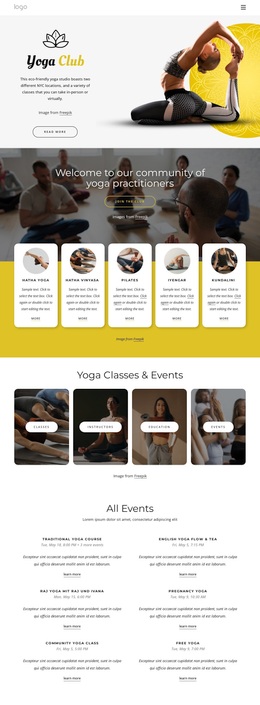
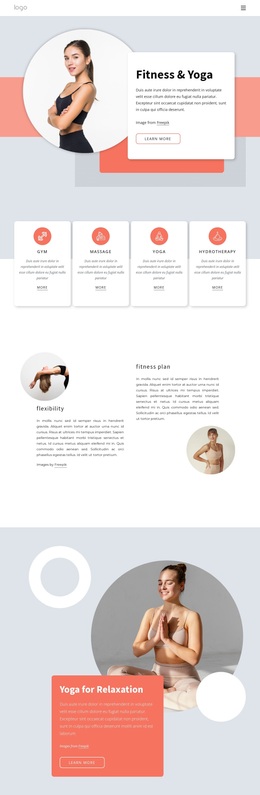
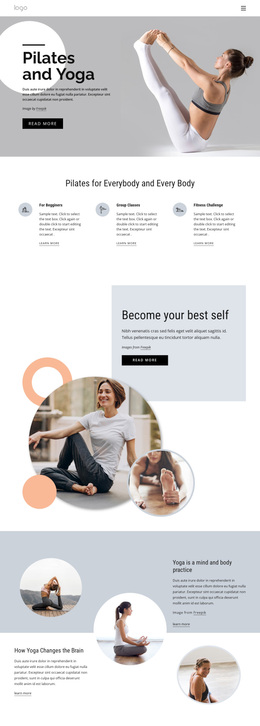
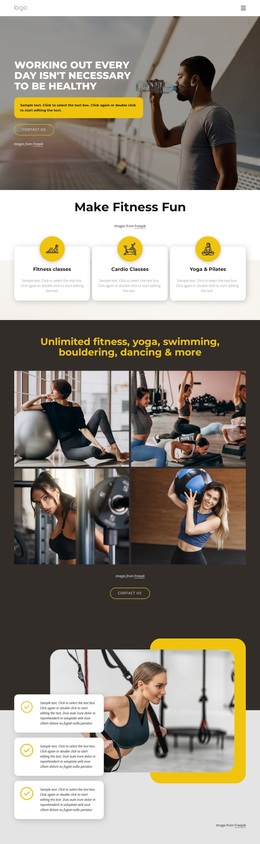
Enjoy pilates and yoga Template


Edit Template Offline
2. Create new page and search for id 6037560
Edit Template Online
Create Awesome Websites


Free Nicepage Builder
Keywords
Twelve Illustrated Categories Turn Class Variety Into the Main Choice
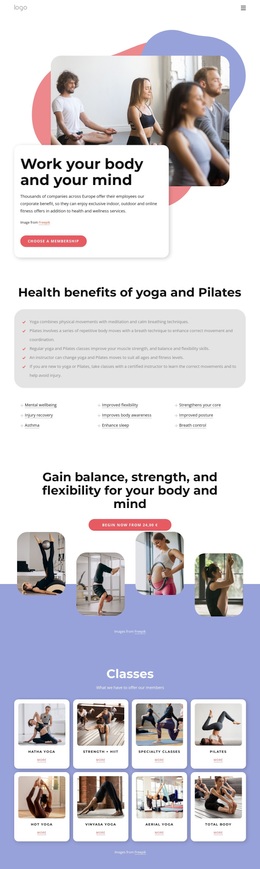
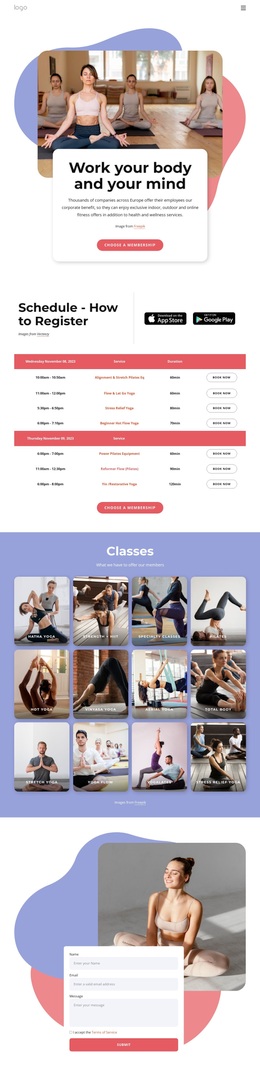
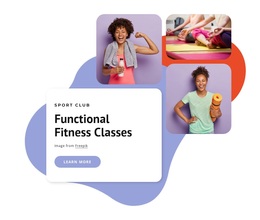
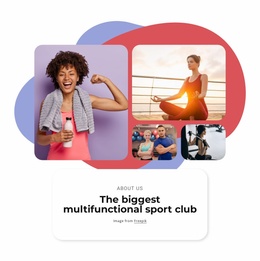
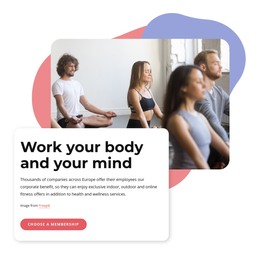
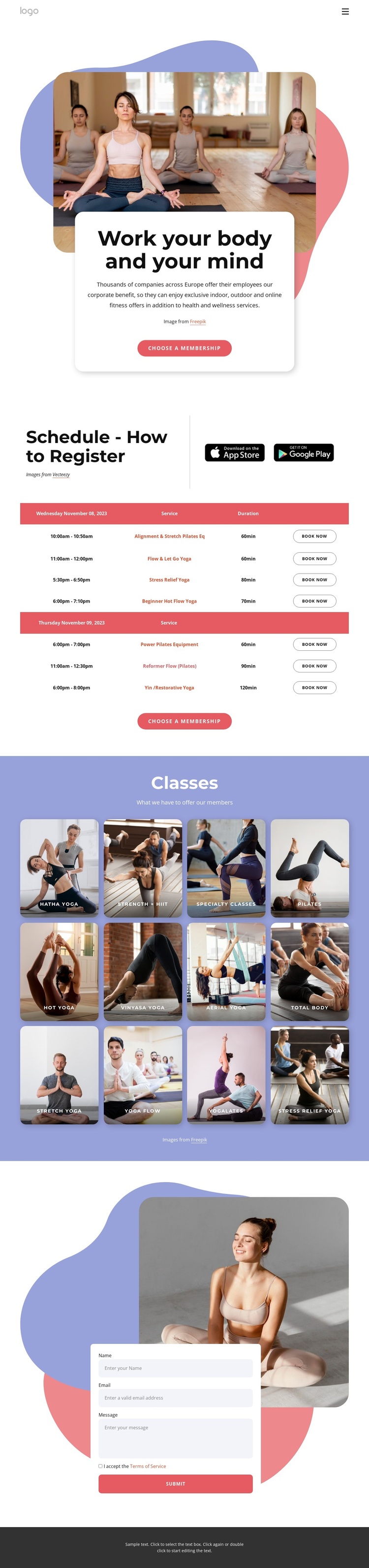
The strongest reason to choose this design is the way it combines a clear fitness message with visible program breadth. The hero presents “Work your body and your mind” through large lifestyle photography and a rounded membership card, establishing an approachable starting point without relying on dense introductory copy. From there, the registration section adds practical value through instructions, app badges, and a class schedule with booking actions.
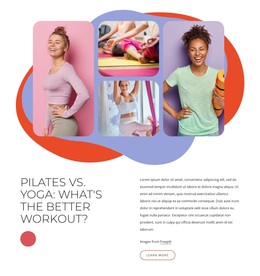
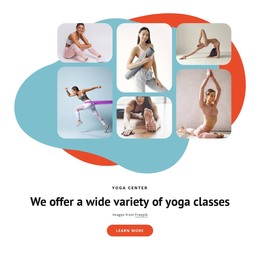
The twelve illustrated category cards make the layout especially suitable for a studio or wellness service that needs to show more than one class type. Hatha Yoga, Strength + HIIT, Specialty Classes, Pilates, Hot Yoga, Vinyasa Yoga, Aerial Yoga, Total Body, Stretch Yoga, Yoga Flow, Yogalates, and Stress Relief Yoga create a broad visual menu. The cards give each category a recognizable place while keeping the overall page compact and easy to scan. They are structural examples, not proof that every listed class is currently offered.
A contact form adds a practical alternative to the membership and booking actions, collecting name, email, and message details with terms acceptance and submission. That combination distinguishes this option from a purely inspirational yoga page: it covers discovery, schedule review, membership selection, booking, and inquiry in one design. The rounded imagery and lavender-coral accents support the wellness subject while leaving enough white space for the operational content to remain legible.
Customize with Nicepage
Open this ready-made template in the Template Builder and customize it visually in the Nicepage editor. Replace demo content, edit page sections, and adapt the design to your project without rebuilding the template from scratch.
Start With a Ready-Made Template
Choose a Design for a New Page
Use a ready-made template as a starting point instead of creating every page from a blank canvas. When adding a new page in Nicepage, browse available designs, compare different layouts, and choose an option that already fits the general purpose and visual direction of your project.
Browse Different Page Designs
Explore Page Designs using search, thematic categories, Design Sets, and full-page previews. The collection includes layouts for different subjects and page purposes, making it easier to compare alternatives before selecting a design to customize.
Customize the Selected Template
After choosing a design, create the page and continue editing it visually in Nicepage. Replace the demo content, adjust images, typography, colors, sections, and other elements, and adapt the ready-made layout to your own content instead of rebuilding the design from the beginning.
Explore More Design Directions
If the first option does not match your project closely enough, return to the design collection and compare other templates before committing to a layout. This makes the template library useful not only for faster page creation, but also for exploring different visual approaches and finding a suitable starting point for a new project.
This workflow gives you access to a broad collection of ready-made designs that can be selected, compared, and customized according to the needs of each new page or project.