A good quality education Template



Edit Template Offline
2. Create new page and search for id 1672591
Edit Template Online
Create Awesome Websites


Free Nicepage Builder
Keywords
Study Advice and Institute Storytelling Give This Education Design a Clear Focus
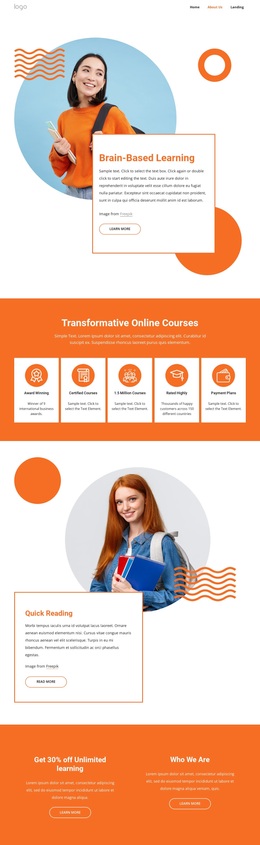
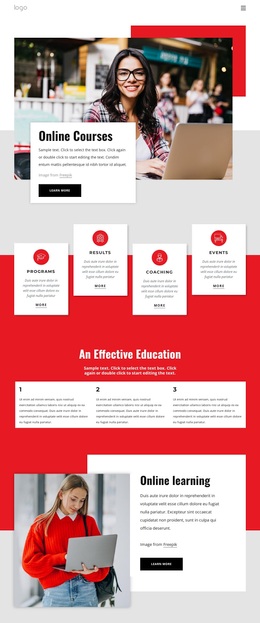
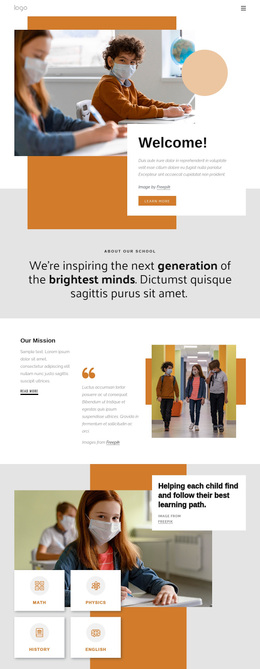
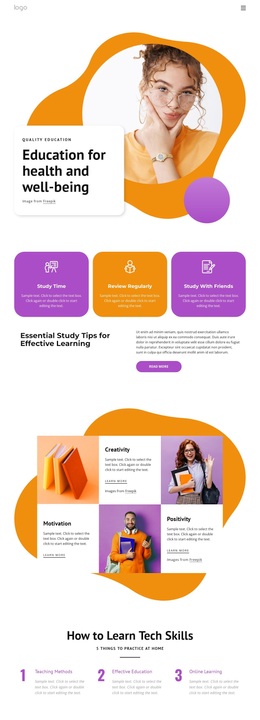
Large educational photography carries the subject from the first hero through the institute-focused panels, while the rounded cards and organic orange and purple shapes keep the presentation friendly rather than text-heavy. That visual direction is supported by content with several levels of depth. The three study guidance cards address Study Time, Review Regularly, and Study With Friends, giving visitors immediate practical themes to recognize.
The design also covers the qualities and methods behind its educational message. Creativity, Motivation, and Positivity appear in alternating image-and-text tiles, creating a more expressive middle section. The three numbered learning methods then introduce Teaching Methods, Effective Education, and Online Learning in a concise instructional format. This combination makes the page suitable for projects that need both approachable guidance and a clearer explanation of an education institute.
The institute section, repeated education-and-well-being message, and learn-more links provide a transition from general learning advice to organizational information. A contact form at the end adds a direct way to request more information, with fields for name, email, and message. The design is therefore a useful choice when educational storytelling should combine practical study content, visual warmth, an institute introduction, and an inquiry opportunity instead of relying on a dense text-only layout.
Customize with Nicepage
Open this ready-made template in the Template Builder and customize it visually in the Nicepage editor. Replace demo content, edit page sections, and adapt the design to your project without rebuilding the template from scratch.
Start With a Ready-Made Template
Choose a Design for a New Page
Use a ready-made template as a starting point instead of creating every page from a blank canvas. When adding a new page in Nicepage, browse available designs, compare different layouts, and choose an option that already fits the general purpose and visual direction of your project.
Browse Different Page Designs
Explore Page Designs using search, thematic categories, Design Sets, and full-page previews. The collection includes layouts for different subjects and page purposes, making it easier to compare alternatives before selecting a design to customize.
Customize the Selected Template
After choosing a design, create the page and continue editing it visually in Nicepage. Replace the demo content, adjust images, typography, colors, sections, and other elements, and adapt the ready-made layout to your own content instead of rebuilding the design from the beginning.
Explore More Design Directions
If the first option does not match your project closely enough, return to the design collection and compare other templates before committing to a layout. This makes the template library useful not only for faster page creation, but also for exploring different visual approaches and finding a suitable starting point for a new project.
This workflow gives you access to a broad collection of ready-made designs that can be selected, compared, and customized according to the needs of each new page or project.