Japan Travel Guide Joomla Template


Edit Template Offline
2. Create new page and search for id 6665246
Edit Template Online
Create Awesome Websites


Free Nicepage Builder
Keywords
Route Regions and Local Guidance Form Structured CMS Content
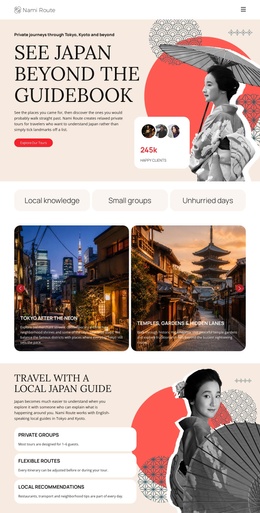
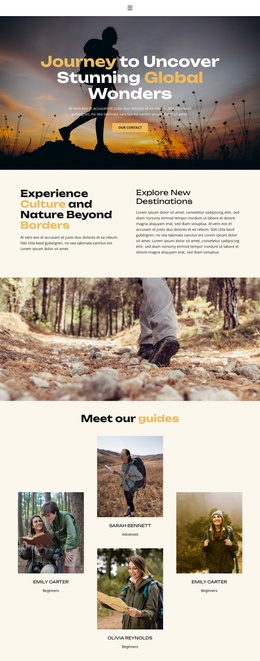
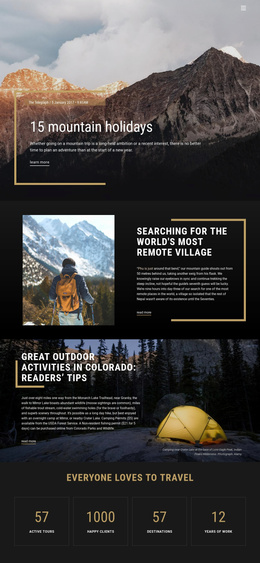
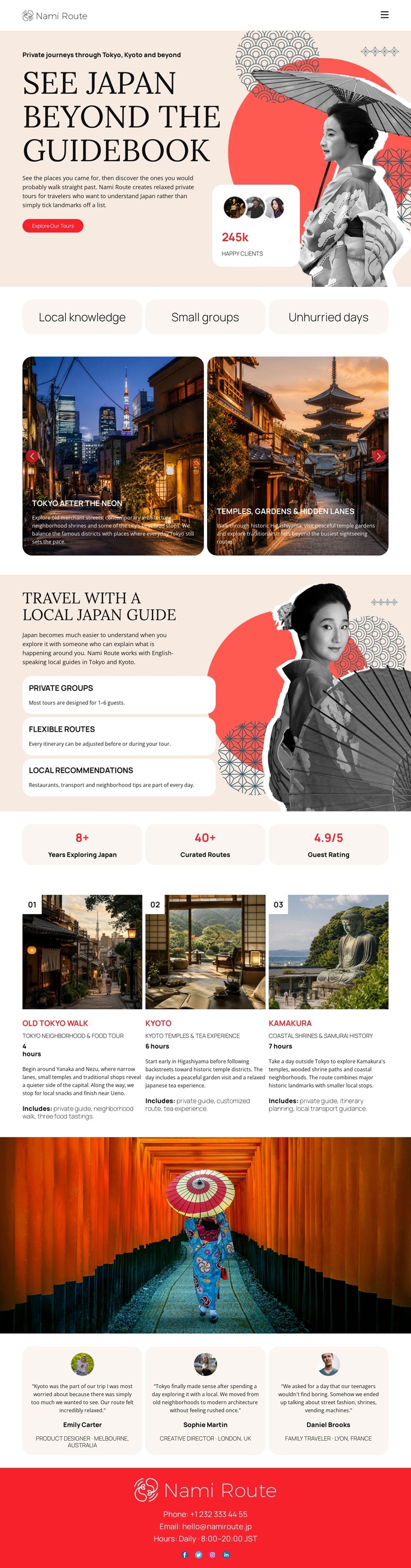
The design divides travel information into recognizable content regions that can be maintained as a coordinated Joomla site presentation. The hero and compact navigation establish the main entry point, while the three labels beneath it summarize the editorial position: local knowledge, small groups, and unhurried days. The two destination cards then provide a compact way to introduce Tokyo after dark and temple gardens without mixing those examples into the longer guide explanation.
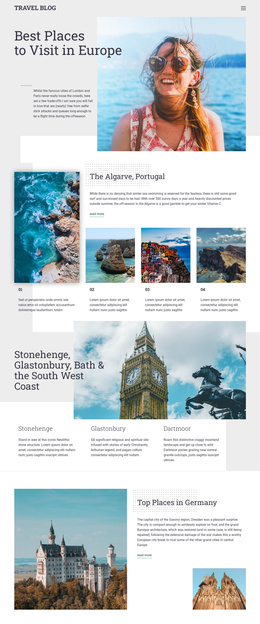
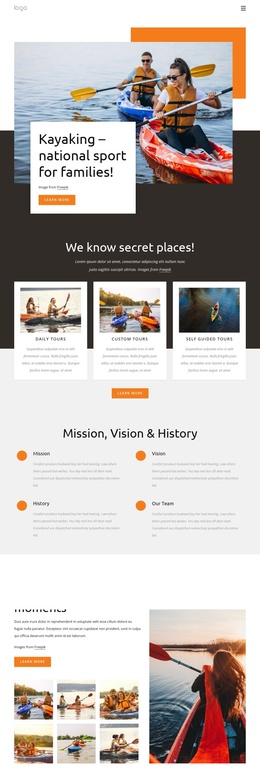
The local-guide section is suited to structured informational content because its three benefits—private groups, flexible routes, and local recommendations—can be kept distinct while sharing the same visual treatment. The numbered route cards give Tokyo, Kyoto, and Kamakura their own repeatable content units, and the testimonials form a separate guest-experience region. The red footer preserves a shared closing area for the Nami Route identity and direct phone and email contact. In a Joomla project, these divisions provide a practical relationship between navigation, destination information, recurring route content, guest feedback, and contact material. The design does not require inventing Joomla Articles or module positions; its value is that the existing regions already make the content hierarchy understandable for ongoing CMS-managed organization.
Customize with Nicepage
Open this ready-made template in the Joomla Page Builder and customize it visually in the Nicepage editor. Replace demo content, edit page sections, and adapt the design to your project without rebuilding the template from scratch.
Work With This Template in Joomla
Customize and Install the Joomla Template
Start with this ready-made template instead of building the Joomla design from scratch. Customize its layout, content, typography, images, sections, and other design elements visually in the Nicepage application, then export and install the Joomla Template, Nicepage Extension, and supported content on your Joomla website.
Edit the Template Directly in Joomla
After installation, you can edit the Joomla Template directly in Joomla with the Nicepage Joomla Extension. Customize the Header, Footer, Colors, Fonts, typography, and Page Templates from the Joomla workflow while keeping the site design connected with your CMS content.
Edit Joomla Articles Visually
Use the Nicepage Joomla Extension to open and edit Joomla Articles visually from the Joomla Administrator. Change text, images, sections, layouts, and other page content in the Nicepage editor while continuing to manage the Articles through Joomla.
Joomla Content and Template Integration
Use the customized template together with Joomla Articles, module Positions, menus, forms, Blog Pages, and other supported CMS elements. With the Nicepage Extension used as the Site Style Source, shared design settings can be applied across Joomla Articles while Joomla continues to provide the CMS environment for managing site content.
This workflow combines a ready-made Joomla Template with visual customization, direct template editing in Joomla, and continued content management through the Nicepage Joomla Extension.