Travel and photography Joomla Template


Edit Template Offline
2. Create new page and search for id 39714
Edit Template Online
Create Awesome Websites


Free Nicepage Builder
Keywords
Career Routes and Contact Regions Suit Structured Joomla Content
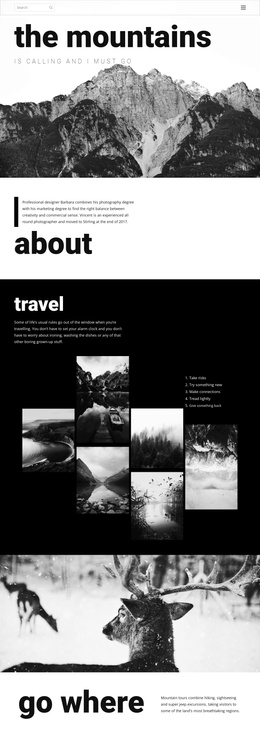
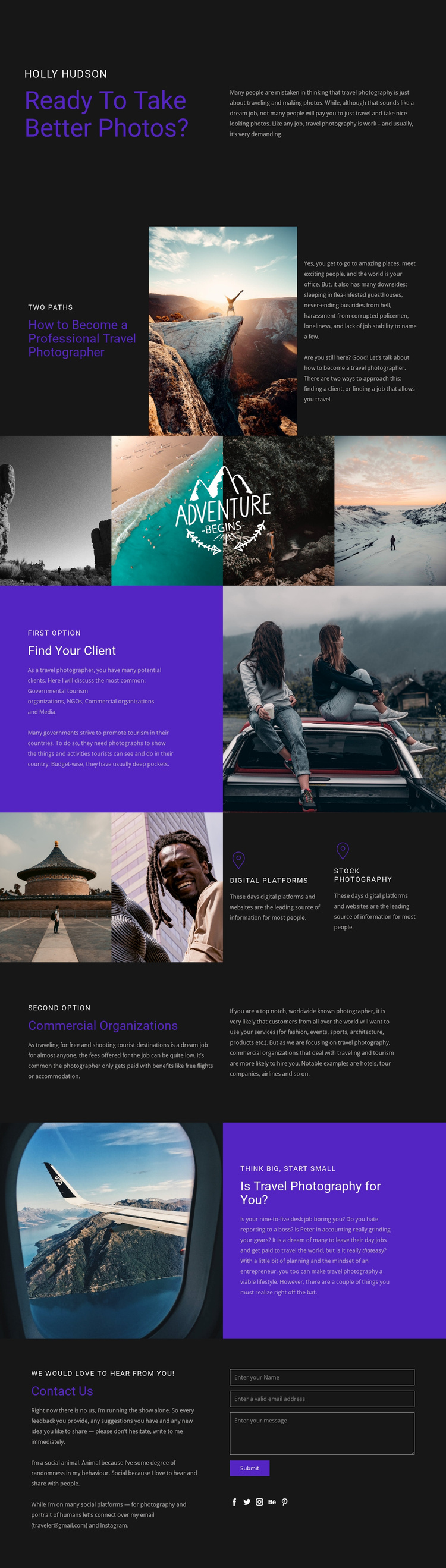
The page divides its subject into content areas that can be understood as organized article material rather than one uninterrupted text stream. “How to Become a Professional Travel Photographer” introduces the central subject, while the two-path explanation provides a useful top-level relationship: readers may find clients or pursue work that enables travel. The following sections give those routes more definition through client categories, digital platforms, stock photography, and commercial organizations.
The visual separation of these areas also supports a structured site region model. The gallery can remain a distinct travel-photography presentation, while the split blocks hold explanatory information and the compact feature panels summarize two photography avenues. The commercial section names possible tourism-related audiences, including governmental tourism organizations, NGOs, media, hotels, tour companies, and airlines. Because these topics occupy separate visual areas, they can be treated as coordinated content regions while retaining a shared Header and Footer treatment if the design is expanded.
The contact section provides a different type of content area: an invitation to communicate, an email contact, a form, and social links for Facebook, Twitter, Instagram, Behance, and Pinterest. In a Joomla project, this arrangement can support CMS-managed article and contact content without changing the page’s visual logic. The Nicepage Joomla Extension is relevant when the design needs to remain connected to Joomla-managed content, but the template-specific value comes from its clear division of guidance, imagery, audience categories, and response content.
Customize with Nicepage
Open this ready-made template in the Joomla Page Builder and customize it visually in the Nicepage editor. Replace demo content, edit page sections, and adapt the design to your project without rebuilding the template from scratch.
Work With This Template in Joomla
Customize and Install the Joomla Template
Start with this ready-made template instead of building the Joomla design from scratch. Customize its layout, content, typography, images, sections, and other design elements visually in the Nicepage application, then export and install the Joomla Template, Nicepage Extension, and supported content on your Joomla website.
Edit the Template Directly in Joomla
After installation, you can edit the Joomla Template directly in Joomla with the Nicepage Joomla Extension. Customize the Header, Footer, Colors, Fonts, typography, and Page Templates from the Joomla workflow while keeping the site design connected with your CMS content.
Edit Joomla Articles Visually
Use the Nicepage Joomla Extension to open and edit Joomla Articles visually from the Joomla Administrator. Change text, images, sections, layouts, and other page content in the Nicepage editor while continuing to manage the Articles through Joomla.
Joomla Content and Template Integration
Use the customized template together with Joomla Articles, module Positions, menus, forms, Blog Pages, and other supported CMS elements. With the Nicepage Extension used as the Site Style Source, shared design settings can be applied across Joomla Articles while Joomla continues to provide the CMS environment for managing site content.
This workflow combines a ready-made Joomla Template with visual customization, direct template editing in Joomla, and continued content management through the Nicepage Joomla Extension.