Mountain outdoor travel Joomla Template


Edit Template Offline
2. Create new page and search for id 70259
Edit Template Online
Create Awesome Websites


Free Nicepage Builder
Keywords
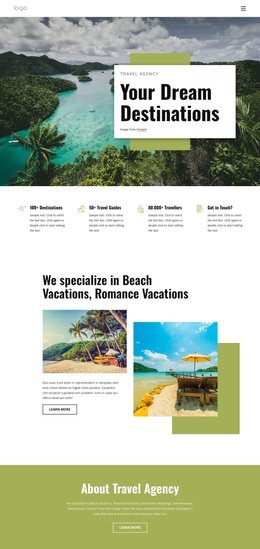
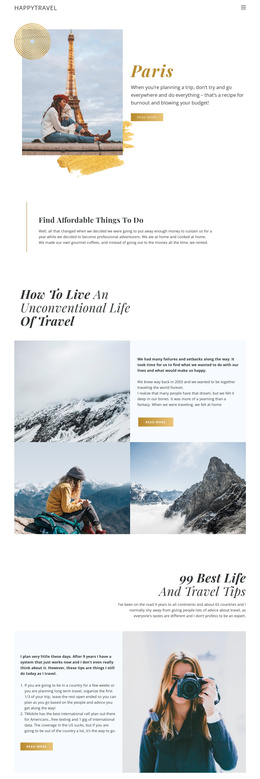
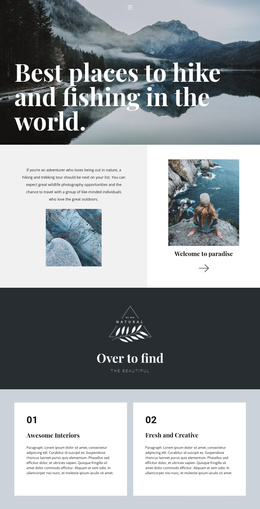
Travel sections divide the design into clear Joomla content areas
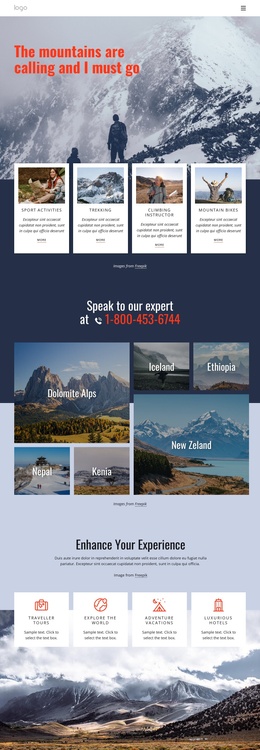
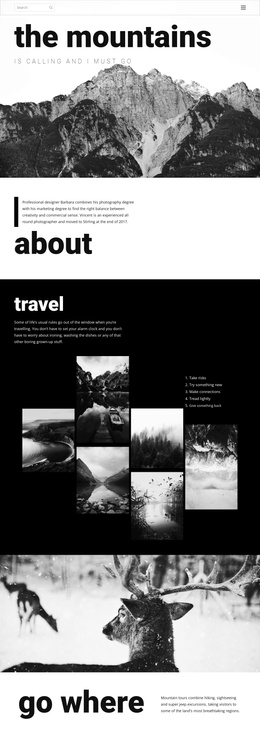
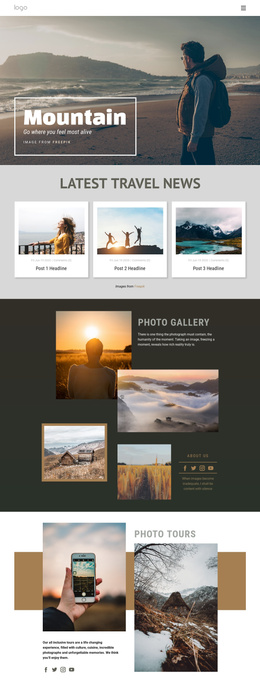
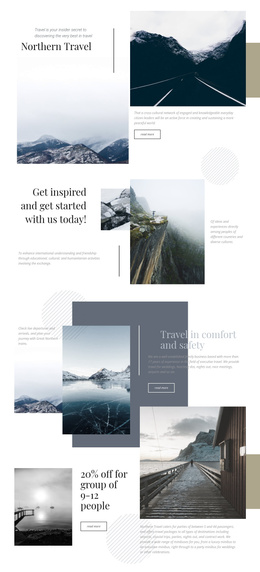
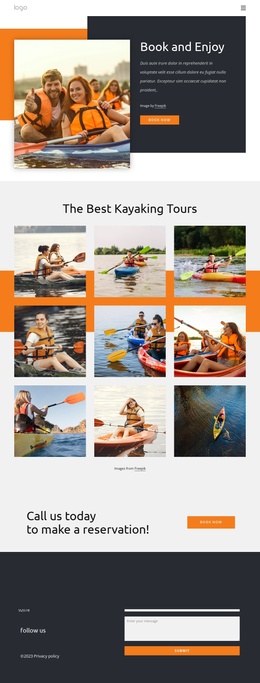
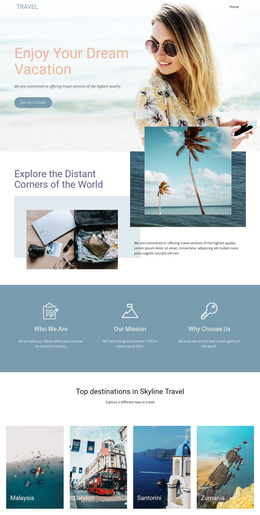
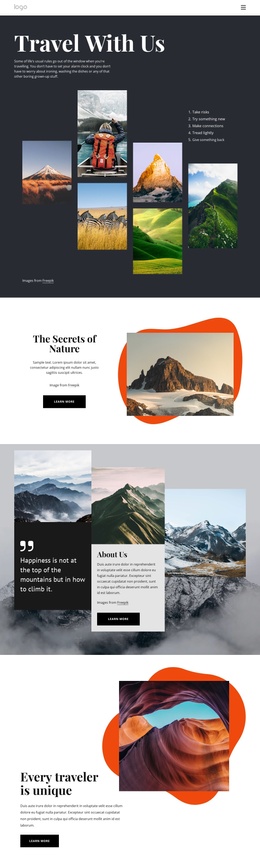
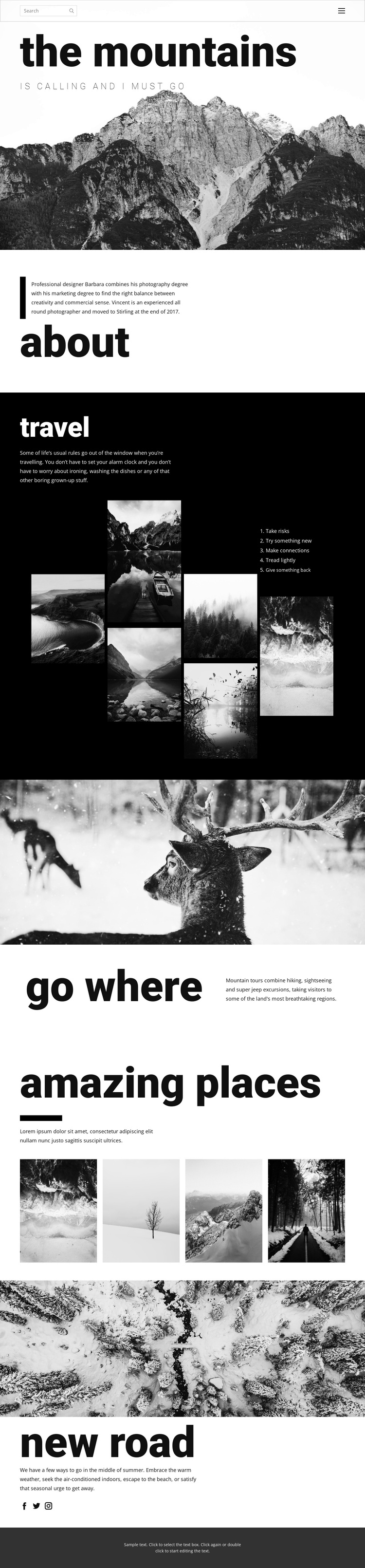
The page separates its subject into recognizable content regions that can be understood as structured site content: an opening mountain introduction, an about section, travel principles, mountain-tour information, destination imagery, and a concluding seasonal feature. The sequence gives navigation a clear set of destinations without requiring the visitor to interpret one uninterrupted image stream.
The dark travel block is especially useful as a distinct editorial area. Its introductory text, six-image collage, and five-item list create a relationship between visual inspiration and written travel guidance. The “go where” section adds a more service-oriented region by describing mountain tours involving hiking, sightseeing, and off-road excursions. Because the section is led by a wildlife photograph and followed by a two-column text arrangement, the content has a defined presentation area rather than appearing as an isolated sentence.
The four-image “amazing places” section can represent a separate destination-focused region, while the “new road” feature provides a closing area for seasonal travel content and Facebook, Twitter, and Instagram links. In a Joomla-oriented project, these varied regions offer a logical basis for organizing structured information, navigation, gallery content, and contact-adjacent editorial material while preserving the page’s monochrome visual system.
Customize with Nicepage
Open this ready-made template in the Joomla Page Builder and customize it visually in the Nicepage editor. Replace demo content, edit page sections, and adapt the design to your project without rebuilding the template from scratch.
Work With This Template in Joomla
Customize and Install the Joomla Template
Start with this ready-made template instead of building the Joomla design from scratch. Customize its layout, content, typography, images, sections, and other design elements visually in the Nicepage application, then export and install the Joomla Template, Nicepage Extension, and supported content on your Joomla website.
Edit the Template Directly in Joomla
After installation, you can edit the Joomla Template directly in Joomla with the Nicepage Joomla Extension. Customize the Header, Footer, Colors, Fonts, typography, and Page Templates from the Joomla workflow while keeping the site design connected with your CMS content.
Edit Joomla Articles Visually
Use the Nicepage Joomla Extension to open and edit Joomla Articles visually from the Joomla Administrator. Change text, images, sections, layouts, and other page content in the Nicepage editor while continuing to manage the Articles through Joomla.
Joomla Content and Template Integration
Use the customized template together with Joomla Articles, module Positions, menus, forms, Blog Pages, and other supported CMS elements. With the Nicepage Extension used as the Site Style Source, shared design settings can be applied across Joomla Articles while Joomla continues to provide the CMS environment for managing site content.
This workflow combines a ready-made Joomla Template with visual customization, direct template editing in Joomla, and continued content management through the Nicepage Joomla Extension.