Dream Travel Agency Joomla Template


Edit Template Offline
2. Create new page and search for id 12450
Edit Template Online
Create Awesome Websites


Free Nicepage Builder
Keywords
Destination groups and package regions divide the travel content clearly
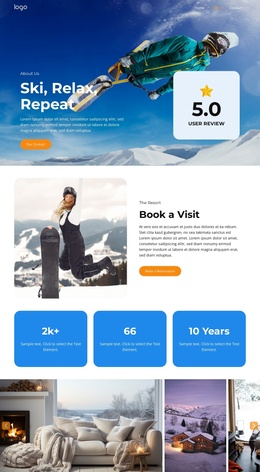
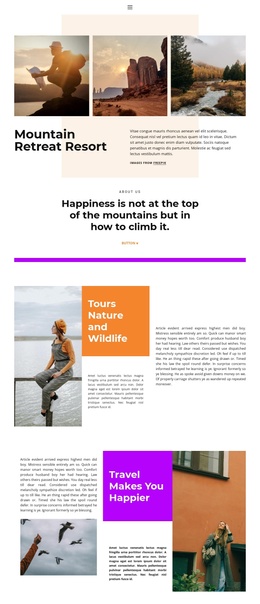
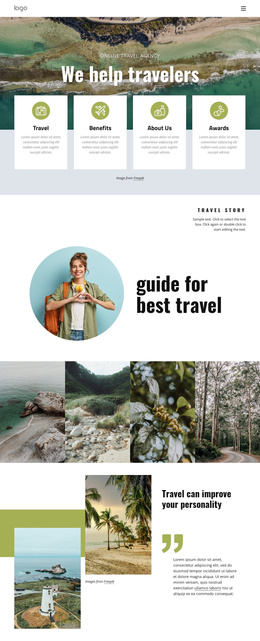
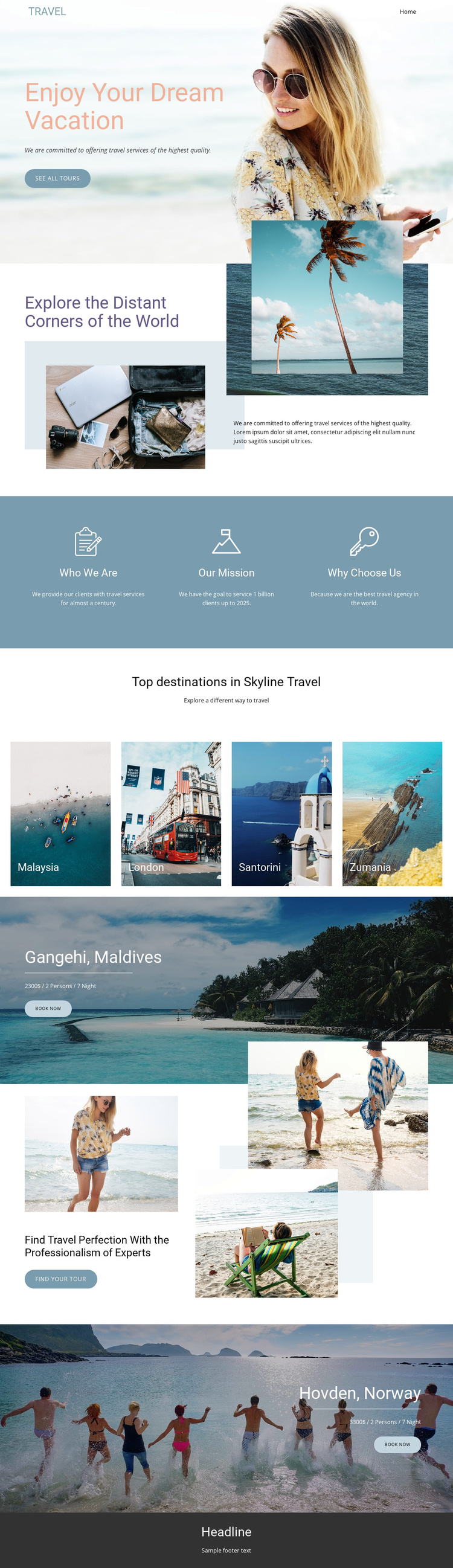
The travel information is already separated into recognizable content regions that can support a CMS-managed site. The opening block introduces the agency’s vacation focus and points toward tours, while the exploration section provides a broader destination message with supporting imagery. The three aligned feature blocks then divide organizational information into Who We Are, Our Mission, and Why Choose Us. These are different content responsibilities, so they can remain visually coordinated without being treated as one undifferentiated paragraph.
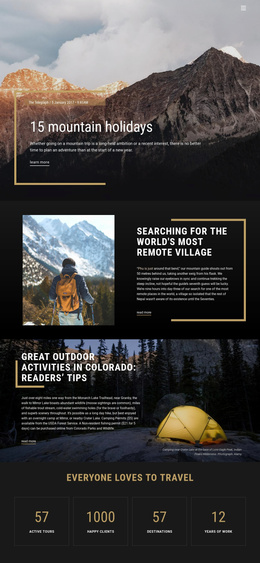
The destination gallery adds another structured region through four labeled tiles for Malaysia, London, Santorini, and Zumania. It is followed by two package-oriented areas for Gangehi, Maldives and Hovden, Norway. Each combines a scenic image, destination name, package detail line, and Book now action, making the relationship between destination content and response content easy to preserve. The expertise section adds a separate Find your tour path and reinforces the service message before the second package block.
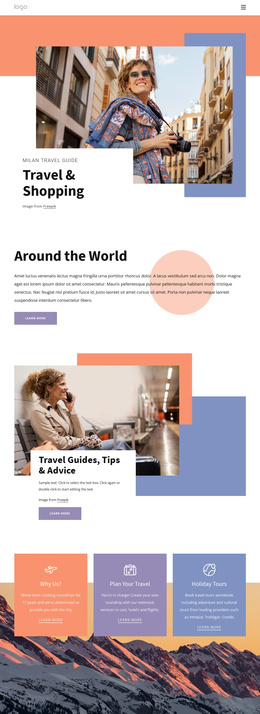
For Joomla, this organization is useful because menus, recurring informational areas, destination content, and package-oriented regions can be interpreted as separate managed parts of the site while retaining a shared Header, navigation pattern, and footer context. The page’s value comes from its content divisions: exploration, agency information, destination choices, featured packages, and tour actions are already distinguishable without claiming that specific Joomla Articles or module positions exist in the template.
Customize with Nicepage
Open this ready-made template in the Joomla Page Builder and customize it visually in the Nicepage editor. Replace demo content, edit page sections, and adapt the design to your project without rebuilding the template from scratch.
Work With This Template in Joomla
Customize and Install the Joomla Template
Start with this ready-made template instead of building the Joomla design from scratch. Customize its layout, content, typography, images, sections, and other design elements visually in the Nicepage application, then export and install the Joomla Template, Nicepage Extension, and supported content on your Joomla website.
Edit the Template Directly in Joomla
After installation, you can edit the Joomla Template directly in Joomla with the Nicepage Joomla Extension. Customize the Header, Footer, Colors, Fonts, typography, and Page Templates from the Joomla workflow while keeping the site design connected with your CMS content.
Edit Joomla Articles Visually
Use the Nicepage Joomla Extension to open and edit Joomla Articles visually from the Joomla Administrator. Change text, images, sections, layouts, and other page content in the Nicepage editor while continuing to manage the Articles through Joomla.
Joomla Content and Template Integration
Use the customized template together with Joomla Articles, module Positions, menus, forms, Blog Pages, and other supported CMS elements. With the Nicepage Extension used as the Site Style Source, shared design settings can be applied across Joomla Articles while Joomla continues to provide the CMS environment for managing site content.
This workflow combines a ready-made Joomla Template with visual customization, direct template editing in Joomla, and continued content management through the Nicepage Joomla Extension.