Sport athletic club Joomla Template


Edit Template Offline
2. Create new page and search for id 120232
Edit Template Online
Create Awesome Websites


Free Nicepage Builder
Keywords
Activity groups and contact regions suit organized club content
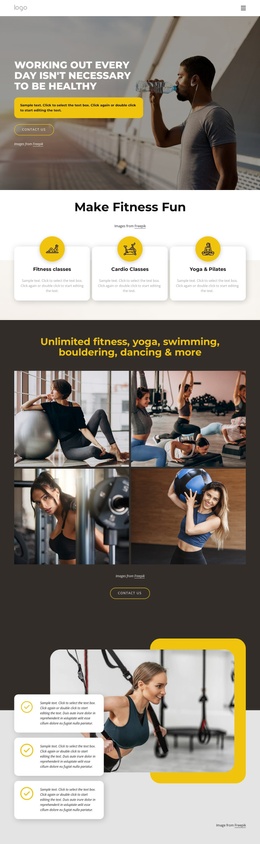
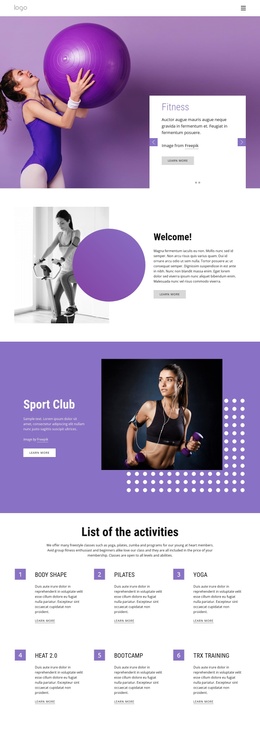
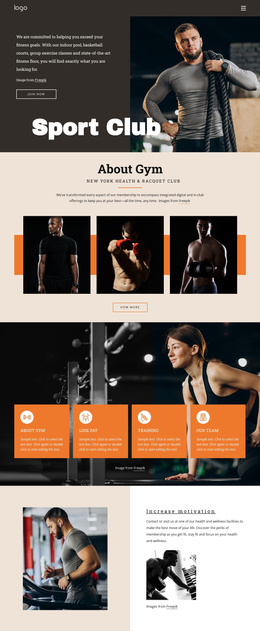
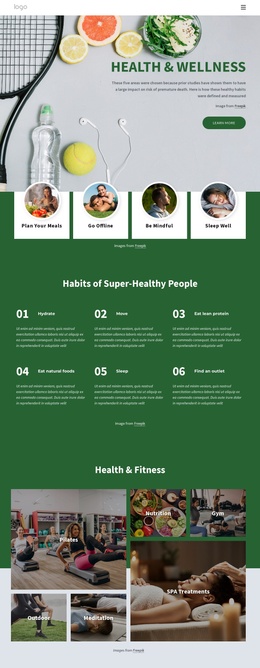
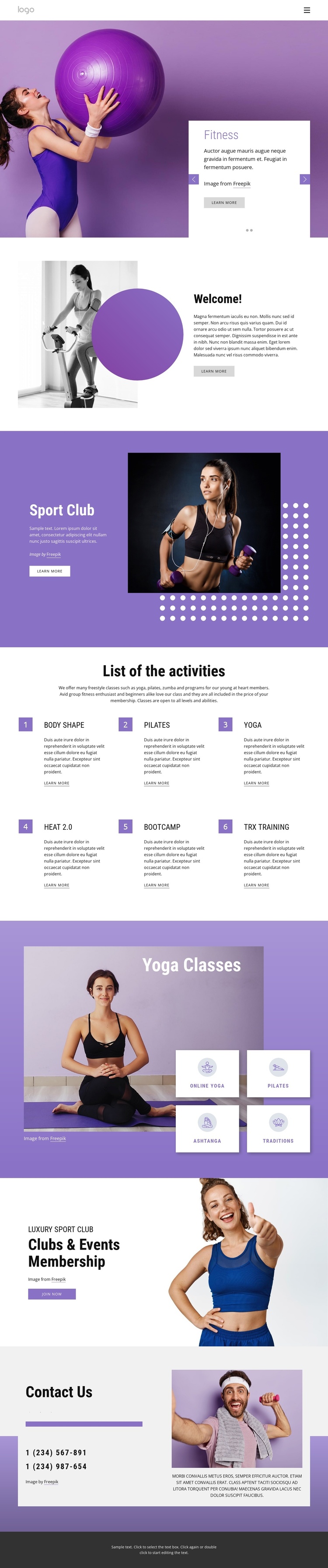
The six numbered activity entries divide the club offering into clear informational units: Body Shape, Pilates, Yoga, Heat 2.0, Bootcamp, and TRX training each have their own place in the repeated list. That structure is useful for a CMS-managed fitness site because recurring service information can remain separated without losing the common visual direction established by the purple, lavender, white, and dark gray palette.
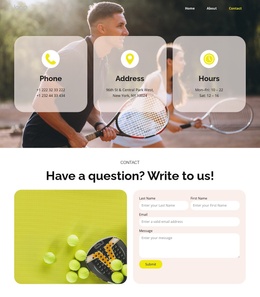
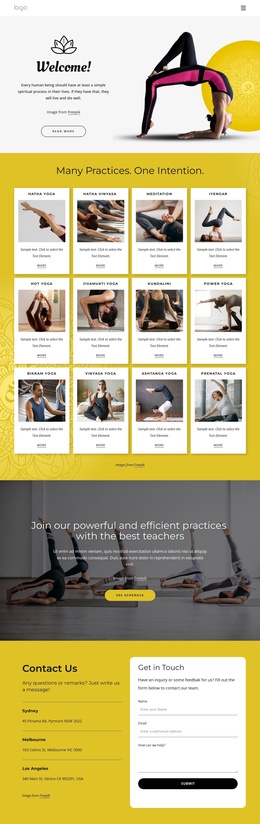
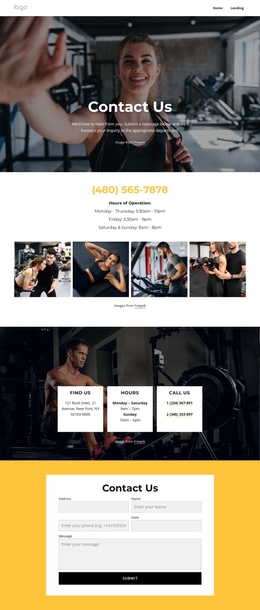
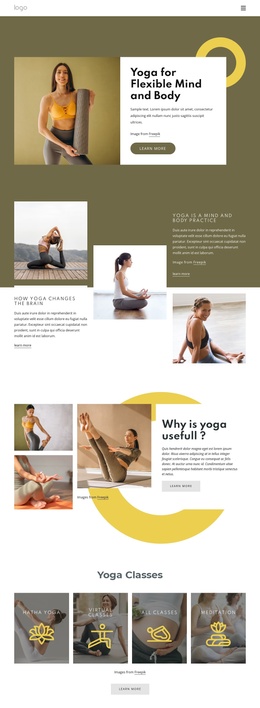
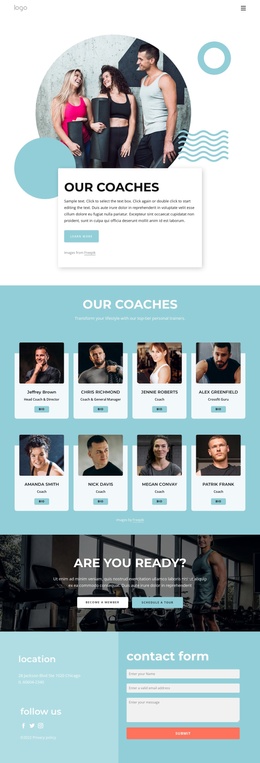
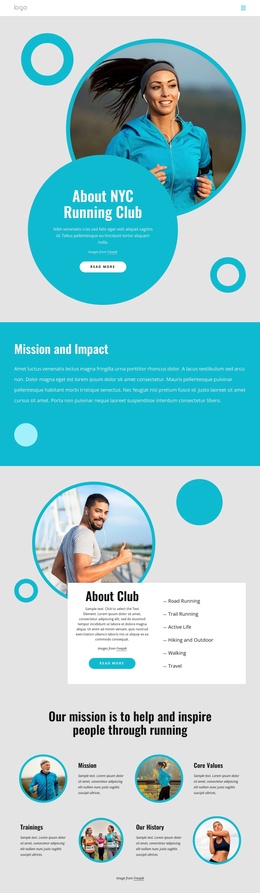
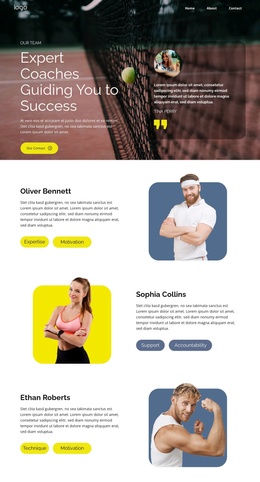
The four yoga category tiles create a second content group with a narrower subject focus: Online Yoga, Pilates, Ashtanga, and Traditions appear together beside a large yoga photograph. This gives the page more than one way to organize activities, while the Welcome and Sport Club sections provide broader club context before visitors reach the membership offer. The header navigation and compact footer frame the content as a site region rather than a collection of unrelated blocks. At the end, the Clubs & Events Membership section connects the informational content to a Join now action, and the Contact Us area gathers two phone numbers, Facebook, Twitter, and Instagram icons, supporting text, and imagery into a recognizable contact destination. These divisions provide a practical content map for a Joomla-oriented site without treating placeholder text or sample phone numbers as verified business information.
Customize with Nicepage
Open this ready-made template in the Joomla Page Builder and customize it visually in the Nicepage editor. Replace demo content, edit page sections, and adapt the design to your project without rebuilding the template from scratch.
Work With This Template in Joomla
Customize and Install the Joomla Template
Start with this ready-made template instead of building the Joomla design from scratch. Customize its layout, content, typography, images, sections, and other design elements visually in the Nicepage application, then export and install the Joomla Template, Nicepage Extension, and supported content on your Joomla website.
Edit the Template Directly in Joomla
After installation, you can edit the Joomla Template directly in Joomla with the Nicepage Joomla Extension. Customize the Header, Footer, Colors, Fonts, typography, and Page Templates from the Joomla workflow while keeping the site design connected with your CMS content.
Edit Joomla Articles Visually
Use the Nicepage Joomla Extension to open and edit Joomla Articles visually from the Joomla Administrator. Change text, images, sections, layouts, and other page content in the Nicepage editor while continuing to manage the Articles through Joomla.
Joomla Content and Template Integration
Use the customized template together with Joomla Articles, module Positions, menus, forms, Blog Pages, and other supported CMS elements. With the Nicepage Extension used as the Site Style Source, shared design settings can be applied across Joomla Articles while Joomla continues to provide the CMS environment for managing site content.
This workflow combines a ready-made Joomla Template with visual customization, direct template editing in Joomla, and continued content management through the Nicepage Joomla Extension.